JPG to ICO
Easily convert JPG image files to ICO.
JPG to ICO is a free tool that converts a JPG image into an ICO file for use as a favicon or Windows-style icon.
Where is the image processed?
The conversion happens entirely in your browser, and the image is never uploaded to a server. This keeps an unpublished favicon or Windows icon design from being sent to a third-party conversion service.
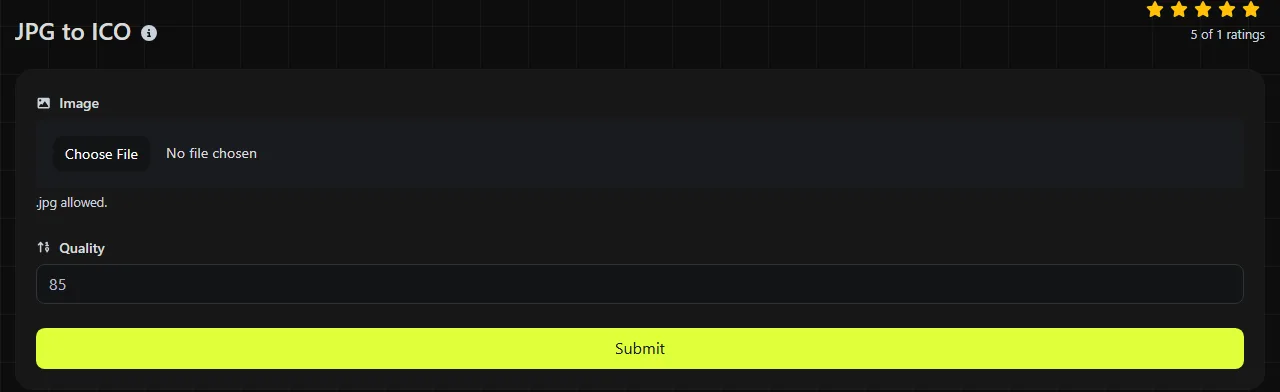
To convert a JPG to ICO:
- Select the JPG file you want to convert.
- Run the conversion in the browser.
- Save the resulting ICO file, then test it in the place where you plan to use it.
Browser-based processing does not make the source image itself private after you publish the icon. A favicon placed on a public website can be downloaded by visitors like any other public site asset.
Which JPG properties carry over to ICO?
The visible JPG picture becomes icon data, but the two formats handle compression, transparency, animation, and software support differently. ICO is a container intended for icons, while JPG is a general-purpose image format commonly used for photographs.
| Property | JPG source | ICO result |
|---|---|---|
| Transparency | JPG has no alpha transparency. | ICO can support transparency, but converting a JPG cannot recover a transparent background that was removed when the JPG was created. |
| Animation | JPG is a static format. | The converted icon remains static. ICO is not a normal format for animated website graphics. |
| Compression | JPG uses lossy compression and discards some image detail. | ICO files may store icon images as DIB-format bitmap data or complete PNG-encoded images. The exact internal encoding depends on the encoder. |
| Typical file size | Often compact for photographs and complex shading. | May be larger than the JPG because JPEG compresses photographs efficiently, although a small icon can still be smaller than a large source image. |
| Support | Widely supported by browsers, image editors, and operating systems. | Commonly supported for website favicons and Windows icons, but less suitable as a regular image embedded in a page or document. |
Converting from JPG does not restore detail lost through JPEG compression. An ICO representation may use lossless internal storage, but it can preserve only the pixels available after the JPG has been decoded.
How should I prepare a JPG for an icon?
Use a square source with a simple subject, strong edges, and enough padding to remain readable at small sizes. A wide photograph or a logo with tiny lettering may be technically convertible but hard to recognize in a browser tab.
- Crop the main subject into a square before conversion so it is not squeezed or surrounded by unnecessary space.
- Remove fine text that will become unreadable at favicon dimensions.
- Start from the least-compressed JPG available to reduce halos and block artifacts around sharp edges.
- Keep essential artwork away from the outer edge when preparing a favicon or Windows icon because some interfaces display icons inside rounded or masked shapes.
Spaces, punctuation, accented letters, and non-Latin characters in a filename do not change the image pixels or the ICO format. They can still cause path or deployment problems in older software, build scripts, and web servers, so a short ASCII filename is often easier to manage. An empty file, damaged JPEG data, or a file merely given a .jpg extension is not a valid JPG source.
JPG-to-ICO decisions and expected file size
A JPG-to-ICO conversion makes sense when the only available artwork is a JPEG and the target specifically expects an ICO file. For example, a JPG company logo can supply the picture for a website favicon or a desktop shortcut icon. The output is a static ICO based on the decoded picture, with any existing JPEG artifacts still present.
ICO output is not guaranteed to be smaller than its JPG source because the formats store image data differently. Image dimensions, color complexity, and the ICO encoder's internal storage method all affect the result.
For photographs that will remain ordinary website images, JPG is usually the more appropriate format. If you need a transparent graphic for general web use, begin with a source that already has transparency and use PNG or WebP rather than trying to create missing transparency from a JPG. WebP to PNG may help when the available transparent source is a WebP file.
When is ICO the wrong destination?
ICO is the wrong destination when the image is regular page content, must animate, or needs newly created transparent edges. A product photo, article image, or email banner is better kept in a broadly supported web image format because ICO is designed around icon use.
Conversion also does not repair a blurry or heavily compressed source. After any pixel processing, saving the pixels with a lossless encoding prevents additional encoding loss. It cannot reconstruct sharp lines, original colors, or removed background pixels. If the real goal is an animated image, JPG to GIF is a separate conversion route, although a single JPG can only provide a static starting frame unless additional frames are supplied elsewhere.
Frequently asked questions
Why does my converted icon have a white rectangle around it?
The rectangle was probably already part of the JPG pixels because JPG cannot store transparency. An ICO file can represent transparent areas, but a converter cannot reliably infer which white pixels are background and which belong to the artwork. Remove the background in an image editor, save a transparency-capable source, and pass that source to a separate ICO conversion route that preserves alpha.
Can I use an ICO file for an iPhone or Android home screen icon?
ICO is generally not the preferred format for mobile home screen icons. Mobile platforms and web app manifests commonly use PNG images at designated sizes, while Apple touch icons are also commonly supplied as PNG. Follow the platform's current icon and manifest requirements rather than substituting ICO for every icon asset.
Why does an ICO look sharp in one place and blurry in another?
The application may be scaling one available bitmap to a different display size. Small icons need deliberate pixel-level simplification, and one image does not necessarily look equally sharp at every size or display scale. For packaged software, check whether the target requires an ICO containing several icon resolutions.
Can a photograph be stored in an ICO file?
Yes, an ICO can contain photographic pixel data, but photographs often lose useful detail when reduced to icon dimensions. A cropped face or single object usually reads better than a full scene. Keep the original JPG separately because ICO is a delivery format for the icon, not a good archival replacement.
Will an ICO work in image-editing software?
Some editors open ICO directly, while others require a plug-in or can read only certain internal ICO image types. If editing is still needed, keep a master copy in a standard editable or lossless image format and export the ICO only when the artwork is ready.
Test the finished icon
Open the ICO in its intended browser, website, shortcut, or application rather than relying only on a large preview. Check it against both light and dark backgrounds, confirm that small details remain recognizable, and keep the original JPG so you can prepare a cleaner crop if the first icon is unclear.
Similar tools
Popular tools
Create a WhatsApp chat link from a phone number, with an optional prefilled message.