HTTP/2 Checker
Check whether a website uses HTTP/2.
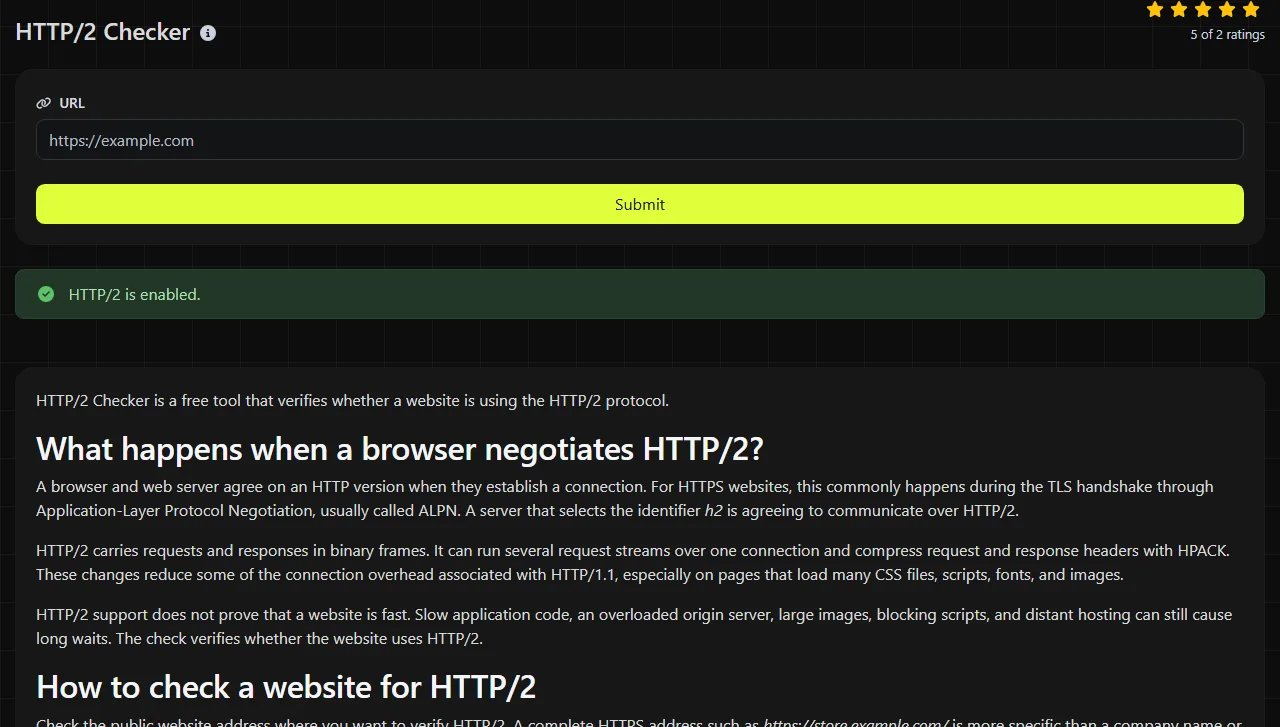
HTTP/2 Checker is a free tool that verifies whether a website is using the HTTP/2 protocol.
What happens when a browser negotiates HTTP/2?
A browser and web server agree on an HTTP version when they establish a connection. For HTTPS websites, this commonly happens during the TLS handshake through Application-Layer Protocol Negotiation, usually called ALPN. A server that selects the identifier h2 is agreeing to communicate over HTTP/2.
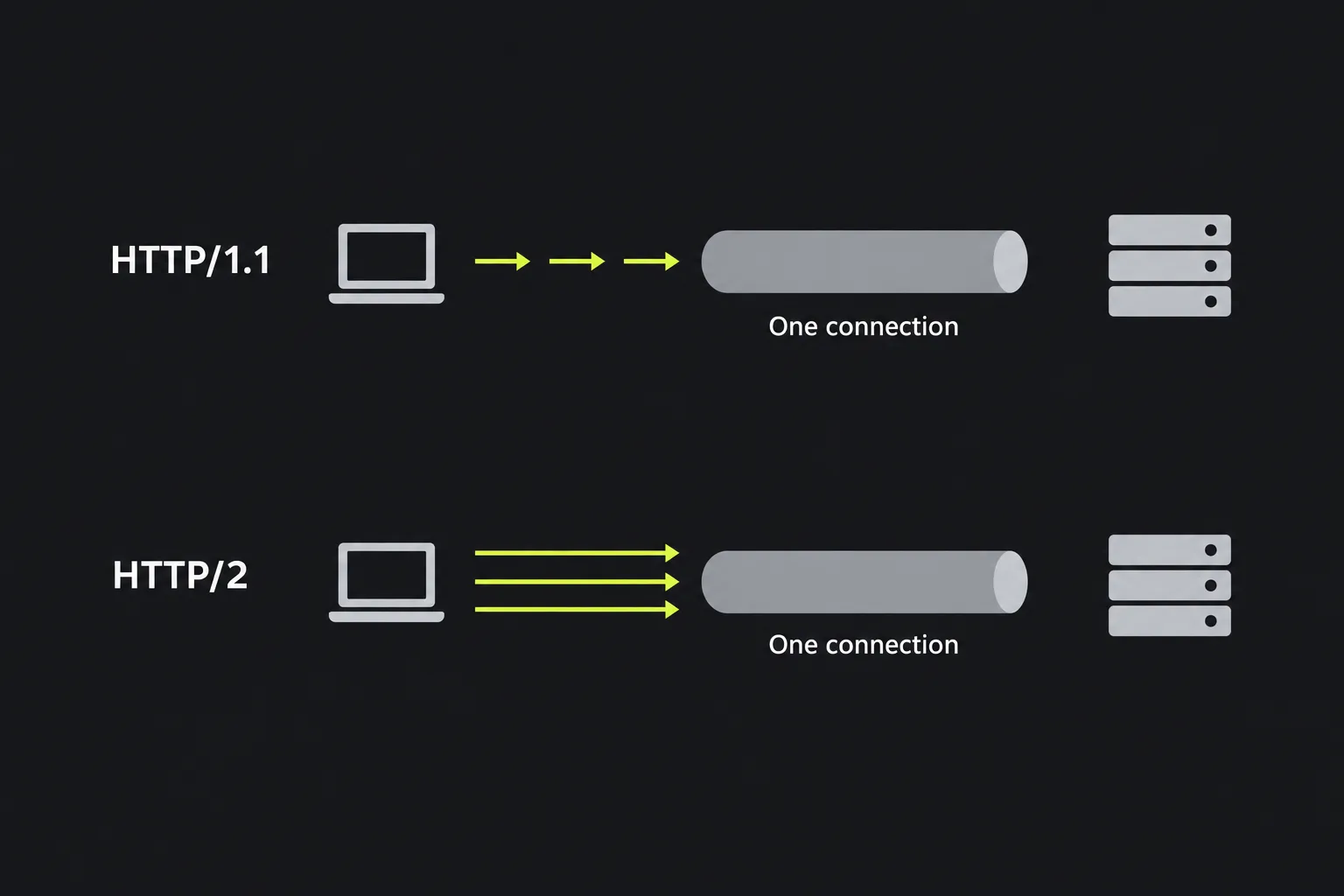
HTTP/2 carries requests and responses in binary frames. It can run several request streams over one connection and compress request and response headers with HPACK. These changes reduce some of the connection overhead associated with HTTP/1.1, especially on pages that load many CSS files, scripts, fonts, and images.
HTTP/2 support does not prove that a website is fast. Slow application code, an overloaded origin server, large images, blocking scripts, and distant hosting can still cause long waits. The check verifies whether the website uses HTTP/2.
How to check a website for HTTP/2
Check the public website address where you want to verify HTTP/2. A complete HTTPS address such as https://store.example.com/ is more specific than a company name or an internal server label.
- Check the production hostname rather than a control-panel address or private staging hostname.
- If the site redirects, also consider the final destination. For example, http://example.com may redirect to https://www.example.com/, and the two endpoints can have different protocol behavior.
- Repeat the check after CDN, load balancer, certificate, or web server changes have reached the public endpoint.
- If the result conflicts with what you expected, compare the website's HTTP version in browser developer tools or a command-line client.

The work is performed on the server. The address you submit travels to that server over HTTPS and is not stored.
Submit a public website URL for HTTP/2 verification when possible. Spaces are not valid unencoded URL characters, a question mark begins a query, a number sign begins a fragment, and an ampersand is conventionally used to separate query parameters. Internationalized domain names may be represented in DNS-compatible Punycode.
What does a positive or negative finding mean?
A positive finding means the checked website endpoint is using HTTP/2 for the check. A negative finding means HTTP/2 was not verified for that endpoint, but it does not by itself identify the configuration responsible.
Interpret the result using these two practical points:
- Confirm that the check applies to the public endpoint you intended to inspect.
- Treat the result as a protocol finding, not a complete speed, availability, certificate, or security assessment.
For example, suppose the intended input is https://checkout.example.com/. If the finding confirms HTTP/2, it applies to that checkout hostname. It does not establish that www.example.com, an image hostname, or the origin behind a CDN uses the same protocol.
If HTTP/2 is not verified, inspect the TLS and server path before changing application code. The public connection might terminate at a CDN, reverse proxy, or load balancer. That edge system can negotiate one protocol with visitors and use another protocol when contacting the origin.
When should I check a site's HTTP version?
Run the check when you are investigating a protocol or infrastructure change, particularly when the browser-facing endpoint may differ from the origin server.
- After enabling HTTP/2 on a web server. Check the public HTTPS hostname to see whether visitors reach an endpoint that uses HTTP/2. A correct origin setting may be hidden by an older proxy or load balancer configuration.
- After moving behind Cloudflare, Fastly, Akamai, or another CDN. The CDN normally becomes the browser-facing endpoint, so its negotiation settings affect the result. Checking the origin hostname may answer a different question.
- When page assets appear to use HTTP/1.1. Check the exact asset hostname. A page can load HTML from one host and images, fonts, or JavaScript from other hosts with different protocol support.
- After a TLS or certificate change. HTTP/2 negotiation for HTTPS traffic occurs alongside TLS setup. A broken certificate chain, incompatible TLS settings, or failed handshake may prevent the connection from reaching HTTP requests at all.
- While investigating inconsistent regional behavior. Different edge locations or DNS answers can send requests to different infrastructure. Compare the hostname, resolved address, and timing of the checks.
For supporting evidence, HTTP headers lookup can inspect the returned headers, while Ping can help determine whether a host resolves and responds at the network level. Neither check substitutes for protocol negotiation testing.
DNS, CDN, and cache timing
Recent infrastructure changes may not appear uniformly because DNS resolvers, CDN edge nodes, browsers, and operating systems keep cached information for different periods. A correct configuration can therefore produce an unexpected result until requests consistently reach the updated endpoint.
DNS records have a time to live, or TTL, that tells resolvers how long they may cache an answer. To affect existing caches predictably, lower the TTL at least one current TTL interval before a planned migration. Some users may reach the old server while others reach the new one.
CDNs can also apply configuration updates across many edge locations. A browser may reuse an existing connection, including its negotiated protocol, rather than immediately opening a new one. Close or restart the browser before comparing its developer tools with an external check, and allow active connections to expire.
Caching does not change HTTP/1.1 into HTTP/2. It changes which endpoint or existing connection is observed. Record the exact hostname, time, DNS answer, and network location when two results disagree.
Other frequently asked questions
Does HTTP/2 change my website URLs?
No. The page paths, query parameters, and normal https:// URLs remain the same. HTTP/2 changes how HTTP messages travel over the connection, so links and bookmarks do not need a new URL format.
Why does my origin server show HTTP/1.1 when visitors get HTTP/2?
A reverse proxy or CDN can use HTTP/2 on the visitor-facing connection and HTTP/1.1 between the edge and the origin. That arrangement is common and does not make the public HTTP/2 result false. Inspect each connection separately when the origin protocol also matters.
Can one subdomain use HTTP/2 while another does not?
Yes. Subdomains may resolve to different servers, CDNs, or load balancers and can have separate TLS settings. Check each hostname that delivers meaningful page resources, such as www.example.com and static.example.com.
Does HTTP/2 make every request arrive in order?
HTTP/2 preserves ordering within each individual stream, but multiple streams can progress independently over the same connection. Packet loss can still delay data carried by the underlying TCP connection. The protocol does not remove network latency or packet loss.
Is it safe to submit a private or secret URL?
Do not submit a URL containing credentials, access tokens, confidential query parameters, or private path names unless disclosure to the checking server is acceptable. The input is sent to the server over HTTPS and is not stored, but it still leaves your device for processing. Remove sensitive query values and test the public endpoint instead.
What should I record before asking a hosting provider for help?
Record the complete URL, the approximate check time, the expected protocol, any redirect destination, and whether a CDN or proxy is in front of the origin. Include the hostname rather than only a screenshot so the provider can inspect the correct virtual host. If behavior varies, add the IP address returned by DNS on the affected network.
Popular tools
Create a WhatsApp chat link from a phone number, with an optional prefilled message.