WhatsApp Link Generator
Create a WhatsApp chat link from a phone number, with an optional prefilled message.
WhatsApp Link Generator is a free tool that creates a direct-chat link from a phone number and an optional prefilled WhatsApp message.
What goes into a WhatsApp direct-chat URL?
A WhatsApp direct-chat URL contains a WhatsApp address, the recipient's phone number, and, when supplied, an encoded message parameter. A common link follows this pattern:
https://wa.me/phone-number?text=prefilled-message
Each part has a specific purpose:
- Phone number identifies the intended WhatsApp account. It belongs in the URL path immediately after wa.me/.
- Prefilled message becomes the value of the text query parameter. It is optional.
- https:// identifies the URL scheme, while wa.me is WhatsApp's short domain for direct-chat links.
- The question mark starts the query portion of the URL. The lowercase text parameter tells WhatsApp to place the supplied content in the message box.
- Percent-encoded sequences can represent spaces and other characters in the message parameter. For example, valid encoded forms include %20 for a space, %2C for a comma, and %3F for a question mark. A comma and question mark can appear literally in a URL query, but encoding them is often appropriate within a query-parameter value.
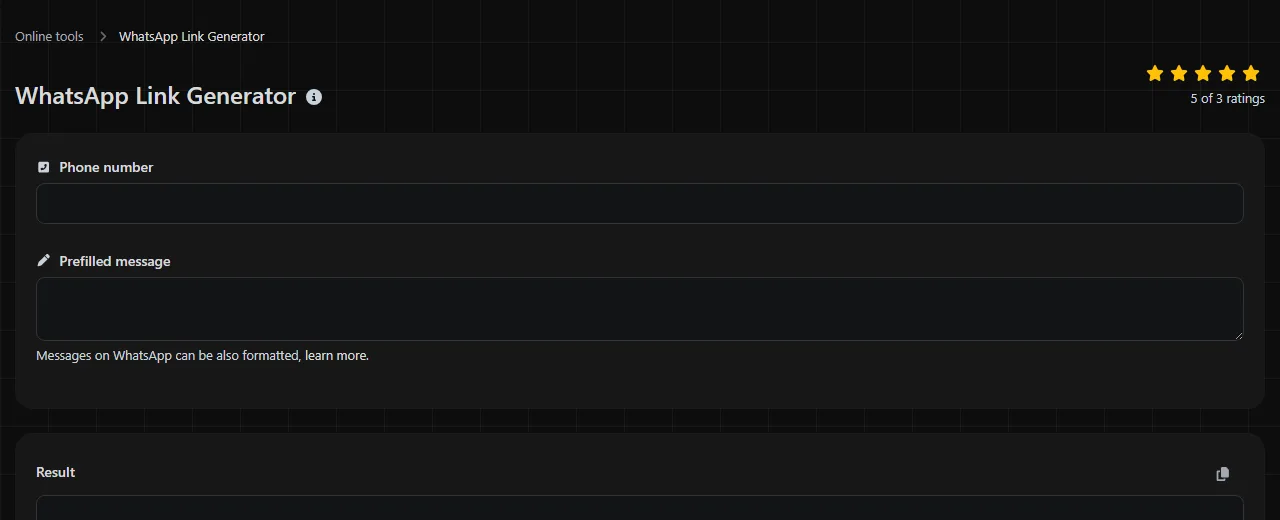
Enter the destination number in Phone number, then add optional wording in Prefilled message. The resulting link can be placed on a website, in a social profile, behind a button, or anywhere else that accepts a normal HTTPS link.
If no message is needed, the URL can end after the phone number. There is no reason to leave an empty text parameter such as ?text=, since it adds clutter without supplying a draft.
Which phone number format should you use?
Use the complete international phone number as digits only, including the country calling code. For a United States number, that generally means the country code 1 followed by the ten-digit area code and subscriber number.
For example, a displayed number such as +1 (415) 555-0173 becomes 14155550173 in the URL. Remove the plus sign, spaces, parentheses, and hyphens. Do not add labels such as phone, call, or WhatsApp around the digits.
Numbers outside the United States should follow their international format. A domestic trunk prefix, often written as a leading zero in local dialing, is commonly omitted when the international country code replaces it. Because numbering rules vary by country, confirm the international form with the recipient rather than guessing.
A correctly formatted number does not prove that the number has an active WhatsApp account. It also does not confirm that the intended person or company still controls the number. Check the destination before publishing a link in a permanent location.
A worked contact-link example
Suppose a scheduling page needs a link that opens a chat with a fictional San Francisco number and prepares a short availability question.
Phone number 14155550173
Prefilled message Hi Maya, is the 2:30 appointment still available?
Composed URL:
https://wa.me/14155550173?text=Hi%20Maya%2C%20is%20the%202%3A30%20appointment%20still%20available%3F
The spaces, comma, colon, and final question mark are encoded in the URL. When WhatsApp interprets the text parameter, the person opening the link does not see those percent codes in the draft message.
Keep the standard URL pieces lowercase, including https, wa.me, and text. Do not leave raw spaces in the WhatsApp text parameter. If you maintain many contact links in a spreadsheet or content system, assign them consistent internal names such as support_order_status_us or appointments_sf. Lowercase names without spaces are easier to sort, filter, and compare later, even though those internal names are not part of the WhatsApp URL.
Long messages, emoji, accented letters, and non-Latin writing can be represented through URL encoding. Those characters produce longer WhatsApp URLs because their encoded form may use several bytes. Keep prefilled messages concise when the link will be pasted into systems that truncate long addresses. A message made entirely of numbers is valid text and does not receive special numeric treatment.
Where will the number and draft message show up?
The destination number is part of the visible link, and the supplied message appears in WhatsApp's message composer after the link is opened. The message is a draft. The person opening the link can review it, edit it, or delete it before choosing to send.
On a phone, the link may open the WhatsApp app when it is installed and available for that link. On a desktop computer, it may open or hand off to a WhatsApp web or desktop experience, depending on the device and its configuration. The person may still need to sign in or connect the device.
The full WhatsApp direct-chat URL can remain visible in a browser, page source, copied link, social post, or link preview. Anyone who receives or inspects it can read the destination number and decode the prefilled message. Do not put passwords, access codes, payment card data, health details, or other sensitive content in the query parameter.
A direct-chat link does not create an analytics report by itself. A website owner may measure clicks using the website, publishing platform, or a managed redirect, but that reporting is separate from the WhatsApp message. Building and maintaining WhatsApp links by hand also becomes difficult across large campaigns, many phone numbers, or frequently changing messages.
Mistakes that break or clutter links
Most failures come from number formatting, incorrect URL encoding, or assumptions about what happens after a click.
- Keeping display punctuation in the number. A number written as +1 (415) 555-0173 is useful for people to read, but the URL path should use 14155550173.
- Leaving raw spaces in the URL. Spaces and characters requiring encoding in the message query-parameter value should be URL-encoded. Some editors alter or cut off a WhatsApp direct-chat address when raw spaces are present.
- Encoding the message value more than once. If %20 is encoded again, it can become %2520. WhatsApp may then show percent codes instead of the intended space.
- Assuming the draft sends automatically. Opening the link prepares a chat and message. The person still controls whether anything is sent.
Test the finished WhatsApp link outside the editor where it was created. Some website builders and social platforms rewrite WhatsApp link query characters, add tracking information, or escape ampersands. Check both the destination number and the readable draft on a phone before distributing printed materials or QR codes.
Frequently asked questions
Can I add line breaks to a prefilled WhatsApp message?
Yes, line breaks can be represented through URL encoding, commonly as %0A. Some publishing systems may rewrite encoded content, so open the final published link and confirm that the paragraph breaks remain where expected.
Do WhatsApp contact links expire?
A standard wa.me link does not contain an expiration timestamp. It can stop being useful because the number may no longer be registered with WhatsApp, may change, or may be reassigned, so periodically check links placed on long-lived pages and printed materials.
Can one link let the visitor choose between several phone numbers?
No, a standard direct-chat URL points to one phone number. A website can present separate links for sales, scheduling, and support, or send visitors to a selection page before opening WhatsApp.
Can I use a WhatsApp link in a QR code?
Yes, a QR code can contain the completed HTTPS URL. The QR code does not hide the phone number or message, and very long prefilled messages produce denser codes that can be harder to scan from small printed areas.
Before publishing a WhatsApp link, open the exact copied URL on the devices your audience is likely to use. Confirm the country code, recipient, punctuation, line breaks, and draft wording, then keep an unencoded copy of the message in your records so later edits are easier.
Popular tools
Create a WhatsApp chat link from a phone number, with an optional prefilled message.