Cursive text generator
Convert plain text to a cursive style.
Cursive text generator is a free tool that converts ordinary text into copyable cursive-style text.
Why does cursive text behave differently from a font?
Cursive text uses special Unicode characters rather than applying a font to ordinary letters. Each stylized letter is a separate character, so copying and pasting preserves the Unicode characters, although their appearance may vary among fonts and rendering systems.
This also creates limitations. Unicode cursive can be harder for screen readers to interpret, search engines may not treat it as the equivalent ordinary word, and some platforms display unsupported characters as empty boxes. It is better suited to short decorative labels than essential information.
A short copy-and-paste workflow
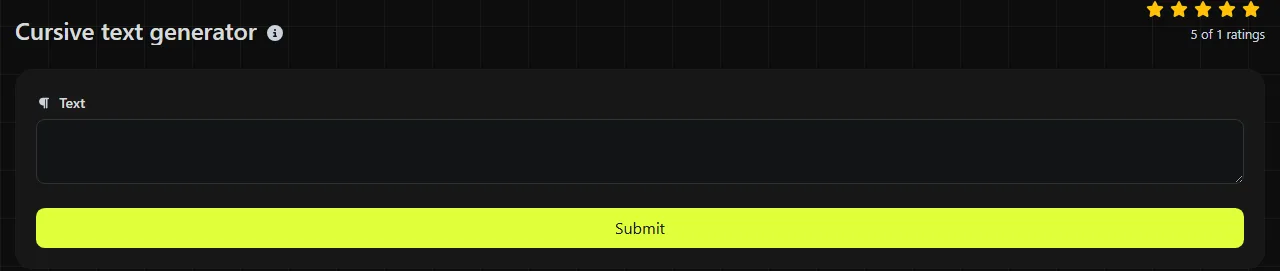
- Enter the ordinary text you want to restyle.
- Run the conversion and review the returned Cursive text.
- Copy the result, paste it into the destination, and check whether the field and its fonts support the cursive mathematical-script characters.
Keep an ordinary-text copy in a note or draft. Editing names, dates, and spelling is usually easier before conversion, especially when the cursive characters look similar at a glance.
The conversion happens on the server. Your input travels to the server over HTTPS and is not stored.
Which fields are good candidates for cursive text?
Short decorative fields are the most practical candidates for cursive text. The result can save time when a platform does not provide a suitable cursive font but accepts copied Unicode characters.
- Instagram: Add a short decorative line to a bio while keeping contact details and searchable terms in ordinary text.
- Slack: Style a brief status or display-name detail, provided the workspace accepts those characters.
- Discord: Prepare a decorative server label or profile line, then verify that the specific field permits the characters.
- Canva: Paste a cursive phrase into a draft when you need editable Unicode characters. For a polished graphic, a real cursive font usually gives better spacing and more design control.
- Mail merge drafts: Convert a fixed decorative heading after the merge data has been checked. Names, addresses, and personalized fields should generally remain in ordinary text for readability.
Avoid using cursive Unicode for Shopify product titles, Etsy listing keywords, hashtags, legal names, shipping addresses, or instructions. Search, accessibility tools, form validation, and automated processing may handle the characters differently from regular letters.
Worked Unicode transformations
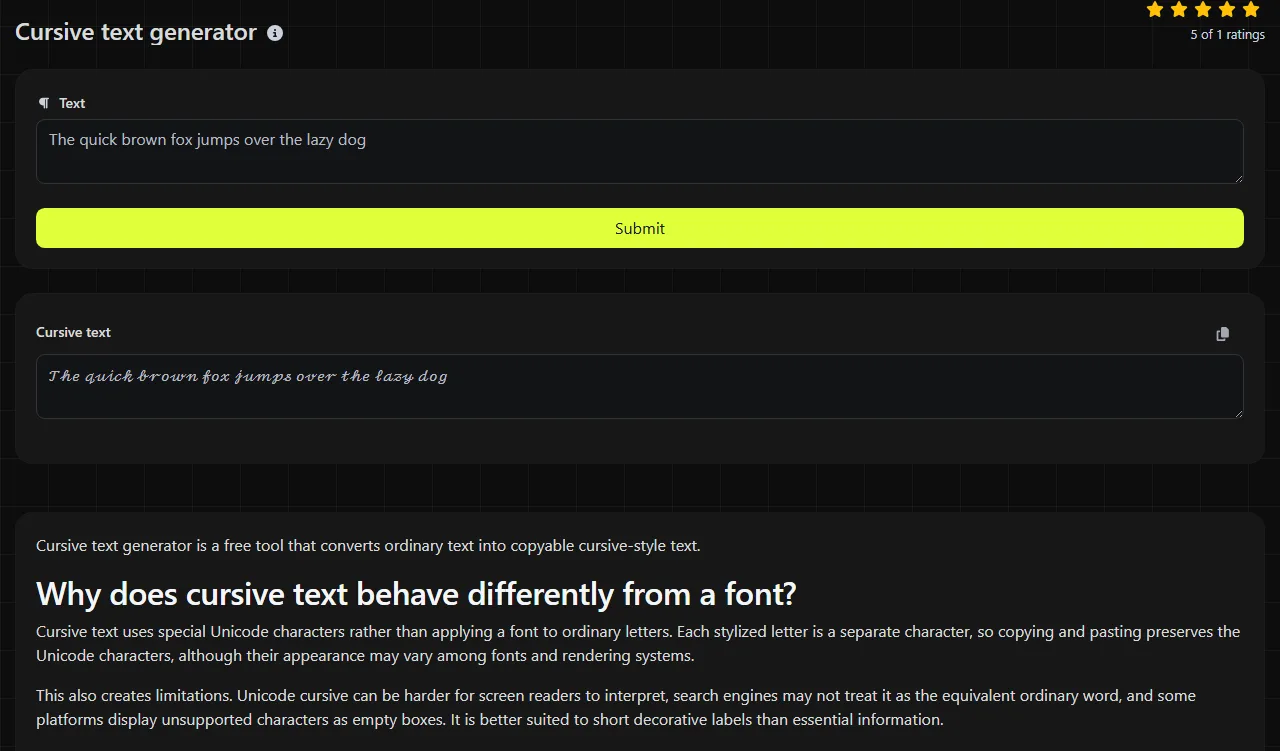
The tool replaces supported letters with Unicode mathematical script characters while preserving the intended wording. One valid cursive-style representation of "Open house" is "𝒪𝓅ℯ𝓃 𝒽ℴ𝓊𝓈ℯ". A representation of "Plan 2026!" is "𝒫𝓁𝒶𝓃 2026!"
Spaces and punctuation are still separate characters. Unicode does not provide cursive equivalents for every accented letter or every writing system, and there is no complete set of cursive-style digits.
Very long decorative passages are difficult to read and can run into a destination platform's character-counting rules. If you want a more ornamental alternative, the Old English text generator produces a different Unicode style, while the Upside down text generator is intended for playful reversed-looking text.
What should I check before publishing?
Check readability, character limits, search behavior, and accessibility before publishing the copied result. Review it on the actual platform because support can differ among browsers, operating systems, apps, and form fields.
- Confirm that no letters appear as boxes, blank spaces, or replacement symbols.
- Read names and numbers carefully because stylized letters can be easy to confuse.
- Keep essential instructions and links in ordinary characters.
- Check the field's remaining character allowance. Some systems count supplementary Unicode characters differently from ordinary ASCII letters.
- Use a real font when producing a PDF, logo, printed invitation, or other layout where exact typography matters.
Frequently asked questions
Can I put cursive letters in a social media username?
Sometimes, but username rules vary by platform and by field. A display name may accept Unicode while an account handle rejects it, and stylized letters can make the account harder to find or mention.
Will spell-check recognize cursive Unicode?
Spell-checkers often handle stylized Unicode inconsistently because the characters are not ordinary alphabetic letters. Correct spelling before converting, and keep the original text if the wording may need later revision.
Can I combine cursive text with emoji?
Yes, Unicode cursive characters and emoji can exist in the same copied line. Their baseline, size, and spacing may vary by device, so preview the combination in the destination app before using it publicly.
Should I use cursive characters in passwords or account IDs?
No. Visually similar Unicode characters can be difficult to type again, may be normalized or rejected by a service, and can complicate account recovery. Use characters accepted by the service and store the exact credential in a password manager.
Popular tools
Create a WhatsApp chat link from a phone number, with an optional prefilled message.