Old English text generator
Convert plain text to an Old English style.
Old English text generator is a free tool that converts ordinary text into decorative Old English-style lettering.
Why choose Old English lettering for a short label?
Old English-style lettering gives a short name, heading, or phrase a blackletter appearance without requiring a separate font file. In this context, "Old English" describes a decorative lettering style associated with blackletter. The tool does not translate modern English into the historical Old English language.
You can copy the result into another field when that field accepts it. This works best for brief decorative text, since dense Old English-style letterforms can make long passages difficult to scan.
A short conversion workflow
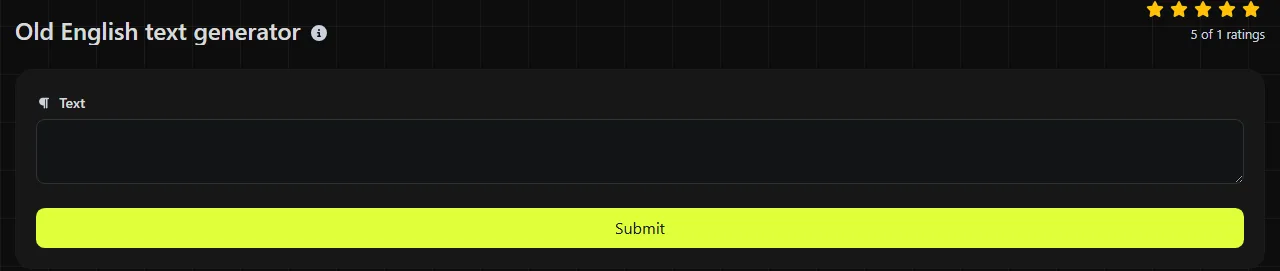
- Enter or paste the wording you want to decorate.
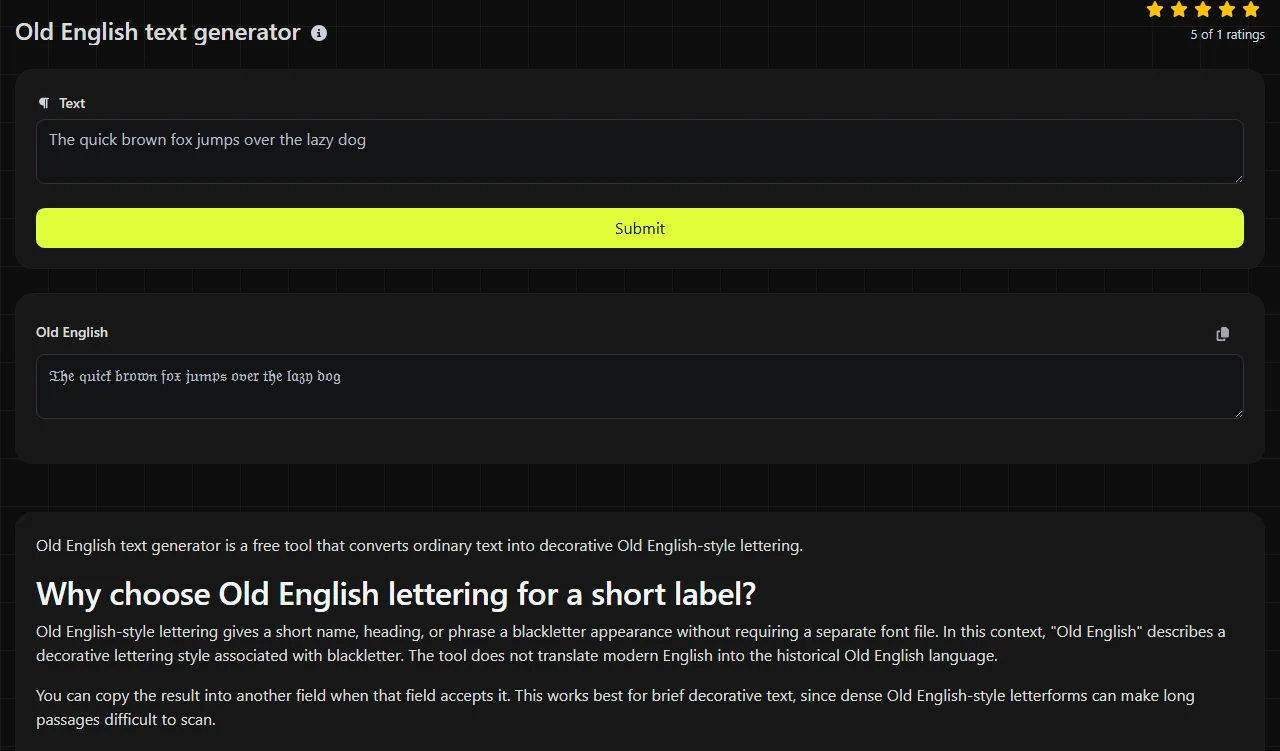
- Review the generated text in the Old English result field.
- Copy the result and paste it into its final destination, then check how it displays there.
For example, an input such as Midnight Market 2026 produces a decorated version of that same wording in the result field. The wording remains the content being styled.
Platform-specific placement ideas
Decorative text is most useful in fields where visual style matters more than search, sorting, or accessibility. Common placements include:
- A short Instagram bio heading or display name, subject to Instagram's current field rules.
- A Discord nickname, server role label, or event heading.
- A TikTok profile line or a short caption accent.
- A heading pasted into Canva or Adobe Express before exporting a graphic.
- A decorative title in a party invitation, menu mockup, or gaming community announcement.
Keep a copy of the wording you entered before creating the Old English-style version. Some platforms may reject decorative text, and a plain version is easier to search, edit, sort, or reuse in a mail-merge field. If blackletter feels too dense for the space, the Cursive text generator provides a different decorative treatment.
Will decorative characters work in every app?
No, decorative text does not work reliably in every app, field, font, or device. A platform may accept the text but display it differently, substitute missing-character boxes, or remove unsupported characters.
Screen readers may announce the characters individually or interpret them poorly. Search systems may also treat decorated text differently from ordinary letters, so a stylized business name may be harder to find. Avoid using the result for essential instructions, long body text, legal wording, email addresses, URLs, database keys, or any field that requires exact plain-text matching.
How can I check spacing and punctuation?
Spaces can be difficult to see between ornate characters, especially in narrow profile fields. Check names with apostrophes, hyphens, emoji, line breaks, and repeated spaces after conversion. An empty input has no text to decorate.
Common questions about Old English-style text
Why do I see squares or blank boxes after pasting?
The receiving app or device may be using a font without glyphs for the generated characters. Updating the app or choosing a different font can help, but there is no guarantee that every recipient's device will display the text the same way.
Is Old English-style text suitable for a password?
It is a poor choice for a password you may need to type manually. Login systems can normalize, reject, or handle decorative text differently, and account-recovery forms may not accept it consistently. Use a password manager and follow the service's stated password rules.
Is the text processed on my device?
No. The input travels to the server over HTTPS, and the conversion is performed there. The input is not stored, but you should still avoid entering secrets or regulated information into a decorative text utility.
Should I capitalize the text before or after converting it?
Choose the capitalization you want before conversion, then check the Old English-style result in its destination.
Popular tools
Create a WhatsApp chat link from a phone number, with an optional prefilled message.