Upside down text generator
Flip your text upside down.
Upside down text generator is a free tool that reverses text.
Is upside-down writing a font?
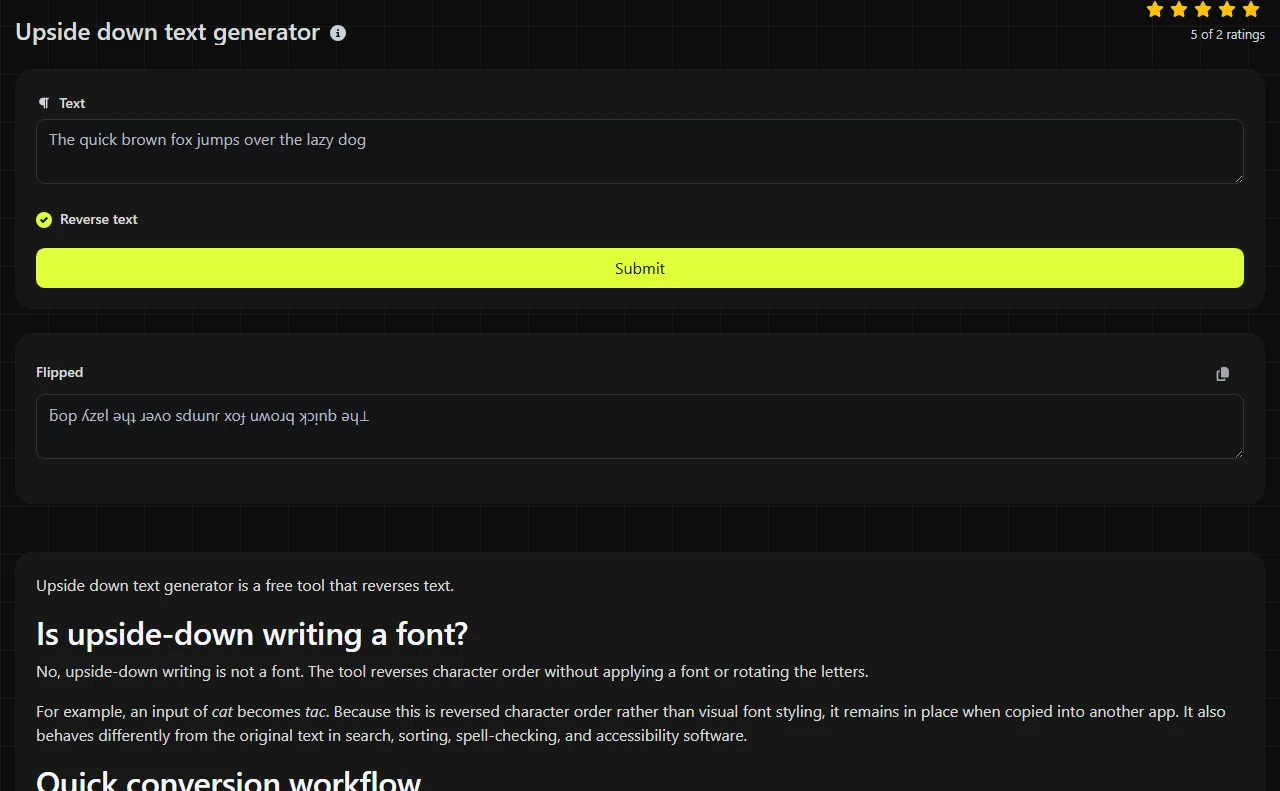
No, upside-down writing is not a font. The tool reverses character order without applying a font or rotating the letters.
For example, an input of cat becomes tac. Because this is reversed character order rather than visual font styling, it remains in place when copied into another app. It also behaves differently from the original text in search, sorting, spell-checking, and accessibility software.
Quick conversion workflow
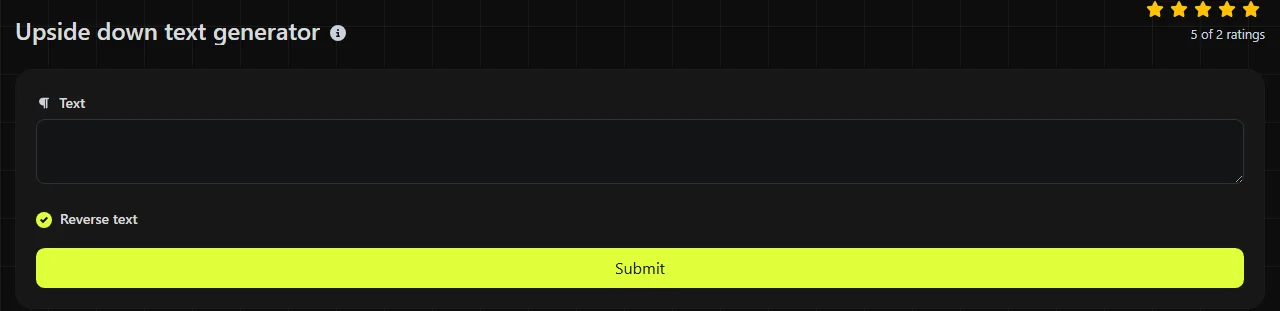
- Enter or paste the original wording into Reverse text.
- Run the conversion and review the result in Flipped.
- Copy the flipped version into the destination field and check it there before publishing.
Keep the original wording in a note until you have confirmed the final post. Editing reversed text by hand is slower than correcting the original and generating it again.
Short, low-stakes places to use flipped text
Flipped text works best as a temporary character-order effect in places where readability is not essential. Common examples include a short Discord nickname, a Slack status, an Instagram bio line, a Reddit comment, or part of a casual birthday message.
- Profile fields: Use a short word or phrase and confirm that the platform accepts the characters from your input. Some username fields permit fewer characters than display-name or bio fields.
- Social captions: Reverse one line rather than an entire caption so people can still understand the main message.
- Chat messages: Use it for a joke, puzzle, or reveal that does not contain instructions or time-sensitive details.
- Design drafts: Paste it into Canva, Microsoft Word, or Google Docs, then check that the reversed order and line breaks appear as intended.
This format is a poor choice for addresses, product names, legal text, support instructions, or mail-merge data. Those uses depend on exact spelling, predictable sorting, and reliable automated processing.
Can people and software read the result normally?
No, reversed text is not reliably readable in the usual way by people or software. Screen readers may read the reversed order, while search engines may treat the output as different text rather than as a styled version of the original.
Because the reversal is bytewise, multibyte Unicode input can become malformed. If the original input already contains unusual Unicode characters, some websites may reject them, replace them, or display empty boxes when the current font has no matching glyph. A destination platform may also replace invalid byte sequences. Do not use flipped text as the only version of information someone needs to understand.
Input that needs extra care
Simple reversal changes character order rather than rotating characters. ASCII text is most predictable, while multibyte characters can become malformed because the implementation reverses bytes. Review these cases before using the output:
- Capital letters: Capitalization is preserved for ASCII letters, but the letters move to opposite positions within the reversed text.
- Accented and non-Latin characters: These multibyte characters can become malformed during bytewise reversal.
- Numbers and punctuation: The same ASCII characters are returned in reverse order, which can make punctuation and numeric values confusing.
- Emoji: Reversing text does not rotate an emoji character or its rendered glyph. Bytewise reversal can make emoji input malformed, including multi-code-point emoji sequences.
- Multiple lines: Reversal can make line and paragraph order confusing. Convert short sections separately when layout matters.
- Empty or very long input: An empty field has nothing to flip. Breaking a long passage into smaller blocks makes mistakes easier to spot.
What should I check before publishing?
Check the pasted result in the exact app and field where it will appear to confirm that its reversed character order remains intact. A preview in one program cannot confirm that another platform will preserve the same spacing or any Unicode characters already present in your input.
Read the ordinary version once more, confirm that no confidential text was included, and leave a normal-order alternative when the message needs to be accessible or searchable. If you need decorative lettering without reversing character order, the Old English text generator is a different option.
Common questions about flipped text
Is my text processed privately?
The conversion happens on the server. Your input travels to the server over HTTPS and is not stored, so avoid submitting sensitive information if server-side processing is unsuitable for your requirements.
Why does spell-check mark every flipped word as wrong?
Spell-checkers compare characters and word order with dictionary entries. For ASCII input, flipped output contains the same characters in reverse order, so it usually does not match the original word even when it looks recognizable to a person.
Can I use reversed text in a file name?
Many modern operating systems allow file names with reversed text, but compatibility can vary when the original input contains Unicode characters. Use ordinary names for files that other people need to locate, sync, or process automatically.
Why do I see squares or question marks in the output?
Empty squares usually mean the active font lacks a glyph for a character already present in the original input. Question marks or replacement characters more often indicate an encoding problem or malformed multibyte text caused by bytewise reversal.
Will flipped text hide a message from search or moderation systems?
No dependable privacy or concealment comes from reversed text. Automated systems can reverse or otherwise process it, and another person can copy the text into a reversal tool.
Popular tools
Create a WhatsApp chat link from a phone number, with an optional prefilled message.