URL decoder
Decode URL-encoded input back to a normal string.
URL decoder is a free tool that converts percent-encoded URL input back into readable text and characters.
Why is URL text full of percent signs?
URLs use percent encoding so data can move through systems that accept a limited set of characters. A percent sign followed by two hexadecimal digits represents one byte. For example, %20 represents a space byte, while %2F represents a forward slash.
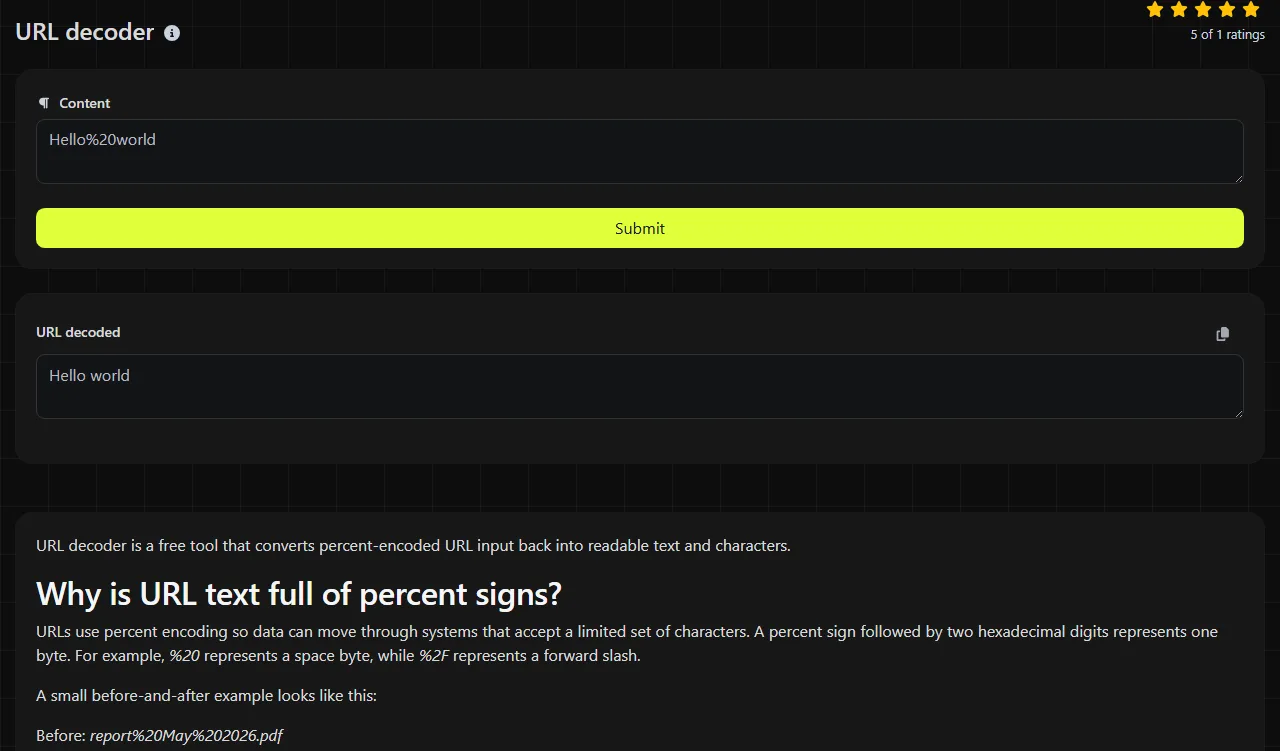
A small before-and-after example looks like this:
Before: report%20May%202026.pdf
After: report May 2026.pdf
Percent encoding appears in query strings, path segments, form submissions, data URLs, links inside email, and URL values stored in JSON payloads. Internationalized web addresses may combine formats. The domain can use Punycode, while the path and query still use percent encoding.
Percent encoding is not encryption. Anyone who has the encoded value can decode it, so percent encoding provides no secrecy or access control.
What input belongs in a URL decoder?
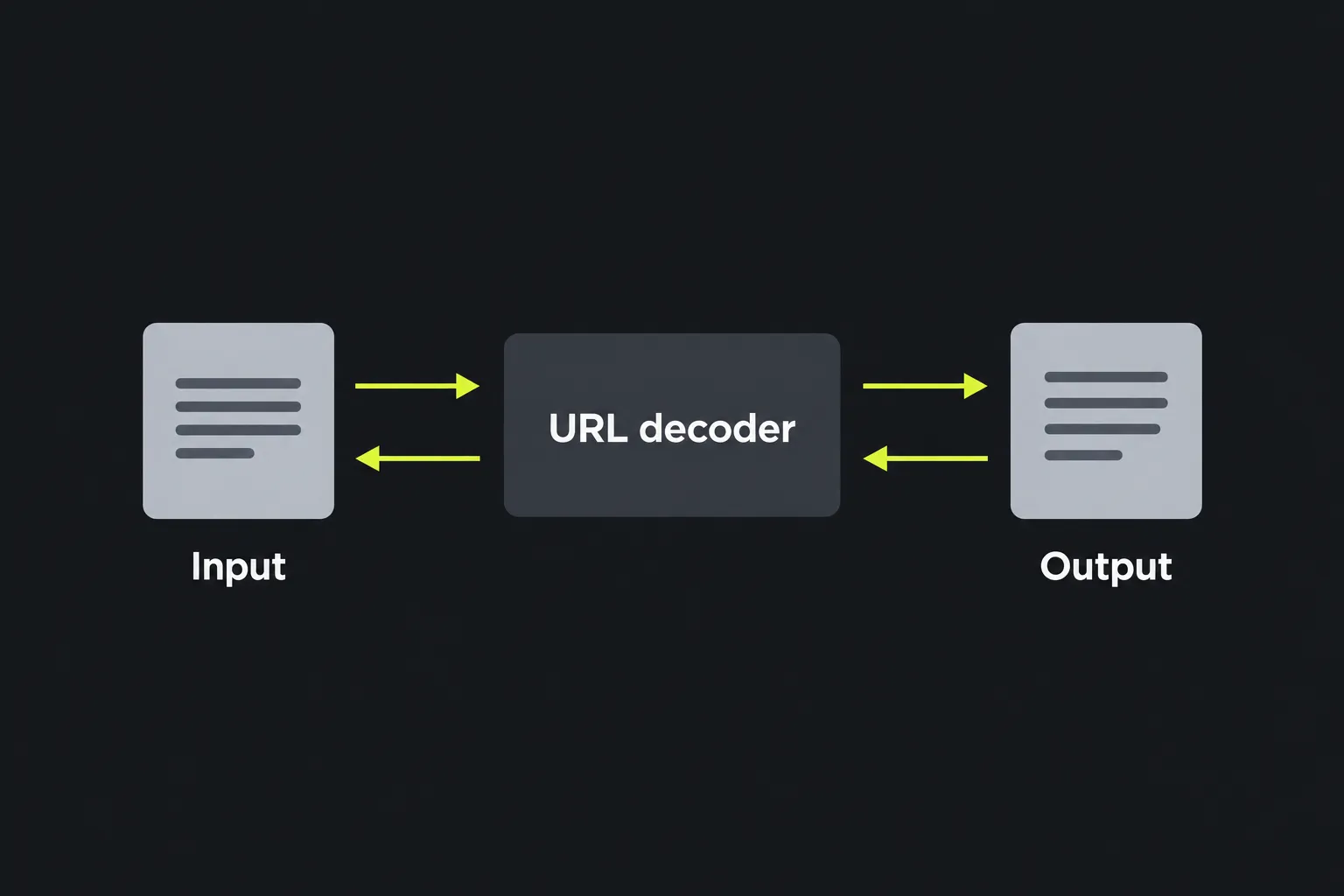
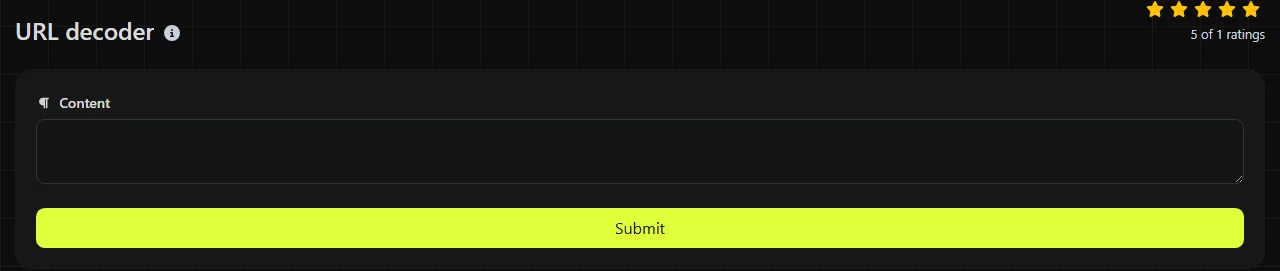
Paste the encoded URL, path, query value, or individual parameter that you need to inspect, then read the result in the URL decoded field. This tool uses PHP's urldecode operation.
Decoding only the relevant component is often easier to interpret than decoding an entire URL. Encoded delimiters can become active punctuation after decoding if the result is subsequently parsed or used as a URL. For example, %26 becomes &, which could look like a separator between query parameters even when it originally belonged inside one value.
The work is done on the server. Your input travels to the server over HTTPS and is not stored. For credentials, private tokens, medical details, or other sensitive values, consider whether sending the data to any server is appropriate for your situation.
Reading the transformation
URL decoding replaces valid percent-encoded bytes and leaves ordinary characters available for interpretation as text. These examples show common results:
- city=San%20Jos%C3%A9 becomes city=San José.
- filter=price%3E100 becomes filter=price>100.
- %2Fdocs%2Ftax%20forms becomes /docs/tax forms.
- order=48219 remains order=48219 because plain numbers require no decoding.
Spaces may appear as %20. Accented letters, emoji, and non-Latin writing are commonly converted to UTF-8 bytes first, with each byte represented separately. That is why one visible character can require several percent sequences.
Unencoded punctuation remains unchanged, except that + becomes a space. Empty input represents no bytes, so there is nothing to decode. The encoding format itself does not define a practical length limit, although browsers, servers, and applications can impose their own limits on URLs or requests.
Why can one decoding pass leave unreadable data?
One pass can leave unreadable data when the value uses another encoding, has been encoded more than once, or represents binary bytes rather than text. Inspect the remaining characters before applying another operation.
- Wrong format or alphabet: A percent-encoded byte uses % followed by two hexadecimal digits. A value made mainly from letters, numbers, +, /, -, or _ may instead be Base64 or Base64url data.
- Double-encoded input: A literal percent sign may itself be encoded as %25. Decoding %2520 once produces %20, and a second pass produces a space.
- Missing Base64 padding: If the value is Base64, it may omit trailing = characters. URL decoding does not restore that padding because it belongs to a different format.
- Binary output: Decoded bytes may be an image, compressed file, encrypted payload, or other non-text data. Displaying those bytes as UTF-8 can produce replacement symbols or apparently random characters.
- Character-set mismatch: Older systems may encode text with a character set other than UTF-8. The bytes can decode correctly while the displayed letters remain wrong.
Malformed input may also contain an incomplete sequence such as a percent sign without two following hexadecimal digits. A decoder cannot infer which byte the sender intended.
Choosing among percent encoding, Base64, and Punycode
- Use percent encoding for UTF-8 bytes and for reserved characters used as data in URL paths and query parameters, but not for reserved characters serving their defined delimiter roles. Form data uses the application/x-www-form-urlencoded algorithm, including + for spaces. The URL encoder performs the reverse operation.
- Use Base64 when binary data must travel through a text field, such as an image inside some data URLs or JSON payloads. Base64 increases the amount of text and does not hide the content.
- Use Base64url when a specification requires the URL-safe Base64 alphabet, commonly replacing + and / with - and _.
- Use Punycode for internationalized domain labels, such as hostnames beginning with xn--. The IDN Punycode converter handles that domain-specific representation.
Email can contain several encodings at once. A link may use percent encoding, while an email header encoded-word uses Q or B encoding and a MIME body part or attachment uses quoted-printable or Base64 content-transfer encoding. Decode each layer according to the relevant email or URL specification.
Frequently asked questions
Why did my plus sign turn into a space?
PHP's urldecode treats + as a space, following the convention used by URL-encoded form data. If the plus sign is literal data, it should normally arrive as %2B, which decodes to +.
Does decoding a URL make it safe to open?
No. Decoding only reveals the represented characters and does not check the destination, downloaded content, redirects, or scripts. Review unfamiliar hosts and parameters before opening or reusing the result.
How are line breaks represented in encoded input?
A line feed byte is commonly written as %0A, while a carriage return is %0D. Windows-style line endings often appear as %0D%0A, though the surrounding application decides how decoded line breaks are displayed.
Can I place decoded text directly into HTML or SQL?
No, decoding does not make data safe for another context. HTML output still needs HTML escaping, and database values should use parameterized queries rather than manual quoting. Apply the protection required by the destination after decoding.
What if the decoded result contains a null byte?
Percent encoding can represent a null byte as %00. Some applications treat null bytes as terminators or reject them, so copying that output between systems may produce unexpected results. Check the destination format before processing control bytes.
Similar tools
Popular tools
Create a WhatsApp chat link from a phone number, with an optional prefilled message.