Brotli Checker
Check whether a website is using the Brotli Compression algorithm or not.
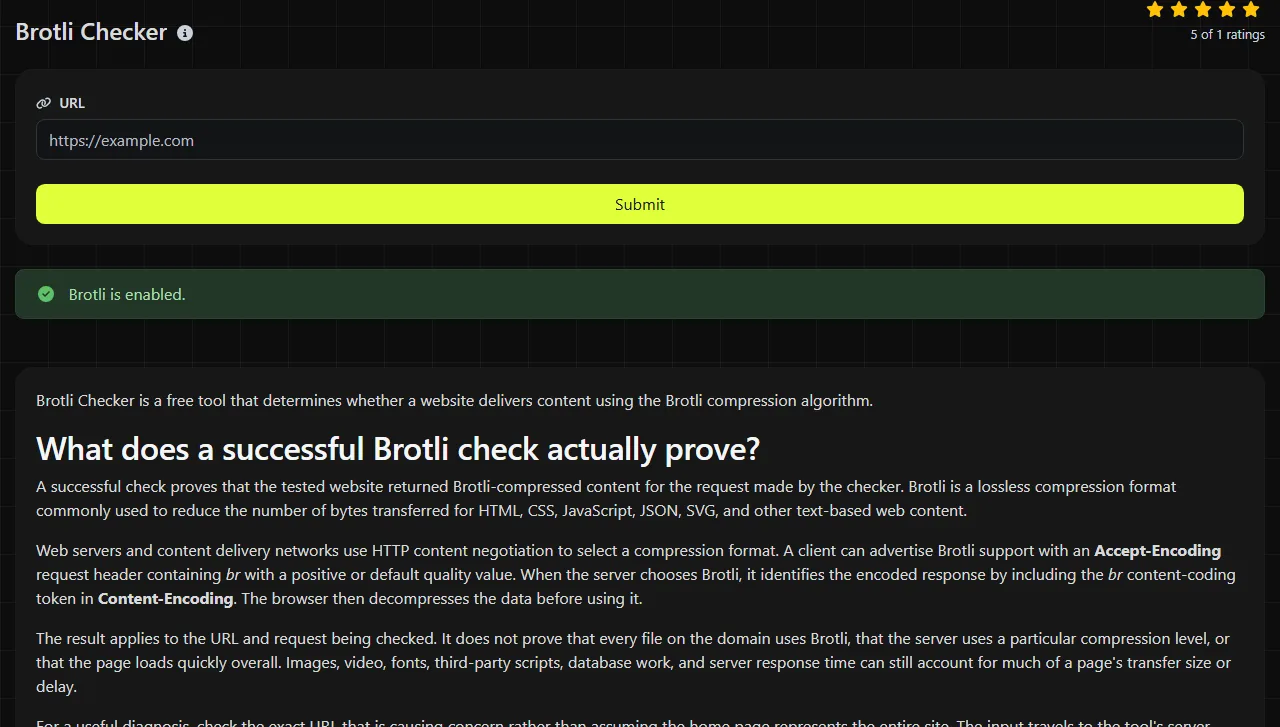
Brotli Checker is a free tool that determines whether a website delivers content using the Brotli compression algorithm.
What does a successful Brotli check actually prove?
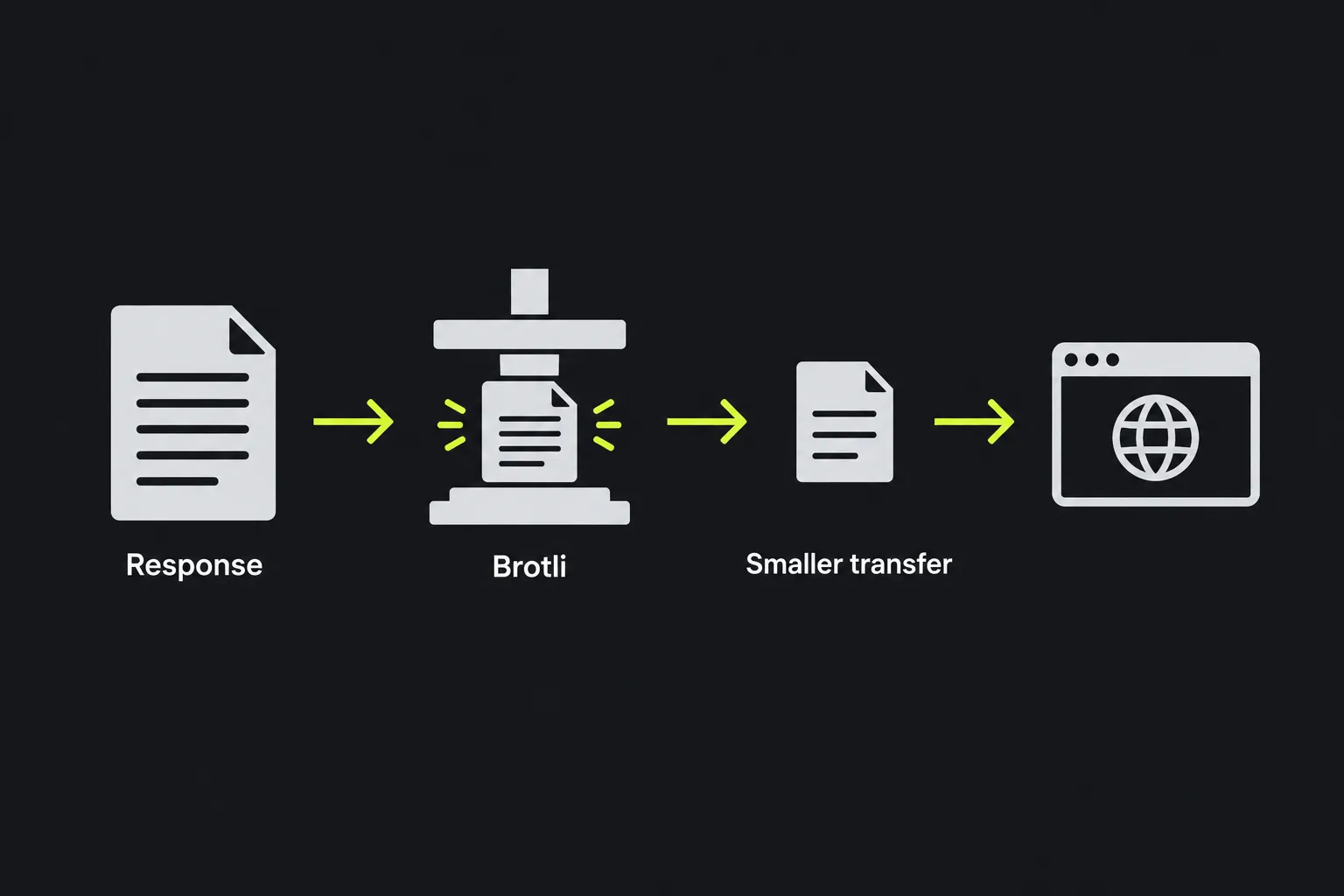
A successful check proves that the tested website returned Brotli-compressed content for the request made by the checker. Brotli is a lossless compression format commonly used to reduce the number of bytes transferred for HTML, CSS, JavaScript, JSON, SVG, and other text-based web content.
Web servers and content delivery networks use HTTP content negotiation to select a compression format. A client can advertise Brotli support with an Accept-Encoding request header containing br with a positive or default quality value. When the server chooses Brotli, it identifies the encoded response by including the br content-coding token in Content-Encoding. The browser then decompresses the data before using it.
The result applies to the URL and request being checked. It does not prove that every file on the domain uses Brotli, that the server uses a particular compression level, or that the page loads quickly overall. Images, video, fonts, third-party scripts, database work, and server response time can still account for much of a page's transfer size or delay.
For a useful diagnosis, check the exact URL that is causing concern rather than assuming the home page represents the entire site. The input travels to the tool's server over HTTPS, and the server performs the work. The input is not stored.
Result signals in an HTTP response
The checker's main result is the Brotli determination. These are the main HTTP concepts to understand when interpreting that determination or comparing it with a separate HTTP headers lookup.
| HTTP concept | What it tells you |
|---|---|
| Resource URL | The individual page or resource covered by the check. A result for a home page does not automatically cover its CSS or JavaScript files. |
| Content-Encoding includes br | The response used Brotli compression. At the protocol level, br appears in the ordered content-coding list in Content-Encoding. |
| Content-Encoding does not include br | The response was not delivered with Brotli for that request. It may be uncompressed or use another encoding such as gzip. |
| Content-Type | The media type of the resource, such as text/html or application/javascript. Servers commonly apply compression rules according to content type. |
| Vary | A Vary header containing Accept-Encoding tells shared caches that compressed and uncompressed responses may differ. |
A negative result does not necessarily mean the server lacks Brotli support. The particular resource may be too small, already compressed, excluded by configuration, served from an old cache entry, or returned as an error or redirect instead of the intended content.
Why can two URLs on the same domain report different compression?
Two URLs can produce different results because compression is selected for each response, often according to file type, size, server route, and cache state. A site can serve its HTML through an application server while a CDN serves scripts and style sheets under a separate hostname or rule set.
Consider these diagnostic examples:
- Checking https://example.com/ may show Brotli, while https://example.com/assets/site.js does not. The JavaScript path may use a different CDN behavior or may have been cached before Brotli was enabled.
- A product page may return Brotli with a normal 200 response, while a mistyped product URL returns an uncompressed 404 page generated by another server component.
- https://static.example.com/styles.css may use Brotli even when the main application host uses gzip. Separate hostnames commonly have separate compression settings.
Test the final resource URL, including the scheme, hostname, path, and query parameters when they affect the response. Spaces must be encoded in a valid URL, internationalized domain names may appear in their ASCII-compatible form, and punctuation such as ?, &, and # has defined URL syntax.
A request path for finding the mismatch
Start by confirming that the response being checked for Brotli is the response you intended to inspect. Redirects, authentication pages, access-denied responses, and error documents can use different compression policies from the destination page.
- Check the exact public URL that shows the Brotli compression problem.
- Check one text-based asset from the same page, such as a CSS or JavaScript file.
- Compare the result with the response headers shown by browser developer tools or an HTTP headers lookup.
- For a separately inspected request, confirm that Accept-Encoding advertises br with a positive or default quality value and that Content-Encoding contains the br content-coding token.
- Review compression rules at every relevant layer, including the origin server, reverse proxy, and CDN.

If a website does not resolve, no HTTP response is available to check for Brotli compression. For broader transport checks, HTTP/2 Checker can identify whether the site uses HTTP/2, but HTTP/2 and Brotli are independent features.
How do caches affect a recent Brotli configuration change?
Caches can continue serving an older response created before the new compression setting took effect. A browser cache, reverse proxy, or CDN edge may hold separate variants, and different geographic edge locations may refresh at different times.
After a hosting or CDN change, different cached DNS answers may direct clients to different infrastructure. One resolver may direct traffic to the new server while another still returns an older cached address. In that situation, both observations can be accurate for the server each request reached.
Check again after the relevant cache lifetime expires or purge the affected CDN object when you control the service. Also confirm that caches vary responses by Accept-Encoding. Purging a cache does not repair an incorrect server rule, so verify the origin response as well as the public CDN response.
Brotli checker FAQ
Does a 304 Not Modified response confirm Brotli compression?
Not by itself. A 304 response has no content, so it does not carry a newly transferred compressed body to evaluate. Its metadata can include Content-Encoding for the selected representation, so confirmation may depend on that metadata and the cached representation. Inspect the cached response's headers or make a request that returns the full resource with a 200 status.
Does Brotli compression reduce image or video quality?
No. Brotli is lossless, so decompression reconstructs the original bytes. However, formats such as JPEG, PNG, WebP, MP4, and many font formats are already compressed, so applying Brotli may provide little benefit and can consume unnecessary processing time.
Can a browser service worker change what I observe?
Yes, a service worker can return a cached or generated response inside that browser. Brotli Checker runs its check on the server and does not execute the service worker installed in your browser, so its result may differ from the browser's application-level behavior.
Is the br encoding token case-sensitive?
No. HTTP content-coding tokens are case-insensitive, although the registered lowercase form br is conventional. Use that standard lowercase form in configuration and header checks rather than labels such as brotli. When documenting a fix, record the exact URL, response status, content type, and content encoding so the next check can be compared against the same resource.
Similar tools
Popular tools
Create a WhatsApp chat link from a phone number, with an optional prefilled message.