SHA-512/256 generator
Generate a SHA-512/256 hash for any string input.
SHA-512/256 generator is a free tool that creates a 256-bit SHA-512/256 digest from string input.
Why does SHA-512/256 produce a 64-character result?
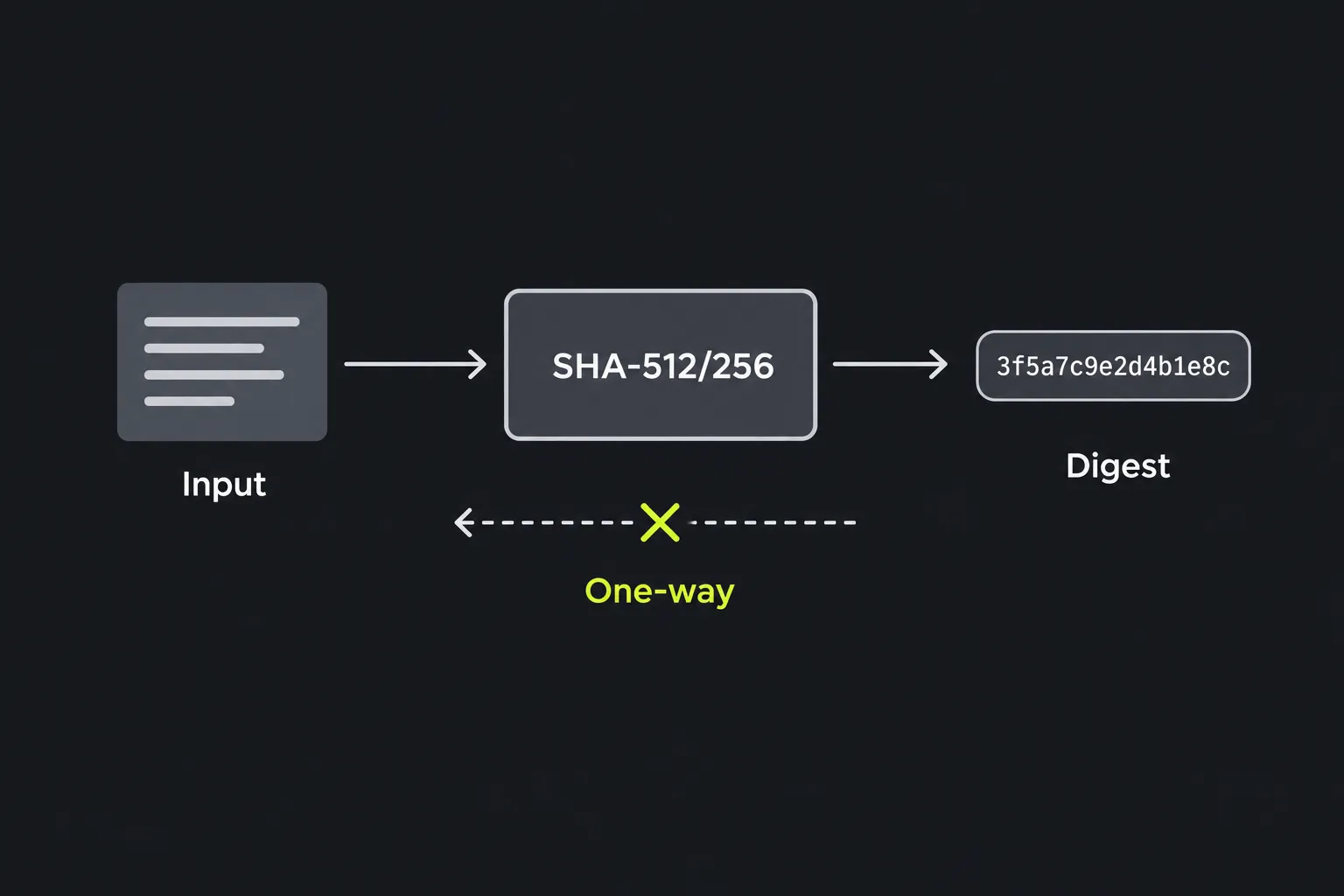
SHA-512/256 turns data into a fixed-length fingerprint. It is one-way, meaning it is computationally infeasible to find an input that produces a given digest. The same bytes produce the same digest, while even a small input change normally produces a very different result.
SHA-512/256 produces 256 bits of output, conventionally displayed as 64 hexadecimal characters. Each hexadecimal character represents four bits, so 256 divided by four gives 64.
SHA-512/256 belongs to the SHA-2 family designed by the U.S. National Security Agency and published by the National Institute of Standards and Technology. This variant was specified in FIPS 180-4 in 2012. It uses the SHA-512 processing structure with its own initial values, then returns a 256-bit digest. It is therefore a distinct algorithm, rather than an ordinary SHA-512 digest cut down after hashing.
How should I create and record a digest with this tool?
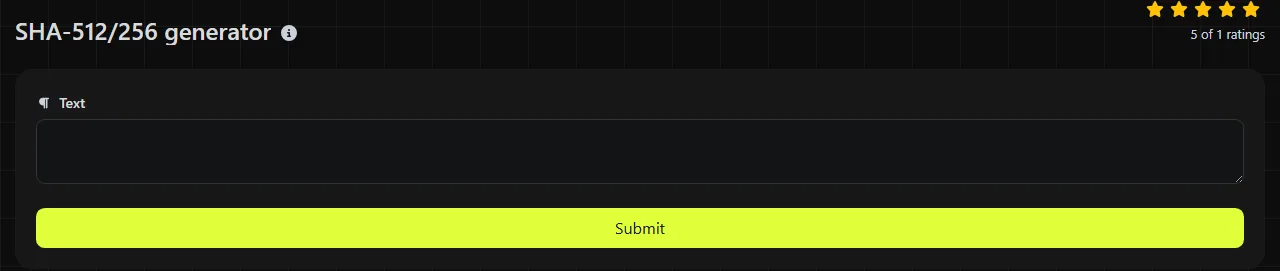
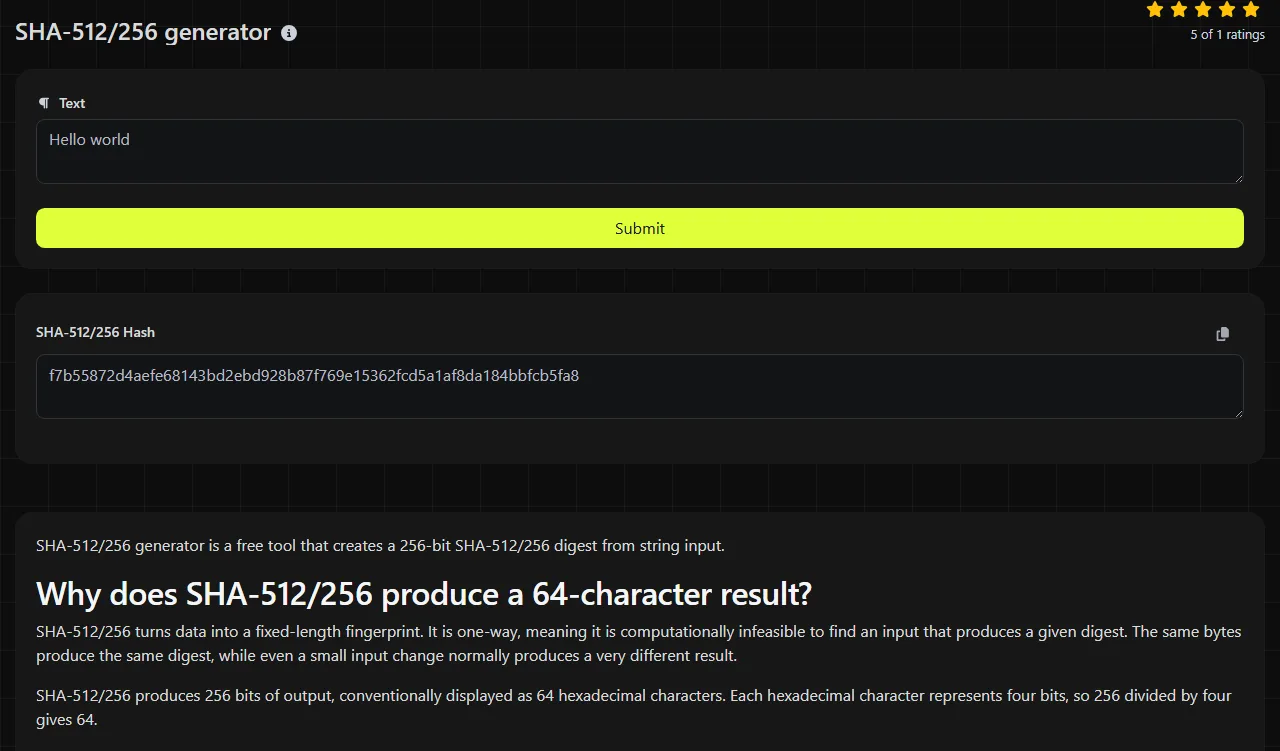
Enter the exact value you want to hash and copy the 64-character hexadecimal value from the SHA-512/256 Hash result field.
- Prepare the input without adding unintended spaces or line breaks.
- Provide the string to the generator. The input travels to the server over HTTPS.
- The server computes the digest using PHP's hash implementation. The input is not stored.
- Save the result together with a clear record of the algorithm name, written as SHA-512/256.
For example, an input such as invoice-2026-09-16.pdf produces a 256-bit digest displayed as 64 hexadecimal characters. The filename itself is only text in this example. Hashing a filename does not hash the contents of the file it names.
This is a server-side tool, so do not assume that sensitive input remains on your device. HTTPS protects the input while it travels to the server, and the service does not store it, but local software may be more appropriate for confidential data that must not leave your computer.
Is there any way to recover the input from a SHA-512/256 digest?
There is no practical way to recover the input by directly inverting a SHA-512/256 digest. Hashing is not encryption, and there is no decryption key.
An attacker can still take advantage of SHA-512/256's fast computation by hashing possible inputs and comparing the results. That approach can recover predictable values such as common passwords, short PINs, or known identifiers. It does not reverse the digest mathematically. It finds an input by repeated guessing.
This is why SHA-512/256 must not be used by itself to store passwords. It is designed to run quickly, which also lets attackers test guesses quickly. Password systems should use a salted password-hashing function such as Argon2id, scrypt, bcrypt, or PBKDF2 with an appropriate work factor.
Security status and appropriate uses
SHA-512/256 is currently considered a secure cryptographic hash for general-purpose hashing. It is not known to be broken or deprecated. Its 256-bit output provides an expected collision resistance of about 128 bits and an expected preimage resistance of about 256 bits under the standard security model.
Legitimate uses include:
- Comparing checksums to detect accidental changes in data.
- Deduplicating records or content by using a digest as a compact identifier.
- Interoperating with software or protocols that specifically require SHA-512/256.
- Building a larger cryptographic construction whose specification names this exact hash.
In these use cases, a plain SHA-512/256 digest does not prove who created data. Anyone who can alter the data may also be able to replace its digest. Authenticated systems should use a defined message-authentication or digital-signature scheme rather than treating an unkeyed checksum as proof of origin.
What input details will change the hash?
Any change to the encoded input bytes changes what SHA-512/256 processes. Spaces, capitalization, punctuation, line endings, and Unicode normalization can therefore lead to different digests.
- Quarterly Report and quarterly report differ in capitalization.
- order-1042 and order–1042 use different dash characters.
- café can have more than one valid Unicode representation even when it looks identical on screen.
- 500 entered in a text field is hashed as the encoded characters 5, 0, and 0, not as a binary integer.
- A trailing space or copied newline is part of the input if the interface includes it.
The algorithm can hash the empty byte sequence and messages shorter than 2^128 bits. A web interface may impose practical request or memory limits, however, and this tool's maximum accepted input size is not specified. For large files or repeatable build processes, a command-line or programming-language implementation is usually easier to automate.
Frequently asked questions
Why is there a slash in SHA-512/256?
The name identifies the underlying SHA-512 family structure and the 256-bit output length. Keep the slash when documenting the algorithm so another system does not mistake the digest for SHA-256 or full-length SHA-512.
Will another programming language produce the same result?
Yes, conforming SHA-512/256 implementations produce the same digest when they receive exactly the same bytes. Differences usually come from accidental whitespace or newline differences. When input text is represented differently, character encoding or Unicode normalization may also be responsible.
Should I choose SHA-512/224, SHA-512/256, or SHA-512?
Choose the algorithm required by the protocol or system you are integrating with. SHA-512/224 produces a 224-bit digest, SHA-512/256 produces 256 bits, and SHA-512 produces 512 bits. These outputs are not interchangeable, even when they come from the same input.
Can I safely paste confidential information into the generator?
The input is sent to the server over HTTPS and is not stored, but it still leaves your device for processing. If organizational policy forbids transmitting the data, compute the digest locally with an approved library or command-line utility instead.
Can a SHA-512/256 checksum confirm that a download is authentic?
A SHA-512/256 checksum can confirm that a file matches a digest obtained from a trustworthy source. If an attacker can replace both the download and the published checksum, the comparison does not establish authenticity. A verified digital signature provides stronger evidence of origin.
Final input checks
Before relying on the result, confirm that the receiving system explicitly expects SHA-512/256, preserve the full 64-character hexadecimal digest, and check the input for hidden spaces or line breaks. Record the character encoding when the value must be reproduced by another application.
Popular tools
Create a WhatsApp chat link from a phone number, with an optional prefilled message.