Safe URL checker
Check whether Google Safe Browsing flags a URL as unsafe. A clean result does not guarantee that a site is safe.
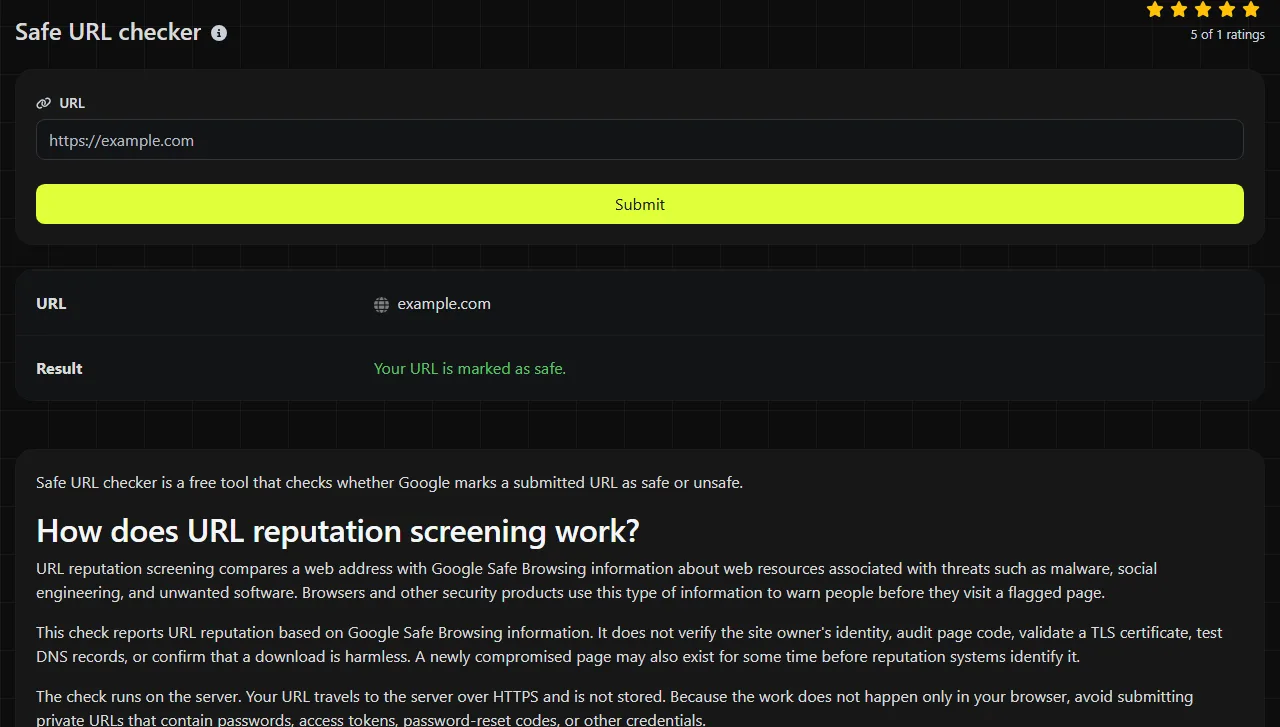
Safe URL checker is a free tool that checks whether Google marks a submitted URL as safe or unsafe.
How does URL reputation screening work?
URL reputation screening compares a web address with Google Safe Browsing information about web resources associated with threats such as malware, social engineering, and unwanted software. Browsers and other security products use this type of information to warn people before they visit a flagged page.
This check reports URL reputation based on Google Safe Browsing information. It does not verify the site owner's identity, audit page code, validate a TLS certificate, test DNS records, or confirm that a download is harmless. A newly compromised page may also exist for some time before reputation systems identify it.
The check runs on the server. Your URL travels to the server over HTTPS and is not stored. Because the work does not happen only in your browser, avoid submitting private URLs that contain passwords, access tokens, password-reset codes, or other credentials.
Result messages and their limits
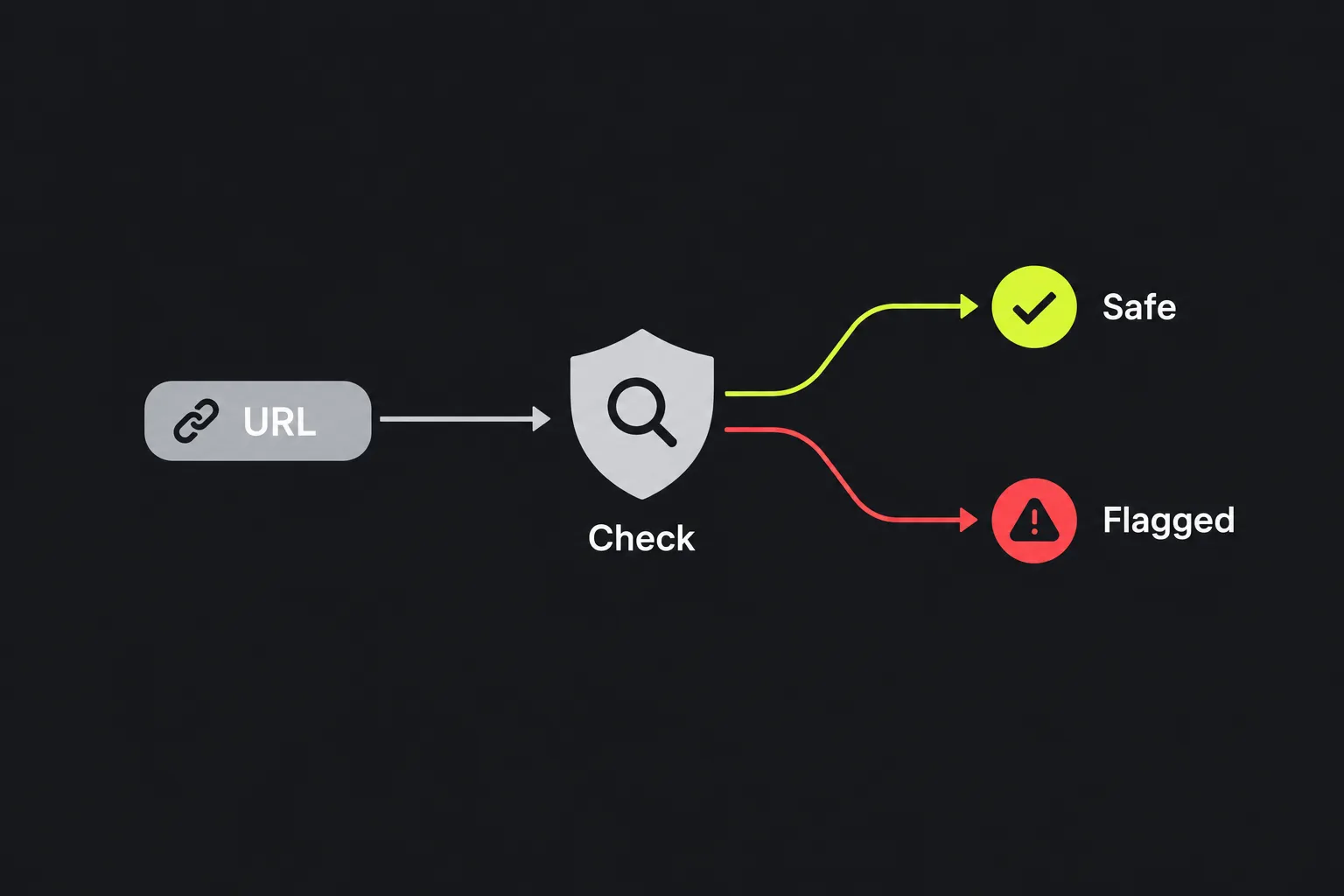
The tool returns one of two status messages, so read the wording as Google's status for that URL rather than a guarantee about everything on the site.
- Your URL is marked as safe. Google's check did not return an unsafe status for the submitted address. You should still confirm the domain spelling and use normal caution with login forms, payments, and downloads.
- Your URL is marked as unsafe. Google's check returned an unsafe status. Do not proceed to the page merely to see what happens. Site owners should investigate for compromised files, injected scripts, deceptive pages, or unauthorized redirects.
The result does not include a threat category, scan report, detection date, or list of affected files. It is a binary status. If you manage the site and receive an unsafe result, use your hosting logs, file-integrity records, content management system security tools, and Google's site-owner resources to investigate further.
For example, suppose you submit https://store.example.com/account/sign-in?source=email. If Google's check does not return an unsafe status for the submitted URL, the displayed result is Your URL is marked as safe. If Google's check returns an unsafe status for the submitted URL, the result is Your URL is marked as unsafe. The tool does not provide an intermediate score or a percentage rating.
What should I test when a warning appears?
Test the exact public URL that produced the warning, including its hostname, path, and query parameters. A domain's home page and a compromised page deep within the same site may not have the same status.
- Copy the address from the browser's address bar or the original message without changing its spelling.
- Check the final destination if the link redirects. URL redirect checker can help identify each step in a redirect chain.
- For a site you manage, also check the home page and a few affected page patterns, such as product pages or sign-in pages.
- If you cleaned an infection, retest the original flagged address rather than testing only a newly created page.

Raw spaces are not valid in a conventional URL and are commonly encoded as %20. Characters such as ?, &, and = have structural meanings, so changing or removing them can produce a different address. A fragment introduced by # is not sent in an HTTP request and ordinarily cannot affect the server-side resource checked.
Accented and non-Latin domain names undergo IDNA processing, and their ASCII A-label form is transmitted, while non-ASCII path and query data is commonly percent-encoded. Browsers often display a readable form even when the transmitted URL is encoded. The tool's behavior for malformed input is not specified, so use a complete address such as https://example.com/page.
Why can two checks show different statuses?
Two checks can disagree because reputation data, browser warnings, local caches, and security gateways do not all refresh at the same moment. One system may still hold an older decision while another has received an updated status.
After a site cleanup, a browser may continue showing a warning from cached data. Conversely, a recently compromised page may appear safe until threat information is updated. Safe Browsing changes are sometimes described as propagation, but they are separate from DNS propagation.
A DNS change can still affect what you observe. During a nameserver or hosting migration, some visitors may reach an old server while others reach the new one. The URL text remains the same even though different servers answer. Check authoritative DNS separately, confirm that the old host no longer serves compromised content, and allow time for cached DNS records to expire according to their TTL values.
Diagnostic playbook
Use this check when the problem involves a safety warning or suspected malicious link. It is not the right primary test for every website failure.
- A browser blocks a WordPress page. Check the exact blocked page and any redirect destination. If it is unsafe, inspect recently changed plugins, themes, administrator accounts, and server files before requesting a review through the appropriate Google site-owner process.
- A marketing email link triggers a warning. Test the tracked link and its final landing page. A compromised tracking domain or unexpected redirect may be the source even when the visible company domain looks familiar.
- A certificate warning appears after a hosting move. A safe result does not resolve that warning. Check the certificate hostname, expiration, chain, server configuration, and DNS destination because Safe Browsing is not a certificate validator.
This checker can assess a web link found in an email, but it cannot diagnose DNS resolution or mail delivery.
Questions people ask about URL safety checks
Does a safe result mean the website is legitimate?
No. A fraudulent, newly created, or misleading site may not yet have an unsafe reputation. Check the registered domain carefully, especially where look-alike letters, unexpected subdomains, or unusual payment requests are involved.
Do uppercase letters and trailing slashes change the URL?
Domain names are case-insensitive, but paths may be case-sensitive depending on the server. /Account and /account can lead to different resources, and /folder may behave differently from /folder/. Submit the address exactly as encountered.
Can the checker tell whether a file download is infected?
No. The result concerns the URL's Safe Browsing status and is not a file antivirus report. If you downloaded a file, do not run it solely because the source URL was marked safe. Use operating system protections and an appropriate file-scanning process.
Is it safe to submit a password-reset link?
A password-reset URL may contain a credential-like token, so avoid submitting it to diagnostic services. Although this tool sends input over HTTPS and does not store it, the URL still travels to the server for processing. Use the service's official site or request a fresh reset link if authenticity is in doubt.
Should I open an unsafe page to confirm the warning?
No. Opening a flagged page can expose the browser or device to harmful content and may disclose information to the site operator. If you own the site, investigate through hosting access, logs, backups, and security tooling rather than visiting the public page from an everyday device.
Popular tools
Create a WhatsApp chat link from a phone number, with an optional prefilled message.