PayPal link generator
Generate a PayPal payment link with ease.
PayPal link generator is a free tool that creates a PayPal payment URL from a payment type, merchant email, currency, price, and redirect URLs.
How does each query parameter change PayPal checkout?
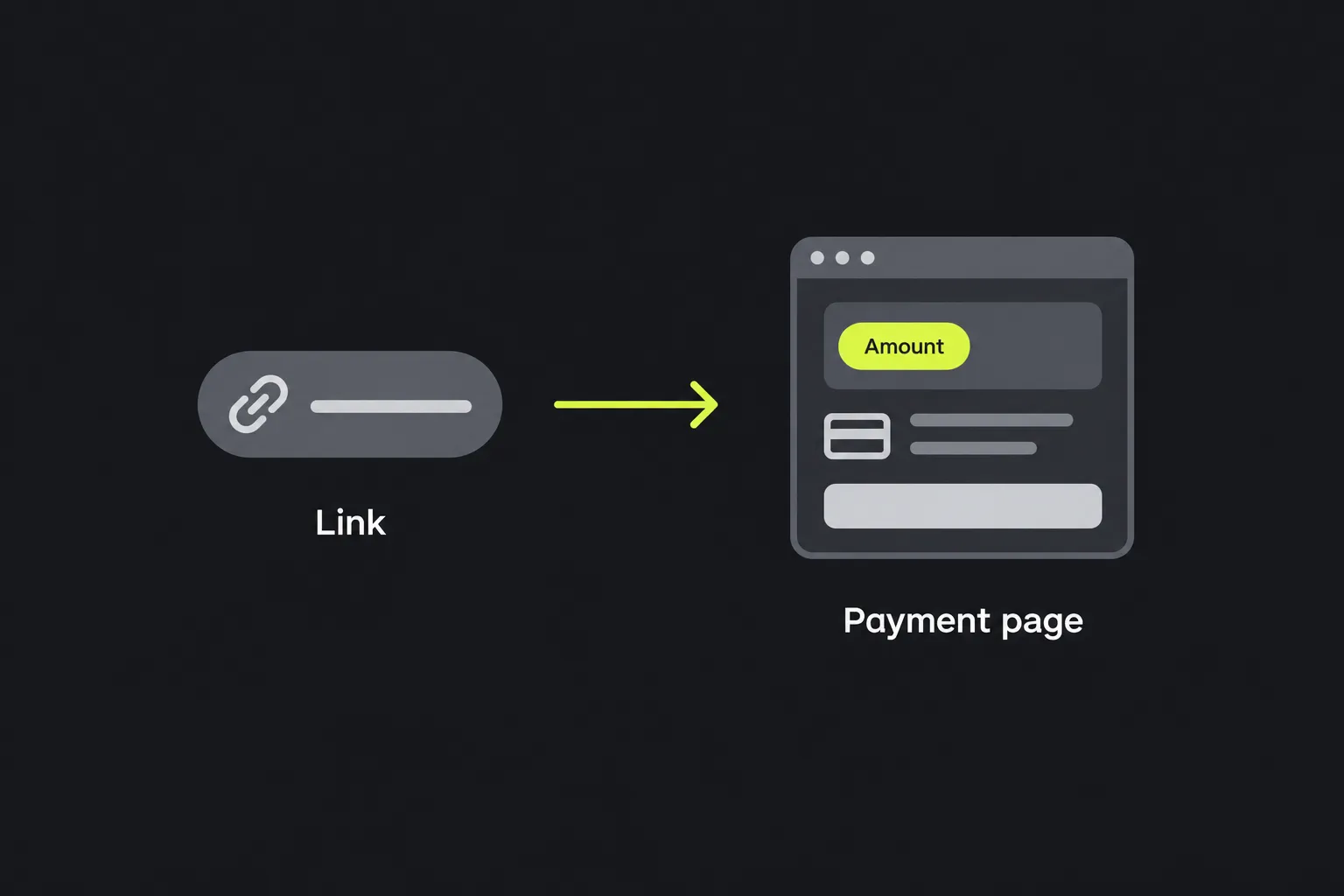
Each query parameter tells PayPal what kind of payment page to open and which values to place on that page. In the generated PayPal URL, the parameters appear after the question mark and are separated by ampersands.
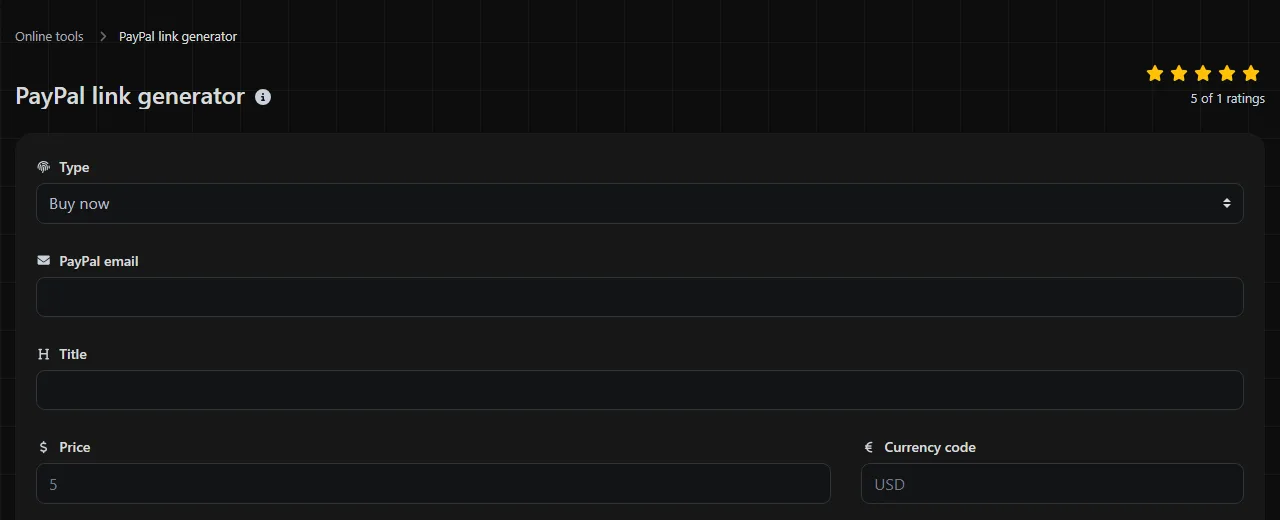
| Form field | Common PayPal parameter | Purpose |
|---|---|---|
| Buy now | cmd=_xclick | Opens a checkout flow for a direct payment. |
| Add to cart | cmd=_cart and add=1 | Adds the payment item to a PayPal shopping cart rather than proceeding directly to payment. |
| Donation | cmd=_donations | Identifies the transaction as a donation. |
| PayPal email | business | Identifies the PayPal account intended to receive the payment. |
| Currency code | currency_code | Sets the currency used for the amount, such as USD, CAD, or EUR. |
| Price | amount | Supplies the payment amount without a currency symbol. |
| Thank you URL | return | Provides the page PayPal can send the payer to after the checkout flow is completed. |
| Cancel URL | cancel_return | Provides the page PayPal can send the payer to after checkout is canceled. |
The command parameter controls the transaction type, so a link normally uses one of the three payment flows. The remaining parameters supply the account, amount, currency, and destinations. These are URL values, not hidden instructions. Anyone who receives the link can inspect them in the address bar, message, email, or page source where the link was published.
How should amounts, currencies, and redirect URLs be formatted?
Use a period as the decimal separator, an uppercase three-letter currency code, and complete web addresses for redirects. Consistent formatting makes PayPal amounts, currencies, and redirects easier to validate.
- Enter a price as 24.50 rather than $24.50, 24,50, or 1,024.50.
- Write the currency as USD rather than usd or US dollars.
- Use a full redirect address such as https://www.example.com/payment-complete rather than /payment-complete.
URLs cannot contain arbitrary spaces and characters in their raw form. Spaces, punctuation, accented letters, and non-Latin characters may need percent-encoding when they occur inside a parameter value. For example, the @ in an email address can appear as %40, while a redirect URL is encoded to preserve the nested URL as one parameter value within the outer PayPal URL.
The PayPal amount value is not encoded merely because it is a number. A decimal point in an amount remains a period. Empty values require care because an incomplete account, unsupported currency, missing amount, or malformed redirect may result in a PayPal page that does not match the intended checkout flow.
From order details to a finished URL
Consider a direct payment for a $24.50 workshop recording. The merchant receives PayPal payments at orders@example.com and wants completed and canceled checkouts to return to separate pages.
Buy now selected; PayPal email orders@example.com; Currency code USD; Price 24.50; Thank you URL https://example.com/workshop/paid; Cancel URL https://example.com/workshop/canceled
A standard composed URL for those values is https://www.paypal.com/cgi-bin/webscr?cmd=_xclick&business=orders%40example.com¤cy_code=USD&amount=24.50&return=https%3A%2F%2Fexample.com%2Fworkshop%2Fpaid&cancel_return=https%3A%2F%2Fexample.com%2Fworkshop%2Fcanceled
In that output, %40 represents the @ sign and %3A%2F%2F represents :// inside the redirect addresses. Encoding keeps the inner URLs from interfering with the structure of the PayPal URL.
An add-to-cart link changes the command portion to cmd=_cart&add=1. A donation link uses cmd=_donations. The account, currency, amount, and redirect parameters retain their respective roles.
Where will a customer see the supplied values?
The customer sees the relevant payment details on the PayPal payment page after opening the link. The exact presentation is controlled by PayPal and may depend on the payment type, account settings, device, region, and checkout context.
If the checkout completes, PayPal can send the browser to the Thank you URL. If the payer cancels, it can use the Cancel URL. Those pages are useful for showing the next instruction, restoring a shopping page, or recording an ordinary web analytics visit.
A successfully completed transaction is recorded in the receiving PayPal account, where the merchant can review payment activity and available reports. A visit to the thank-you page is not proof that payment succeeded. People can open that URL directly, so fulfillment decisions should rely on verified PayPal transaction data rather than the redirect alone.
Pre-publish checks and failure points
Open the generated link and verify that the PayPal checkout page shows the intended receiving account, amount, currency, and payment type before placing it in an email, invoice, social post, or website button. The following four mistakes can cause confusing checkout results.
- Using the wrong receiving email. A typo in the PayPal email value can prevent the link from reaching the intended account.
- Formatting the amount like display text. Currency symbols, thousands separators, and comma decimals do not belong in the Price field.
- Mixing currency conventions. A price written for one currency can be misleading when paired with another currency code. Confirm both together.
- Using incomplete redirect addresses. Relative paths and malformed URLs may not return the payer to the intended page.
A payment URL also has practical limits. Its parameters are visible to anyone who clicks or copies it, including the receiving email, amount, currency, and redirect destinations. Do not place confidential information in query parameters.
Building and maintaining PayPal links individually does not scale well when prices, currencies, and merchant destinations change frequently. When prices, currencies, destinations, or account details change frequently, a checkout integration, ecommerce platform, spreadsheet-assisted workflow, or PayPal-supported API may be easier to audit. A generated link also does not create inventory management, tax calculation, shipping rules, or payment verification.
Questions people ask about PayPal payment URLs
Can someone change the amount in a PayPal link?
Yes, a person can edit a visible URL parameter before opening the payment page. The merchant should verify the actual amount and currency recorded in PayPal before delivering an item or marking an invoice as paid.
Does a PayPal link expire automatically?
The fields in this generator do not include an expiration date. A link may remain usable until something outside the URL changes, such as the receiving account, payment configuration, or the page where the link is published.
Can this generator create a recurring subscription link?
No. Its payment choices are Buy now, Add to cart, and Donation, and it has no subscription schedule or billing interval fields. Recurring payments require a PayPal option designed for subscription billing.
Can I shorten the generated URL before sharing it?
A general URL shortener can redirect to a PayPal link, but the short URL hides the destination until it is opened. Email or messaging systems may treat shortened payment links cautiously.
What happens if the return page is temporarily unavailable?
The PayPal transaction and the merchant's return page are separate systems. A failed redirect does not by itself establish whether payment succeeded, so check the PayPal transaction record and provide another way for the payer to reach order support.
Before publishing a link, confirm the receiving account, open the checkout page, verify the displayed amount and currency, and check that both redirect addresses lead to the intended pages.
Popular tools
Create a WhatsApp chat link from a phone number, with an optional prefilled message.