Password strength checker
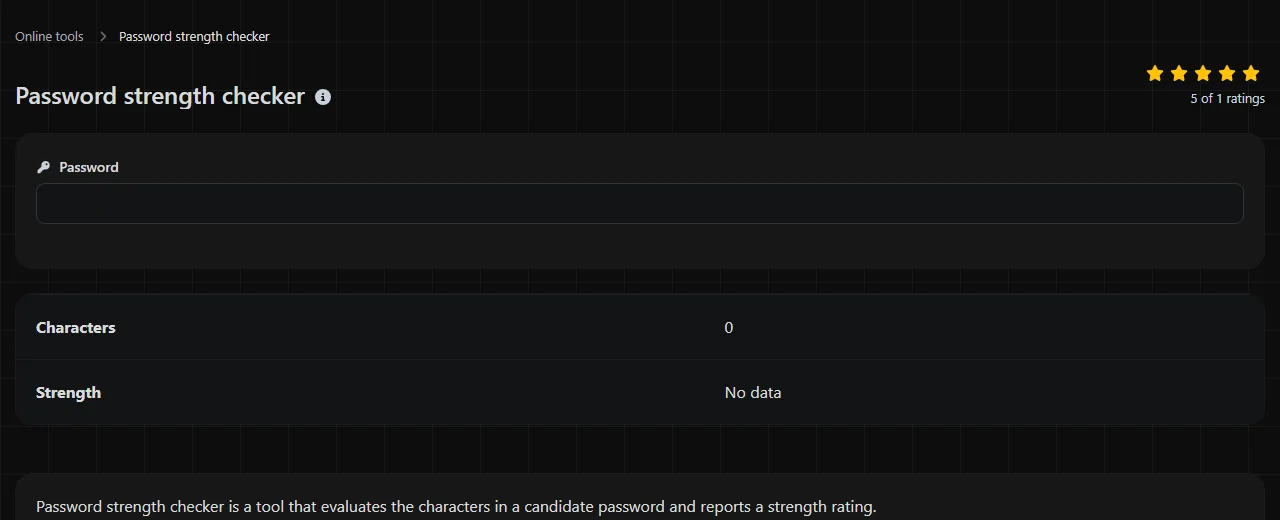
Check the strength of your password.
| Characters | |
| Strength |
Password strength checker is a tool that evaluates the characters in a candidate password and reports a strength rating.
How should I interpret the strength rating?
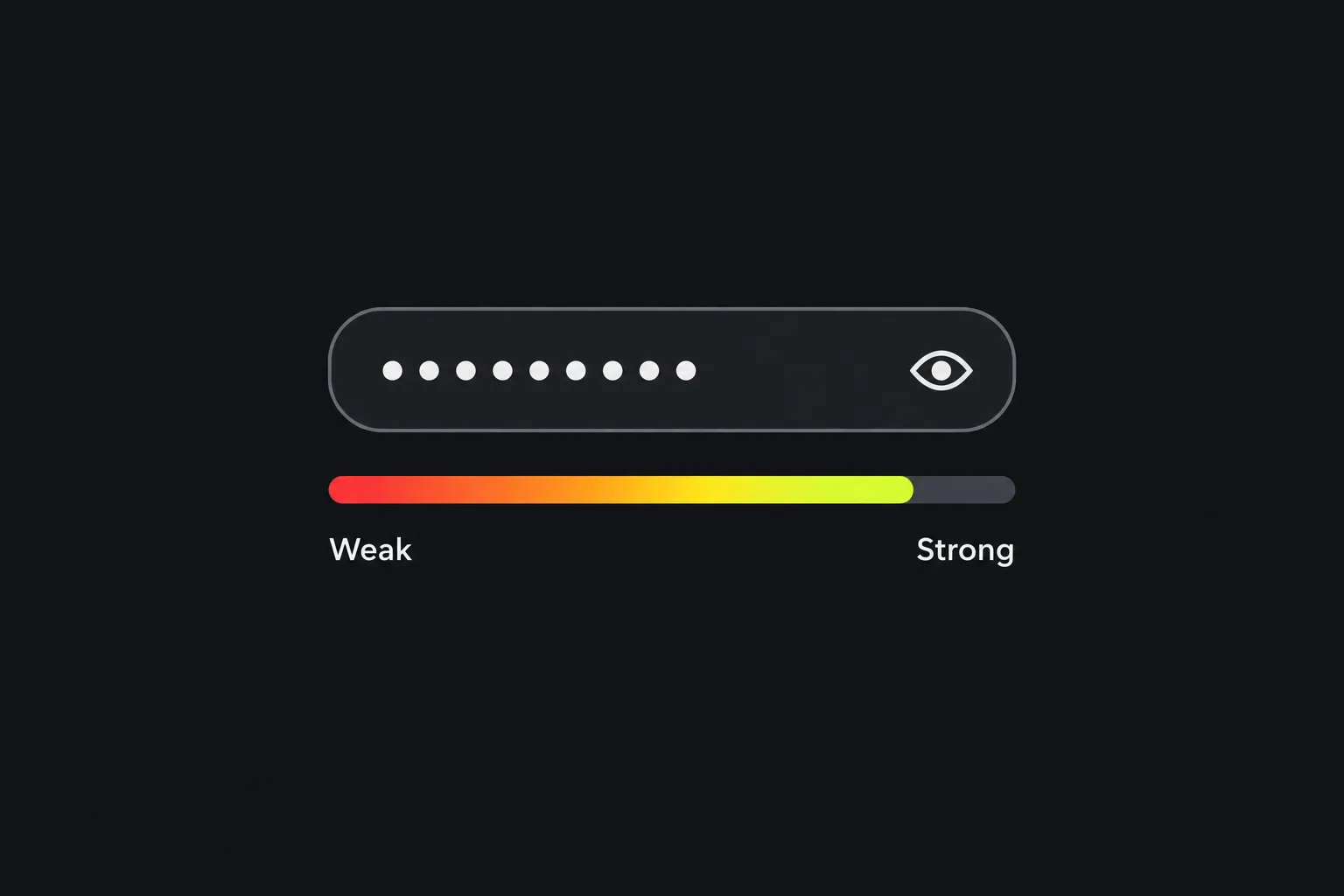
The rating is an estimate of how difficult the entered password may be to guess, not proof that the password is safe. Enter a candidate in Characters, then read the status shown under Strength. The possible states are No data, Very low, Low, Moderate, and Strong.
A checker can evaluate characteristics such as length and character variety, but the exact scoring rules used here are not specified. It also does not say whether the tool checks common-password lists, known data breaches, dictionary words, keyboard patterns, or personal information.
Treat the displayed strength state as an assessment of the entered characters rather than a security guarantee. A password can receive a favorable rating and still be unsafe if it has already been exposed, is shared with another person, or is reused on another account.
- When other factors are held constant, a short candidate generally offers fewer possible combinations than a longer one.
- Longer passwords generally provide more guessing resistance, although recognizable phrases and predictable substitutions can still weaken them.
Safer handling while checking a password
Do not enter a current password for an active account when the processing location is unknown. It is not certain whether the check happens in your browser, on a server, or through another processing method.
For a new account, avoid entering the exact candidate you plan to assign to the account. For an existing account, avoid copying the live password into the checker. You can examine a similarly structured example, but remember that changing its length or characters may change the result.
- Create a similarly structured example that will never be used for another account.
- Check the example before connecting any final credential to an email address, bank login, or workplace system.
- Create the final value separately and store it in a password manager. A notes file, spreadsheet, email draft, or chat message is easier to expose accidentally.
- Delete temporary copies from documents and clipboard-history tools when practical.
Why does length matter more than complexity tricks?
Length usually adds more guessing resistance than predictable complexity tricks such as replacing an "a" with "@" or adding "1!" to the end. Attackers account for common substitutions and familiar password structures when they build guessing lists.
Crack-time estimates describe how long a particular guessing process might take under specific assumptions. An online login may limit repeated attempts, while an attacker with stolen password hashes may be able to make guesses offline. Because the service's hashing method, hardware, rate limits, and the attacker's strategy all affect the result, a strength label cannot provide a universal crack time.
Randomness also matters. A long sequence selected independently by a password manager using an adequately random, unbiased process is difficult to predict. A long quotation, song lyric, or repeated word has more characters but may appear early in an attacker's word-based guesses.
Why is password reuse an everyday security risk?
Password reuse allows one exposed service to put unrelated accounts at risk. Attackers commonly try credentials from one breach against email providers, shopping accounts, social networks, and other services.
This is called credential stuffing. The original password may have been long and complex, but its strength no longer helps once someone knows it. Compromise of an email account, especially through password reuse, is especially damaging because the account can often receive password-reset links for other services.
Assign a different password to every account and let a password manager remember them. If you need a new random candidate, Password generator can help create one, but the receiving website still decides which lengths and characters it accepts.
Should I use a random password or a passphrase?
Use a random password for credentials that a password manager will store, and consider a long passphrase for the small number of secrets you must type or remember. Both approaches can be strong when the result is long, unique, and difficult to predict.
A random-password structure might contain unrelated uppercase letters, lowercase letters, numbers, and punctuation. Do not copy a published example verbatim because anything printed on a public page is no longer secret.
A passphrase should use unrelated words rather than a quotation or familiar expression. Separators can improve readability, but each website sets its own rules. Some systems reject spaces or particular punctuation, and others impose a maximum length.
Numbers, spaces, punctuation, accented letters, and non-Latin characters can all affect a password's character sequence. It is not specified how this checker weighs each type. Before adopting unusual Unicode characters, confirm that the account accepts them consistently across its website, mobile app, recovery screen, and any devices where you must type the password.
Very long input may also encounter a website-specific limit even if a checker accepts it. A strength rating does not confirm compatibility with the service where the password will be used.
Frequently asked questions
Can this checker tell me whether a password appeared in a data breach?
It is not specified whether this checker detects passwords that have appeared in data breaches. A strength rating and a breach lookup answer different questions. Treat a password as compromised if a service, password manager, or reputable breach notification identifies it, then replace it anywhere it was reused.
Should I change every password on a fixed schedule?
Routine changes are less useful than unique passwords because frequent forced changes can lead to predictable variations. Change a password when it may have been exposed, was shared, was reused, or when the account provider requires a reset. Workplace policies may still mandate scheduled changes.
Can a numeric PIN be judged like a regular password?
A password score does not fully describe PIN security. Device PINs and payment PINs are often protected by attempt limits, hardware controls, or account lockouts. Follow the required PIN length and avoid dates, repeated digits, and simple sequences.
What happens if a website silently truncates a long password?
Only the characters retained by that website protect the account. If truncation occurs, the checker's assessment of the full candidate may overstate the value actually used by the service. Save the exact accepted credential in your password manager and verify that autofill works before relying on it.
Is a password manager safe if it stores all my passwords?
For a password manager that uses a master credential, that credential needs to be long, unique, and memorable. Enable multi-factor authentication when the manager supports it, and keep its recovery information somewhere protected. Do not reuse the master credential on any website.
Before saving a new credential
Confirm that the receiving service accepts the complete password, save it under the correct account entry in your password manager, and test the saved login. Keep recovery access protected, and discard only obsolete temporary copies. Enable multi-factor authentication when available, and replace the credential promptly if it is later shared or exposed.
Similar tools
Popular tools
Create a WhatsApp chat link from a phone number, with an optional prefilled message.