Meta tags checker
Get & verify the meta tags of any website.
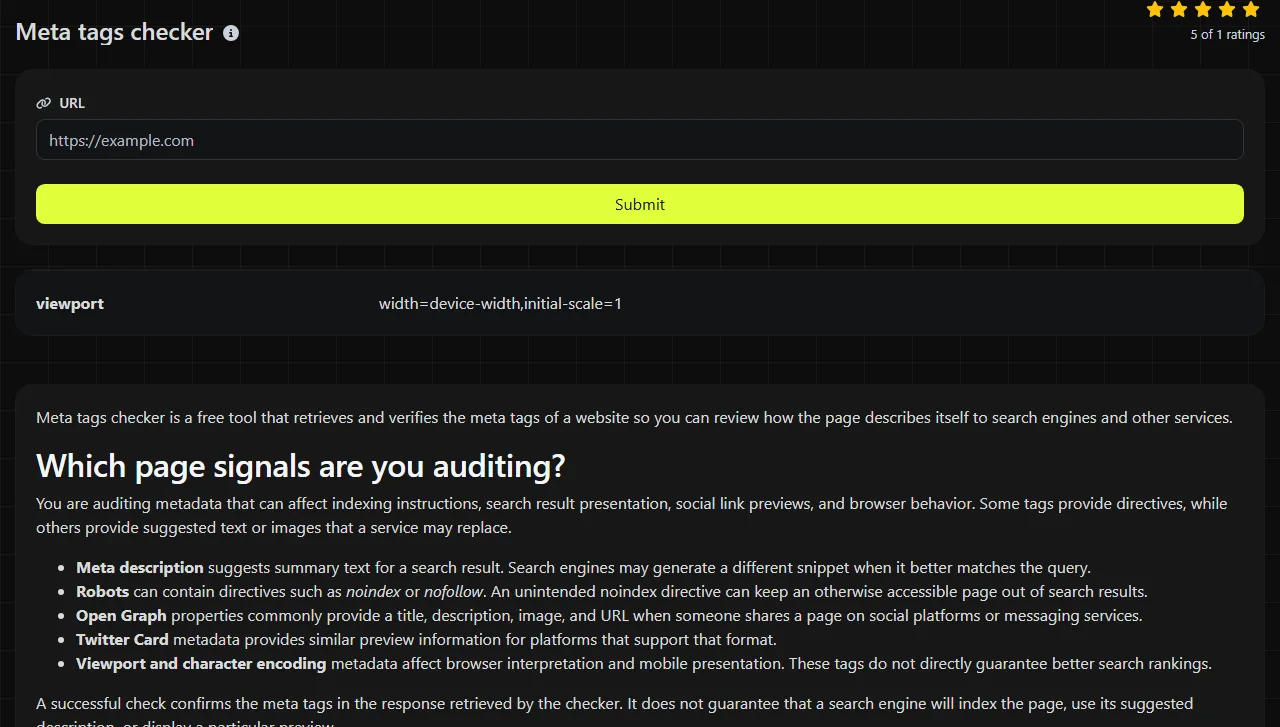
Meta tags checker is a free tool that retrieves and verifies the meta tags of a website so you can review how the page describes itself to search engines and other services.
Which page signals are you auditing?
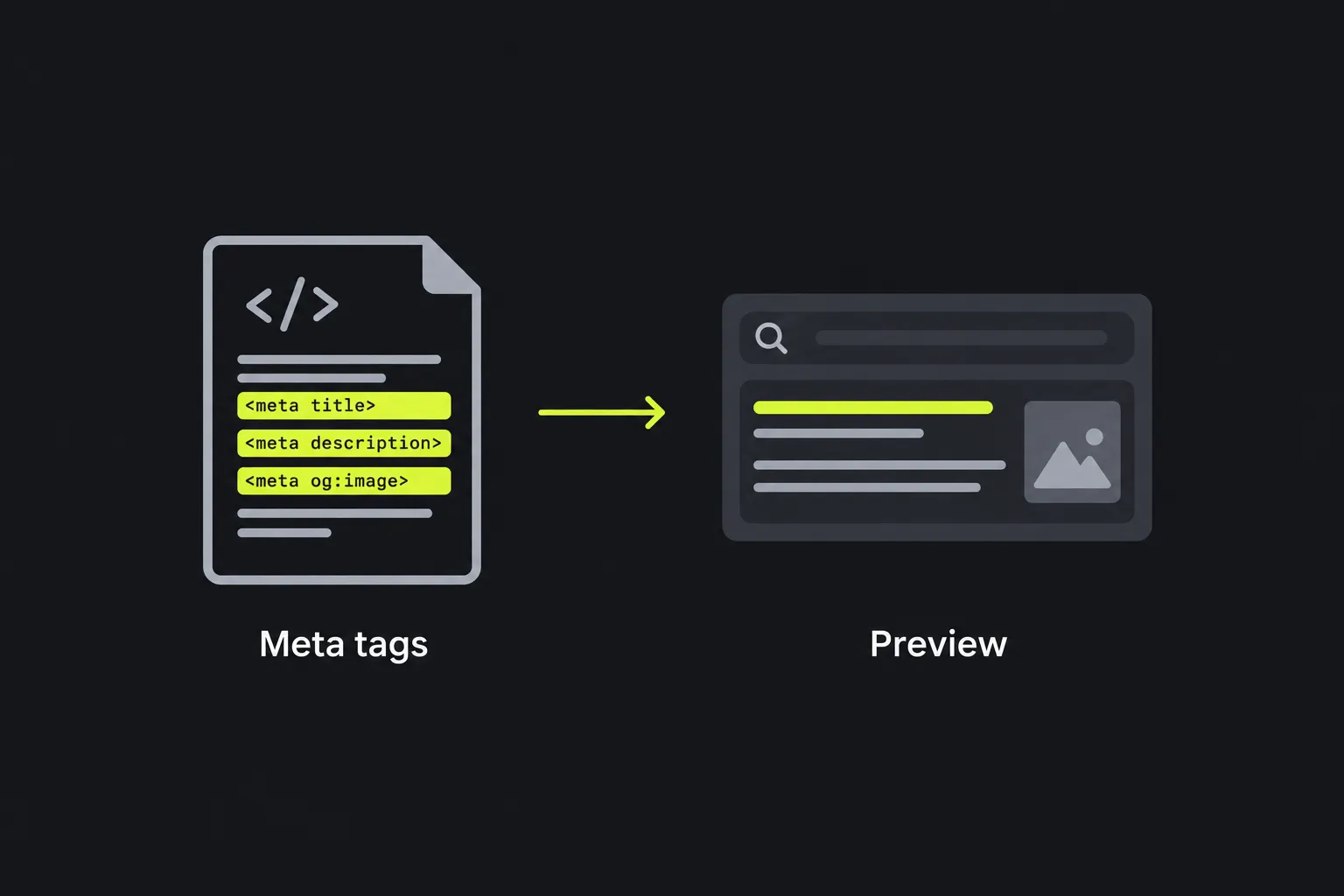
You are auditing metadata that can affect indexing instructions, search result presentation, social link previews, and browser behavior. Some tags provide directives, while others provide suggested text or images that a service may replace.
- Meta description suggests summary text for a search result. Search engines may generate a different snippet when it better matches the query.
- Robots can contain directives such as noindex or nofollow. An unintended noindex directive can keep an otherwise accessible page out of search results.
- Open Graph properties commonly provide a title, description, image, and URL when someone shares a page on social platforms or messaging services.
- Twitter Card metadata provides similar preview information for platforms that support that format.
- Viewport and character encoding metadata affect browser interpretation and mobile presentation. These tags do not directly guarantee better search rankings.
A successful check confirms the meta tags in the response retrieved by the checker. It does not guarantee that a search engine will index the page, use its suggested description, or display a particular preview.
What happens to the URL you submit?
The URL travels over HTTPS to the server, which retrieves the page and checks its meta tags. The submitted input is not stored.
Use the full page address, including the scheme and the specific path you want to inspect. Checking only a home page will not reveal metadata on a product, article, profile, or category page.
- Spaces are not valid as literal characters in a URL and are commonly represented with percent encoding, such as %20.
- Query parameters can cause a server to return a different page or variant, so keep them when they affect the content.
- A fragment such as #shipping is handled by the browser and is not sent as part of the HTTP request.
- Accented and non-Latin domain names use an ASCII-compatible IDNA form during network requests. Non-ASCII path characters are commonly UTF-8 percent-encoded.
- Extremely long URLs may fail because browsers, servers, and intermediary systems have varying length limits.
- Numbers and ordinary URL punctuation have no special SEO meaning beyond their role in the address.
A decision guide for returned metadata
For metadata with a name or Open Graph property attribute, read each returned tag by separating its identifier from its content value. Other meta elements may instead use attributes such as charset or http-equiv.
For example, suppose the fetched HTML contains <meta name="description" content="Waterproof commuter jackets in sizes XS through 3XL.">. The meaningful output is a description value of "Waterproof commuter jackets in sizes XS through 3XL." Review that wording for accuracy, page specificity, and readability rather than treating its presence alone as success.
A robots example might contain <meta name="robots" content="noindex, follow">. The output means crawlers are being asked not to index the page while still being allowed to follow its links. That may be intentional for an internal search page, but it is usually a problem on a public landing page intended to appear in search.
Apply these checks to each returned value:
- Confirm that the tag belongs to the final URL fetched, which may differ from the submitted URL after redirects.
- Look for empty content, duplicate declarations, broken quotation marks, or values copied from another page.
- Compare meta description, Open Graph, and Twitter Card description values. Conflicting descriptions can produce inconsistent previews.
- Check that image URLs are absolute, publicly reachable addresses when another service must fetch them.
- Treat any missing or invalid result as a diagnostic finding, then inspect the page template or content management system field that generates the tag.

Why can valid metadata still produce the wrong preview?
Valid metadata can still produce an unexpected preview because search engines and social services apply their own selection, caching, and quality rules. Correct meta-tag syntax is only one part of evaluating page metadata.
- Generic descriptions often come from a sitewide default. Replace them with text that describes the individual page.
- Duplicate tags may be created by both a theme and an SEO plugin. Choose one source of metadata and remove the competing output.
- Wrong social images commonly result from a relative URL, an inaccessible file, or a template fallback. Publish the intended image at a public absolute URL and update the relevant property.
- Conflicting robots directives send mixed signals. Decide whether the page should be indexed, then align the directives with that decision.
- Malformed markup can come from unescaped quotation marks or an incomplete tag. Correct the generated HTML rather than editing only the visible page text.
- Old previews may remain in an external service's cache after the source page changes. First confirm that the live page returns the new values, then use that service's refresh process if one is available.
A sensible review schedule
Recheck metadata after publishing or editing a page, changing a theme or SEO plugin, modifying shared templates, moving URLs, or completing a site migration. For stable pages, an occasional template-level audit is usually more useful than checking every URL on a fixed daily schedule.
Run another check as soon as the corrected HTML is publicly served. Search results may not change immediately because crawlers must revisit the page and process the update.
Questions people ask about page metadata
Do meta keywords improve Google rankings?
No. Google does not use the meta keywords tag for web ranking, so adding lists of repeated phrases does not improve visibility there. Focus on descriptive page content, titles, crawl access, and useful metadata instead.
Can meta descriptions contain emoji or accented characters?
Yes, provided the response is decoded using a compatible character encoding, preferably UTF-8. A platform may display, replace, or omit some symbols, so use them only when they clarify the text and verify the rendered result separately.
Is it safe to check a URL that contains private information?
A submitted URL travels to the tool's server over HTTPS and is not stored by the tool. Even so, avoid putting passwords, access tokens, email addresses, or other secrets in URL query parameters because the destination website and other infrastructure may record requested URLs.
Do Open Graph tags replace the normal meta description?
No. Open Graph properties are intended primarily for link previews, while a standard meta description is commonly used as a search snippet suggestion. A page can include both, with wording tailored to each context.
Before publishing the fix
Check the exact live URL, confirm that directives match the page's indexing purpose, and compare meta description and social metadata for conflicts. If the page is a public profile whose presentation also depends on an email-based avatar, the Gravatar checker can verify that separate resource.
Popular tools
Create a WhatsApp chat link from a phone number, with an optional prefilled message.