List randomizer
Easily convert a list of given text into a randomized list.

List randomizer is a free tool that rearranges the items in a text list into a randomized order.
What does randomizing a list change?
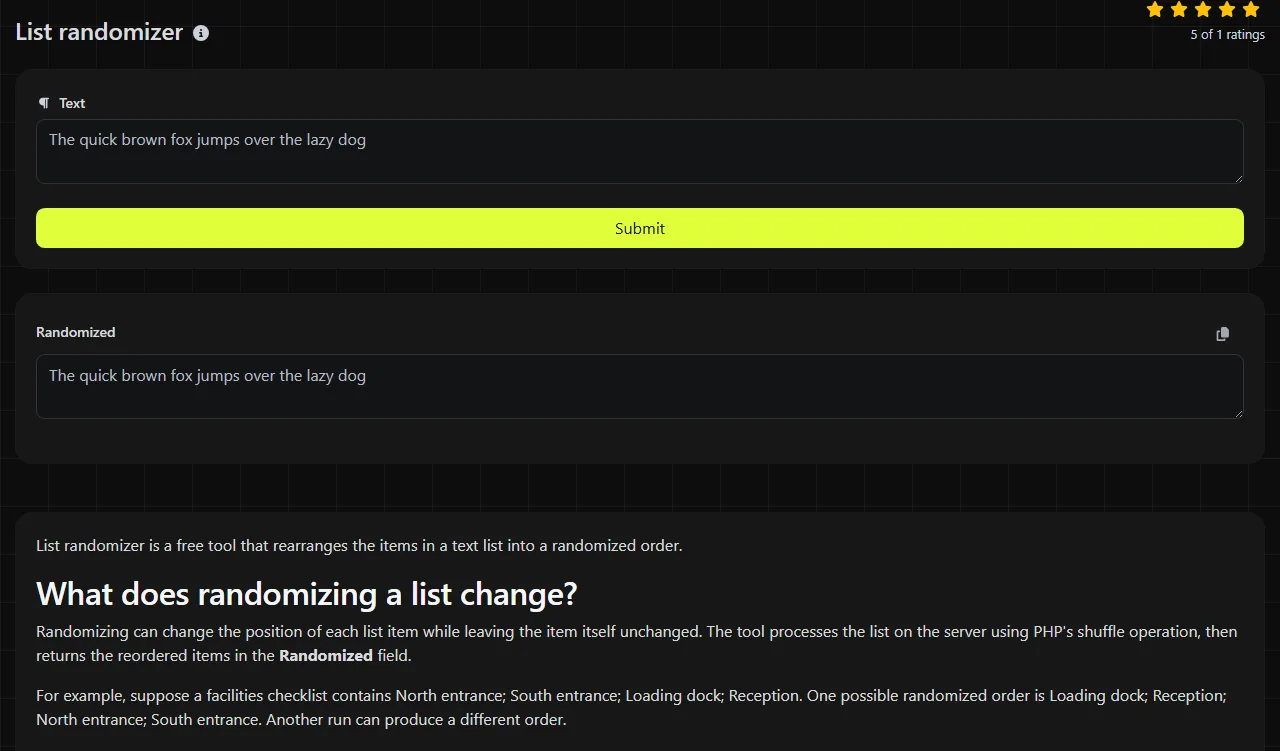
Randomizing can change the position of each list item while leaving the item itself unchanged. The tool processes the list on the server using PHP's shuffle operation, then returns the reordered items in the Randomized field.
For example, suppose a facilities checklist contains North entrance; South entrance; Loading dock; Reception. One possible randomized order is Loading dock; Reception; North entrance; South entrance. Another run can produce a different order.
This operation does not rank entries, remove entries, or select a winner. It also does not provide an independent audit trail, so the result alone is not sufficient evidence for a regulated drawing or other process that requires documented selection rules.
When is a shuffled list more useful than sorting?
A shuffled list is useful when alphabetical, chronological, or priority order would create a repeated advantage or predictable pattern. Common situations include:
- Changing the speaking order for a recurring meeting in Slack or Microsoft Teams.
- Reordering Zendesk ticket IDs before assigning a quality-review batch.
- Mixing rows exported from Excel or Google Sheets before dividing work among reviewers.
- Rotating the order of Mailchimp or HubSpot contacts used for an internal campaign check.
- Setting a new turn order for a tabletop game, workshop, or community event.
For mail-merge data, keep each complete record together. Randomizing names separately from email addresses can break the relationship between columns and send content to the wrong person.
From source list to usable output
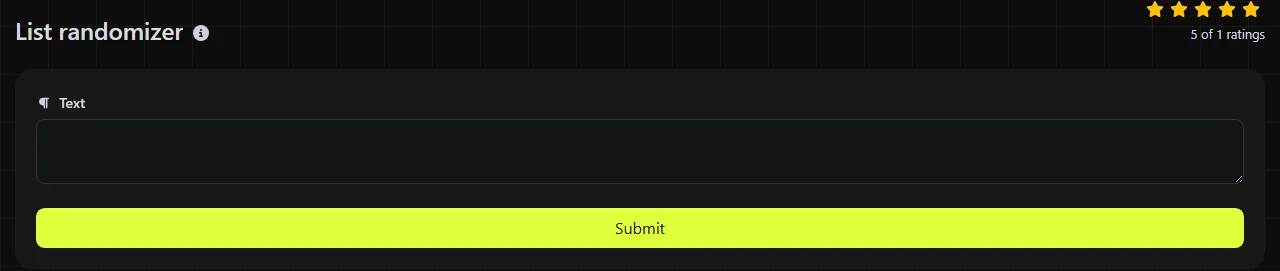
- Start the randomization and wait for the server to process the items.
- Review and copy the result from the Randomized field.
Keep an untouched copy of the original list, especially when moving data back into a spreadsheet. If entries can look alike, add a stable ID such as TKT-1042 or LOC-07 before shuffling. That ID makes it much easier to match the reordered item to its source record later.
If the final text must fit into a limited field, check its length after randomizing with Character counter. Shuffling changes order rather than overall content, but separators and line breaks can still matter when pasting into another platform.
How should I prepare punctuation, numbers, and long entries?
Treat every intended record as one complete list item before running the shuffle. The shuffle operation moves parsed items as units, so punctuation, numbers, accented letters, and non-Latin characters within an item are not sorting criteria and are not intentionally rewritten.
- Keep "Portland, OR" together if the comma belongs to the location.
- Keep a full spreadsheet row together when its cells represent one contact or transaction.
- Remove headings that should remain at the top, since a heading included as an item can move.
- Check accidental empty entries before processing.
An empty list has nothing to rearrange, and a one-item list has only one possible order.
Frequently asked questions
Does capitalization affect where an entry appears?
No comparison or alphabetical sorting is involved, so uppercase and lowercase letters do not determine position. "ALPHA," "Alpha," and "alpha" can each move independently if they are separate items.
Can I use the first few shuffled entries as a statistical sample?
Taking the first entries after a shuffle is a common way to form a basic random subset. It is not a complete sampling method when the source list has missing groups, repeated records, or other coverage problems, and the output does not document a reproducible sampling procedure.
Can I paste confidential names or customer records?
The input travels to the server over HTTPS, is processed there, and is not stored. Even with that handling, avoid submitting regulated or highly sensitive information unless your organization's data policy permits processing it through an external server.
Will numbered entries receive new numbers?
Numbers written inside an item remain part of that item, so "3. Review contract" keeps the number 3 when it moves. If numbering needs to reflect the new sequence, remove the old sequence numbers first and add fresh numbers after randomizing.
Popular tools
Create a WhatsApp chat link from a phone number, with an optional prefilled message.