HTML minifier
Minify your HTML by removing all the unnecessary characters.

HTML minifier is a free tool that removes unnecessary characters from HTML and reports the character counts before and after minification.
Where does HTML minification fit in a release workflow?
HTML minification usually belongs near the end of a release workflow, after templates have been rendered and the resulting markup has been checked. It reduces formatting characters intended for people, such as removable whitespace, so fewer characters need to be transferred or stored.
The operation is useful when preparing a static site for deployment or confirming that generated pages are not carrying large amounts of indentation and blank space. It can also help isolate differences between readable development output and production output.
Minification is separate from validation. A validator checks whether markup follows HTML syntax and nesting rules. A minifier reduces the source while trying to preserve browser behavior. If a document contains an unclosed quote, a malformed attribute, duplicate IDs, or incorrectly nested elements, validate and test it before treating minification as the final build step.
How should you run a pre-deploy check?
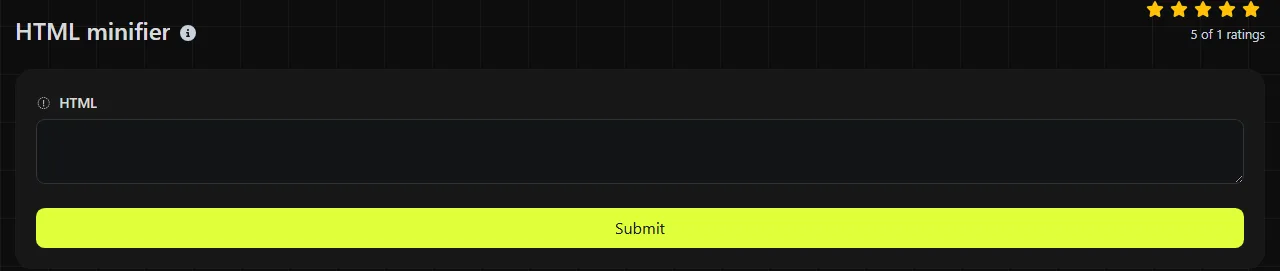
Paste the rendered document into the HTML field, run the tool, and review both the returned markup and its character counts. Use the actual page source produced by the application rather than an unrendered template whenever possible.
- Save a copy of the readable HTML source so you can inspect tags, attributes, and text-node boundaries during debugging.
- Check the HTML for malformed tags, missing attribute quotes, and unexpected template output.
- Enter the document in the HTML field and run the minification operation.
- Copy the Minified HTML result into a test build.
- Compare the page visually and exercise forms, navigation, embedded widgets, and scripts that inspect the DOM.
The input travels to the server over HTTPS, and it is not stored. Processing does not happen solely in the browser, so avoid submitting secrets, access tokens, private customer records, or internal markup that your organization does not permit you to send to an external server.
Character counts as a deployment check
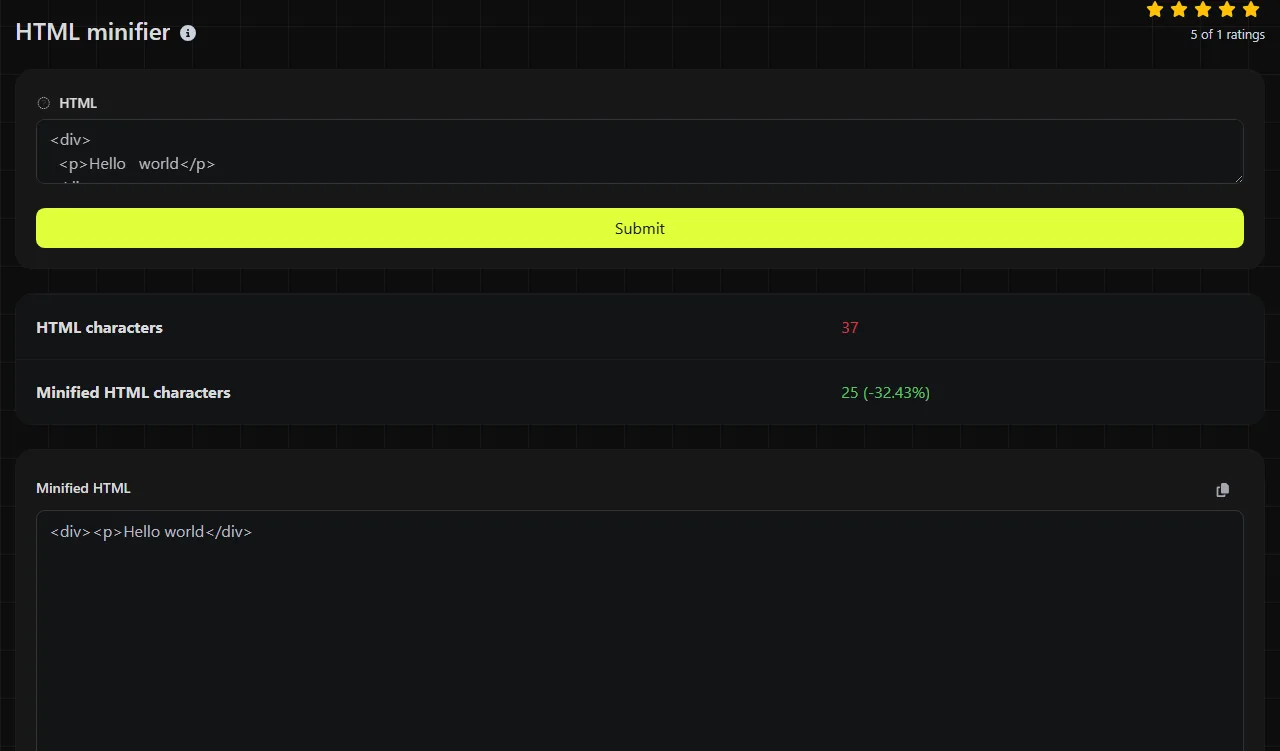
The result includes HTML characters and Minified HTML characters. These values let you compare the input length with the returned output without manually copying each version into another counter.
A character count is not the same as a file size in bytes. ASCII characters commonly occupy one byte in UTF-8, while accented letters, emoji, and many non-Latin characters use multiple bytes. HTTP compression, response headers, transfer encoding, and the final document encoding also affect the number of bytes sent over the network.
A lower count confirms that characters were removed, but it does not prove that the page is valid or that browser behavior is unchanged. The tool returns minified HTML and counts. It does not return a documented validation report or a separate error list. Use an HTML validator and browser tests when syntax diagnostics are required.
Which markup needs extra review after minification?
Markup in which whitespace carries meaning needs extra review, especially preformatted content and text nodes in an inline formatting context. HTML whitespace is context-dependent. Whether whitespace text nodes affect rendered separation depends on CSS display behavior and the inline formatting context.
A small, simplified hypothetical transformation looks like this:
- HTML input: <main> <p>Build complete.</p> </main>
- Hypothetical minified transformation: <main><p>Build complete.</p></main>
Here, whitespace text nodes that do not affect rendered separation are removed. Actual output from the tool is the result shown in Minified HTML, so use that field rather than assuming every minifier applies identical rules.
Review these cases closely:
- Content inside <pre> and <textarea>, where spaces and line breaks can be significant.
- Adjacent elements participating in an inline formatting context, such as <span>Hello</span> <span>there</span>, where the separating whitespace text node may be visible.
- Conditional markup, server-side placeholders, and framework-specific attributes.
- Inline SVG, embedded structured data, and scripts that read exact text-node contents.
- Empty input or a document made mostly of whitespace, which may produce little useful output.
Numbers, punctuation, accented characters, and non-Latin text are valid content and should not be removed merely because they are not ASCII. Very long documents also deserve browser testing because a character reduction says nothing about rendering correctness.
Cases that do not justify another build step
Minification is usually not worth doing when the HTML is already minified or when only a machine will read it and transfer size is not a concern. Running HTML that already contains little indentation or removable whitespace through another minifier often produces little or no meaningful reduction.
Prettifying HTML only for a browser or crawler to consume is also unnecessary. Keep readable HTML source in version control and generate compact deployment markup separately. This preserves useful diffs and line-oriented debugging without sending development formatting in production responses.
For applications that already minify rendered HTML during a build, CDN, or server response stage, adding another pass can complicate troubleshooting. Check whether the existing pipeline already minifies the rendered HTML. If the page also has separate stylesheets or scripts, CSS minifier and JS minifier address those files independently. Markdown to HTML is appropriate earlier in a workflow when the source content begins as Markdown.
Frequently asked questions
Can minified HTML be restored to its original formatting?
No. A formatter can add indentation and line breaks, but it cannot reliably reconstruct the author's exact spacing or any content removed during minification. Keep the original HTML source in version control rather than relying on a formatter to reverse minification.
Does HTTP compression make HTML minification unnecessary?
HTTP compression and minification solve related but different problems. Compression reduces transferred bytes, while minification reduces the source before compression and can also reduce stored or cached content. The additional benefit may be small for short pages, so measure the deployed response rather than assuming a noticeable change.
Does the tool report a percentage reduction?
The returned fields provide HTML characters and Minified HTML characters, not a percentage reduction. Use those counts to calculate a percentage if needed.
Can I submit a complete HTML document with a doctype?
If you try submitting a complete document with its doctype, head, and body markup, verify the returned result. Confirm that document-level declarations, metadata, and any embedded content needed by the page remain present in the returned result.
Should generated HTML be minified before or after caching?
Minify before storing the production response in a cache when the same rendered document will be served repeatedly. For personalized or rapidly changing pages, runtime minification may add work on each uncached request, so build-time or response-pipeline processing is often easier to control.
Similar tools
Popular tools
Create a WhatsApp chat link from a phone number, with an optional prefilled message.