Email extractor
Extract email addresses from any kind of text content.
Email extractor is a free tool that finds email addresses in pasted text and reports how many matches it found.
When is pulling addresses out of a block of text useful?
It is useful when email addresses are mixed with names, notes, message history, or other content that you do not want to copy manually. Common examples include contact details pasted from a WordPress form, support requests copied from Gmail, or registration records exported from Google Sheets or Microsoft Excel.
- Collect addresses from meeting notes before preparing an Outlook mail merge.
- Separate contact details from a CSV column that also contains names and comments.
- Find addresses in a long email thread without scanning every signature.
- Prepare a list for review before importing records into Salesforce or another CRM.
- Pull addresses from plain-text event registrations or survey responses.
A practical tip is to remove quoted email history and signatures that you do not need before extraction. That reduces repeated matches and gives you a shorter list to review.
A quick extraction workflow
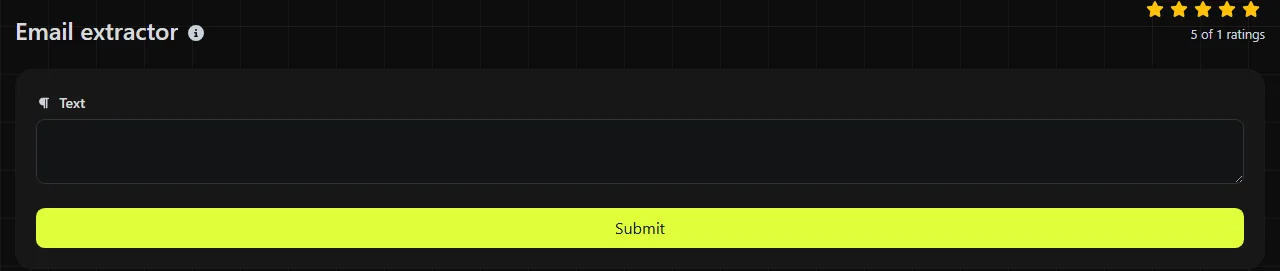
- Paste the source text containing the email addresses into the tool.
- Run the email-address extraction.
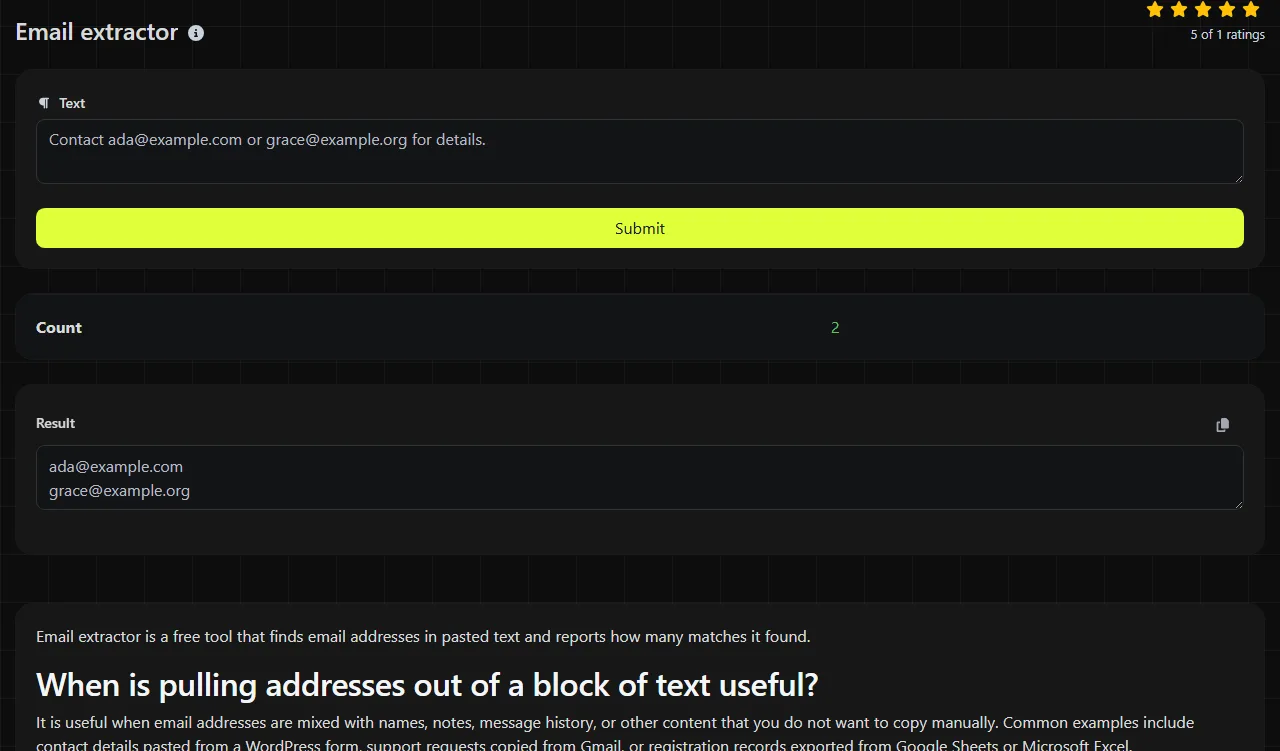
- Review the extracted addresses and the Count before copying them elsewhere.
For example, the input "Email Maya at maya@example.com or send invoices to billing@example.org" contains two straightforward addresses. The extracted output is maya@example.com and billing@example.org, and the Count is 2.
The tool performs its matching on the server using PHP pattern matching through preg_match_all. Your input travels to the server over HTTPS and is not stored. Avoid submitting contact data if your organization's policy prohibits processing it through an external server.
Checking the matches before reuse
The Count tells you how many email-pattern matches the tool found. It does not tell you how many distinct people, active mailboxes, or consenting recipients are represented.
Repeated addresses can appear when the same contact is included in a message header, signature, and quoted reply. Compare the count with the extracted list, then remove repeated lines if needed. Duplicate lines remover can help when each address is on its own line. If the source mixes emails with website links, URL extractor may be useful for handling those separately.
Why can a valid-looking address be skipped?
An address may be skipped when its syntax falls outside the pattern the extractor recognizes. Email syntax has uncommon but technically permitted forms, including quoted local parts and internationalized characters, that many practical matching expressions do not fully cover.
Spaces normally split an address, so "alex @ example.com" is not standard email syntax. Commas and periods often act as surrounding punctuation, but punctuation can also be part of certain valid local parts. Numbers are permitted in ordinary addresses such as account27@example.com. Accented or non-Latin characters require internationalized email support, which is not handled consistently across websites, mail systems, and pattern-based extractors.
An empty input has no address to match. For a very long document, splitting it into smaller sections can make reviewing the email-address matches easier even when the matching operation itself is straightforward.
Can extracted addresses go straight into a contact database?
No, extracted addresses should be reviewed before a CRM, mail-merge file, or mailing platform import. Pattern matching can identify text shaped like an email address, but it does not confirm that the mailbox exists, belongs to the named person, or is appropriate to contact.
Check for truncated text, copied punctuation, repeated records, role accounts such as sales@example.com, and addresses taken from quoted correspondence. Extraction also does not create permission to send marketing email. Consent, suppression lists, and applicable rules still need separate handling.
Frequently asked questions
Can an email extractor verify that an inbox exists?
No. Verification usually requires a confirmation message or a specialized validation process, and even server-level checks may be inconclusive. An extracted address can be correctly formatted while still being abandoned, mistyped, or unable to receive mail.
What should I do with duplicate email addresses?
Keep one copy only if the records genuinely refer to the same contact and purpose. Do not merge records solely because their addresses look similar, since shared mailboxes and aliases may represent different workflows. Preserve the original source until you finish checking the cleaned list.
Are plus-addressed emails separate addresses?
An address such as jordan+receipts@example.com is syntactically distinct from jordan@example.com, although some providers deliver both to the same inbox. Provider behavior varies, so do not remove the plus tag automatically. It may identify the signup source or a filtering rule.
Can it find addresses written as "name at example dot com"?
Do not assume that obfuscated wording will match. Text written with "at" and "dot" is not in ordinary email-address syntax because it lacks the expected @ sign and domain punctuation. Convert it manually only when you have a legitimate reason to use the address.
Before the import
Open the final extracted email-address list in the destination format and inspect the first and last few records. Confirm that each row contains the expected address, remove headings or blank lines, and keep a copy of the original text in case you need to trace a questionable match.
Popular tools
Create a WhatsApp chat link from a phone number, with an optional prefilled message.