BBCode to HTML
Convert forum BBCode snippets to raw HTML code.
BBCode to HTML is a free tool that converts BBCode snippets into raw HTML for forum migrations, CMS imports, templates, and other publishing workflows.
What is BBCode?
BBCode is a lightweight markup format that uses bracketed tags such as [b], [url], and [quote] to describe formatting without allowing authors to write HTML directly. It became common in forum software, comment systems, and community platforms where administrators wanted a restricted posting syntax.
Unlike HTML, BBCode has no single formal standard. Platforms may define different tag names, attributes, nesting rules, and custom extensions. A basic [b] tag is widely understood, while tags for videos, spoilers, alignment, or embedded attachments often depend on the system that created the content.
Converting BBCode to HTML solves a practical compatibility problem. An archive, API response, or database export may contain BBCode, but a destination CMS or web template may expect HTML. Converting the markup provides HTML elements that browsers and publishing systems can interpret.
Where does BBCode-to-HTML fit in a migration?
BBCode-to-HTML conversion usually belongs between extracting the source content and importing it into the destination system. Convert a representative sample first, then compare the returned HTML with the source platform's rendered version before processing a larger collection.
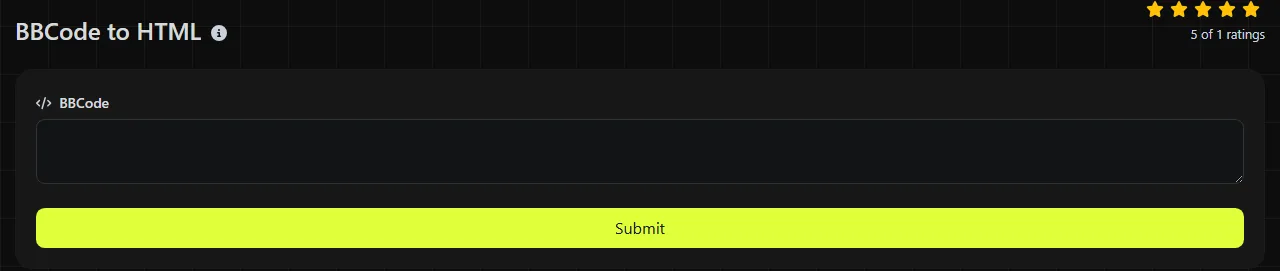
- Copy a complete snippet into the BBCode field, including surrounding tags and attributes.
- Convert it and review the raw code in the HTML field.
- Check links, quotes, lists, code blocks, and any platform-specific tags.
- Place the HTML in a staging page that uses the destination site's CSS.
- Apply the destination system's sanitization and security requirements before publishing.
This workflow is useful when debugging an old forum post, preparing content for a CMS import, or interpreting third-party data that contains bracketed markup. Keep the original BBCode during a migration so you can rerun the conversion if the target schema or parser rules change.
Conversion patterns in plain text
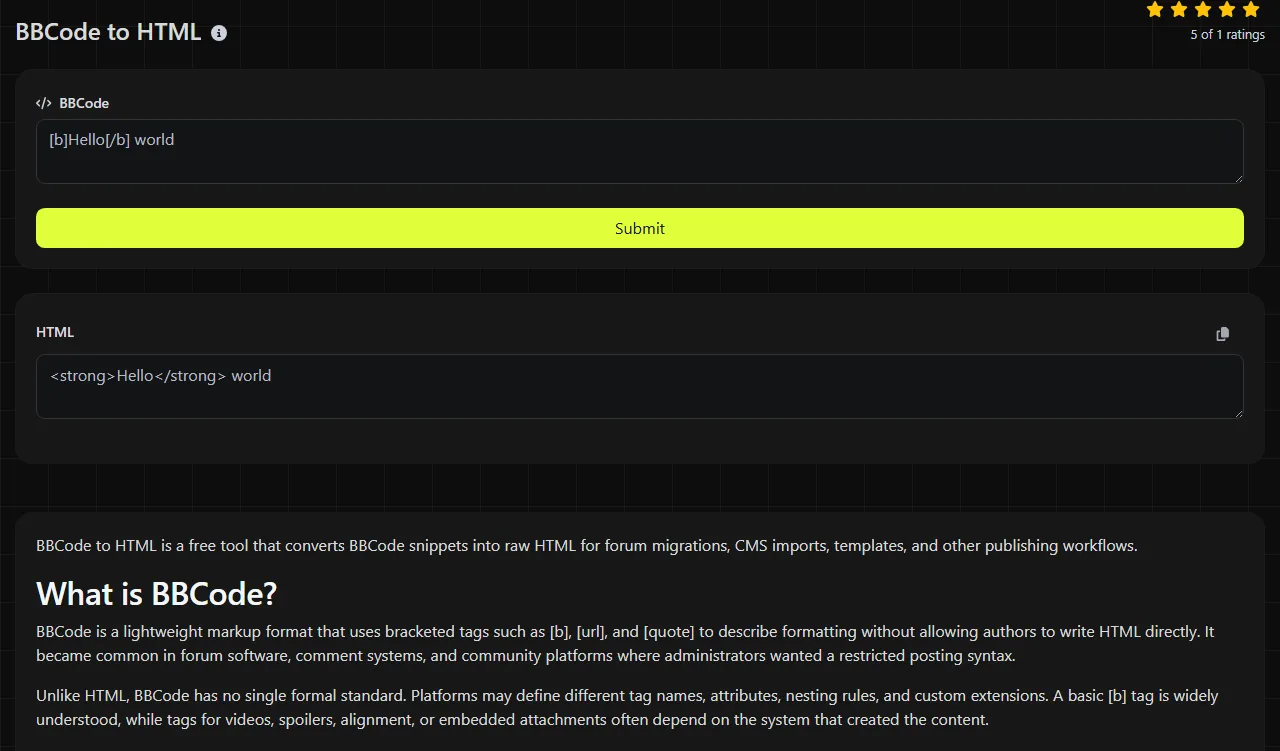
A converter maps recognized BBCode tags to HTML elements while retaining the content between them. For example, this common BBCode input describes bold text.
[b]Release 2.4[/b]
A common HTML representation is:
<strong>Release 2.4</strong>
Some parsers use <b> instead of <strong>. Both can appear bold in a browser, but they have different semantic conventions, so inspect the actual returned code rather than assuming a particular element.
A labeled link commonly follows this pattern.
[url=https://example.com/changelog]Read the changelog[/url]
The corresponding HTML form is commonly:
<a href="https://example.com/changelog">Read the changelog</a>
Read the result as raw HTML, not as a visual preview. As recommended consistency checks, opening and closing tags should match where both are used, attribute values should be quoted, and text containing reserved HTML characters should be encoded appropriately. Styling the generated HTML is a separate layer. A converted quote or list can look plain until the destination page supplies CSS.
What happens with malformed or unusual BBCode?
Malformed or unsupported BBCode can produce literal bracketed text, missing formatting, or HTML that differs from the source rendering. Common causes include an unclosed tag, mismatched closing tags, incorrect nesting, malformed attributes, and custom tags known only to the source platform.
- Unclosed markup such as [b]Status may affect the remaining content, be ignored, or remain visible as text, depending on parser rules.
- Mismatched tags such as [b]text[/i] do not express a valid formatting pair.
- Custom tags such as [spoiler], [video], or an attachment identifier may require platform-specific handling.
- Spaces and punctuation are ordinary content between tags, but they can change how an unquoted or malformed attribute is parsed.
- Accented and non-Latin characters are valid in modern HTML. Their correct display still depends on the surrounding document using an appropriate character encoding, commonly UTF-8.
- Numbers are ordinary text unless they occur in an attribute with special meaning to a particular BBCode dialect.
Do not assume conversion is also validation. The documented purpose of this tool is conversion, and it does not define a list of parser errors that it reports.
When should content remain as BBCode?
Content should remain as BBCode when the destination already renders the same dialect correctly or when the material is being preserved as an original source record. Repeated conversion adds work and may lose platform-specific meaning.
Conversion is also unnecessary for content that only a machine will store and return unchanged, or for BBCode shown as a literal code example. Converting an already converted HTML document is not useful and may expose bracketed text inside code samples to unintended parsing. If the task is checking structured API data rather than forum markup, a JSON validator & beautifier is the more relevant operation.
Converting BBCode does not by itself establish that the HTML is safe to publish. HTML generation, sanitization, URL policy, and browser rendering are separate concerns. Review content from untrusted authors under the destination application's security rules.
Questions developers often ask
Is there an official BBCode specification?
No single specification governs every BBCode implementation. Basic formatting tags are broadly shared, but attributes, nesting behavior, and media tags differ among platforms. Identify the source application's dialect before planning a bulk conversion.
Why do code blocks need separate testing?
Text inside [code] blocks may contain brackets that resemble real BBCode tags. A parser should treat that material according to its code-block rules rather than formatting it as normal post content. Test examples containing nested brackets, HTML characters, and closing-tag text.
Can the returned HTML be pasted into React JSX?
Raw HTML is not the same syntax as JSX. Attribute names and insertion methods differ, and inserting an HTML string through a framework API can create a security risk if the content has not been sanitized. Use the framework's documented HTML-rendering mechanism and apply an appropriate sanitizer.
Should converted links receive rel attributes?
That depends on where the links came from and the destination site's policy. User-generated external links commonly need additional handling for moderation, search policy, or opening behavior. Add those rules during post-processing rather than assuming BBCode conversion will enforce them.
Does the conversion happen in my browser?
No. The BBCode is sent to the server over HTTPS for processing, and the input is not stored. Because the input leaves the device, remove passwords, private tokens, personal records, or other secrets before submitting a snippet.
Pre-deploy checks
- Compare several converted posts with their original rendered versions.
- Search the output for leftover square-bracket tags and source-specific attachment references.
- Validate the resulting document structure after inserting the fragment into its final template.
- Run the destination application's sanitizer and test external URLs, embedded media, and code blocks on a staging page.
Popular tools
Create a WhatsApp chat link from a phone number, with an optional prefilled message.