Base64 decoder
Decode Base64 input back to a string.
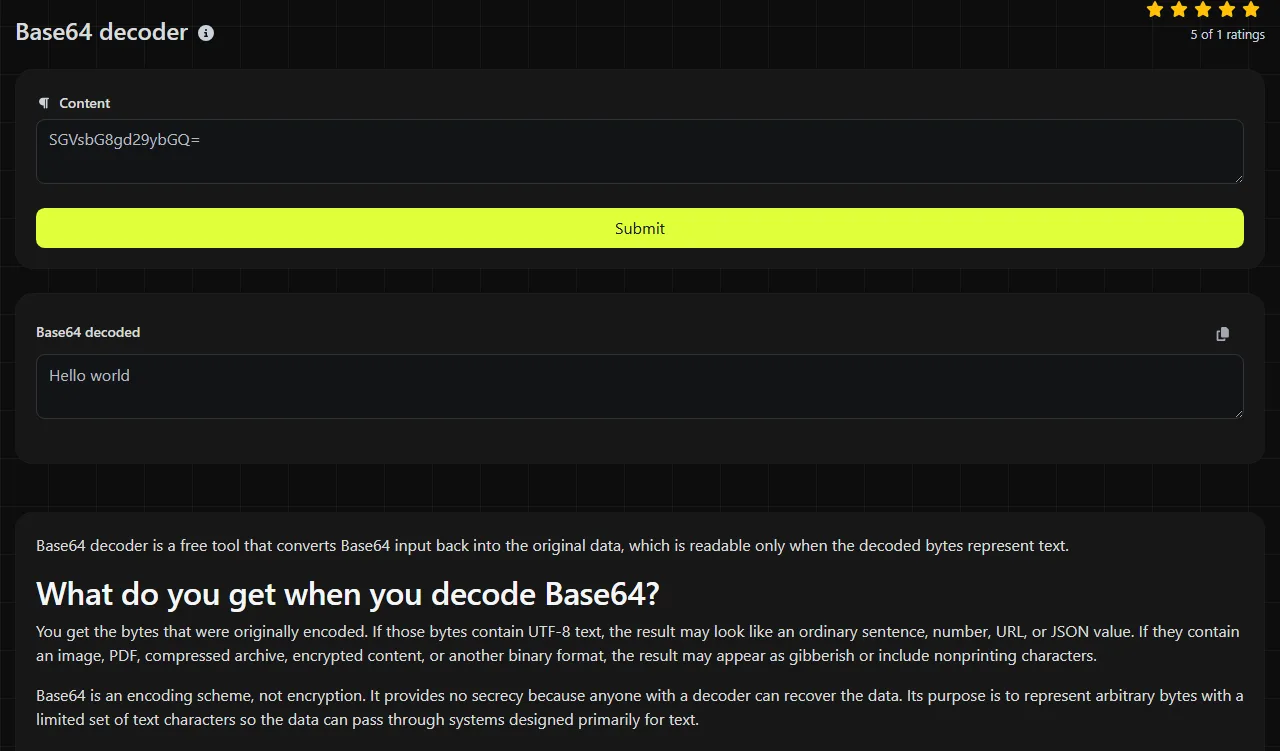
Base64 decoder is a free tool that converts Base64 input back into the original data, which is readable only when the decoded bytes represent text.
What do you get when you decode Base64?
You get the bytes that were originally encoded. If those bytes contain UTF-8 text, the result may look like an ordinary sentence, number, URL, or JSON value. If they contain an image, PDF, compressed archive, encrypted content, or another binary format, the result may appear as gibberish or include nonprinting characters.
Base64 is an encoding scheme, not encryption. It provides no secrecy because anyone with a decoder can recover the data. Its purpose is to represent arbitrary bytes with a limited set of text characters so the data can pass through systems designed primarily for text.
Base64 input: SGVsbG8h
Decoded output: Hello!
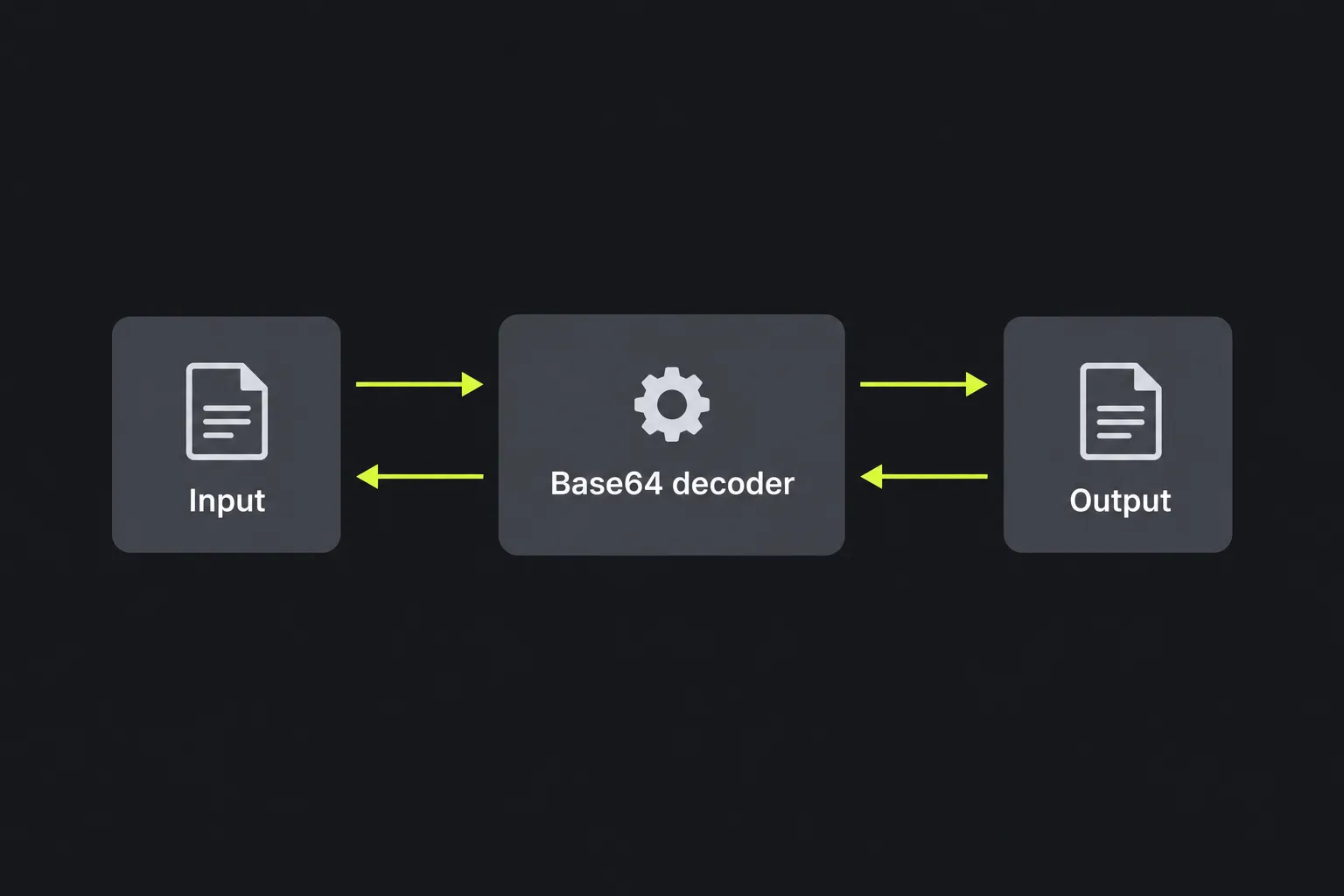
Decode a value step by step
- Copy only the Base64 portion of the source. Remove surrounding quotation marks, labels, or a data URI prefix when they are not part of the encoded payload.
- Submit the value to the decoder.
- Read the result in the Base64 decoded field.
- Check whether the output matches the expected data type. Readable text should use the expected character encoding, commonly UTF-8.
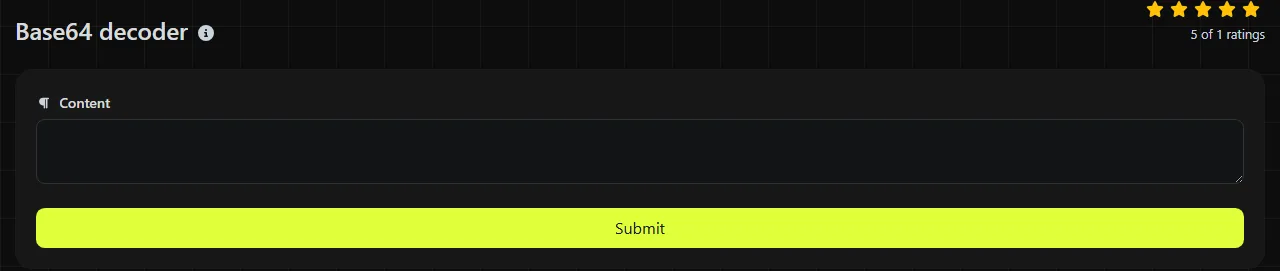
For another example, U2FtcGxlIDEyMw== decodes to Sample 123. Spaces, punctuation, and digits are preserved because Base64 works with bytes rather than interpreting their meaning.
Processing takes place on the server. Your input travels to the server over HTTPS and is not stored. Avoid submitting secrets when server-side processing conflicts with your organization's data-handling rules.
Which Base64 alphabet should you expect?
The source system determines which alphabet you should expect. Standard Base64 uses uppercase letters, lowercase letters, digits, plus signs, and slashes, with equals signs commonly used for padding. MIME email bodies and many JSON payloads use this form.
Base64url replaces the plus sign with a hyphen and the slash with an underscore. It commonly appears in URLs, query parameters, cookies, and token formats because plus signs and slashes have special meanings in some URL-processing contexts. A standard decoder may produce an incorrect result or fail when given Base64url data without conversion.
Padding is another source of variation. Some systems omit trailing equals signs, especially in URL-safe values. Other decoders expect the length to be completed to a multiple of four with padding, so restoring one or two equals signs may resolve an otherwise valid input.
Why is Base64 placed inside URLs, email, and JSON?
Base64 is placed in these formats because they often need to carry bytes through text-oriented fields. The encoded form is larger than the original data, but it avoids many problems caused by raw control characters and arbitrary binary bytes.
- Data URIs can embed a small image or font directly in HTML or CSS after a media type and the base64 marker.
- Query strings sometimes carry encoded identifiers or state. Base64url is generally a better fit because its alphabet avoids plus signs and slashes.
- Email uses Base64 as a MIME content-transfer encoding for attachments and message parts that cannot be represented safely as plain text.
- JSON payloads may encode images, certificates, or other binary values because JSON has no native byte-array type.
If the source is an image payload, Base64 to Image may be more suitable because it treats the decoded bytes as image data. Base64 encoder performs the reverse operation.
Diagnosing malformed and binary output
A failed or unreadable result usually points to a format mismatch, altered input, or binary content. Check the Base64 alphabet, padding, and expected decoded data type before assuming the data is corrupt.
- Wrong alphabet: Hyphens and underscores suggest Base64url rather than standard Base64.
- Missing padding: An unpadded value may need one or two equals signs, depending on its length and the decoder being used.
- Binary data: Image, PDF, archive, and encrypted bytes are not expected to become readable text.
- Character encoding mismatch: Accented letters, emoji, and non-Latin writing can look wrong when UTF-8 bytes are interpreted as Windows-1252 or another character set.
- Double encoding: If the output still resembles Base64, the source may have been encoded twice. A second decode may be appropriate only when the producing system confirms that structure.
- Transport changes: Form processing can turn a plus sign into a space. Copying from wrapped email may also introduce whitespace or line breaks.
An empty Base64 value represents zero bytes, so a blank result can be valid. The Base64 format has no fixed maximum input size, but very large files are generally easier to handle with a file-aware application or command-line process.
Base64 decoder FAQ
How can I tell whether a value is actually Base64?
A value containing only the expected alphabet, with a length near a multiple of four, is a possible Base64 value. That pattern is not proof because ordinary identifiers can use the same characters. Context from the source system is the more reliable indicator.
Can Base64 preserve emoji and accented characters?
Yes, Base64 preserves the encoded bytes for emoji and accented characters. Correct display depends on decoding those bytes with the same character encoding used before Base64 conversion, usually UTF-8.
Should I include the data URI prefix?
No, the prefix is metadata rather than part of the Base64 payload. For data:image/png;base64,iVBORw0KGgo..., the encoded data begins after the comma. Keep the media type separately if you need to identify the resulting file.
Can separate Base64 values be joined before decoding?
Do not join independently padded values unless the format specifically permits it. Padding can mark the end of each encoded segment, and simple concatenation may cause a decoder to stop early or produce unexpected bytes. Decode each segment separately when boundaries are known.
Is there a command-line alternative for large data?
Yes. Linux, macOS, and Windows environments have Base64-capable command-line utilities, although their flags differ. A command-line tool can write binary output directly to a file, which avoids displaying arbitrary bytes in a text result field.
Before passing the result onward
Confirm the expected file type, character encoding, and Base64 variant with the system that produced the value. Do not execute or open unknown decoded files merely because decoding completed. Base64 can carry any bytes, including unsafe content, and decoding does not validate what those bytes contain.
Similar tools
Popular tools
Create a WhatsApp chat link from a phone number, with an optional prefilled message.