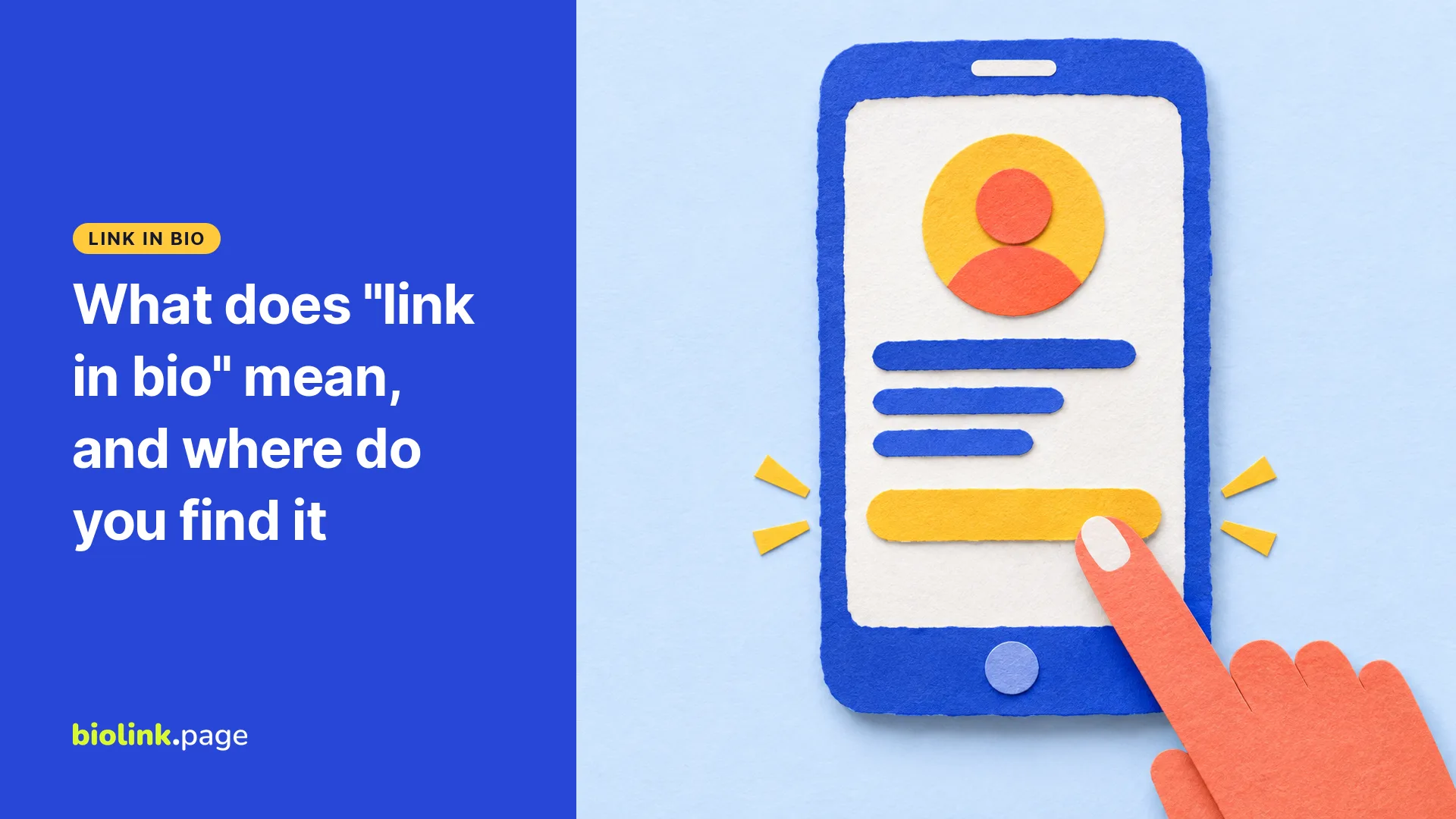
"Link in bio" means the person who made the post has put a tappable link on their profile page and wants you to go there to find it. The link isn't in the post, so you tap the account name, look just below the short bio text, and tap the link you see there. It's the profile's link field, not a web address typed into the bio text itself.
You'll see it on Instagram and TikTok under product photos, recipe videos and giveaways. In plain terms it says "the thing I'm talking about is a couple of taps away on my profile."
Where do you find the link in someone's bio?
The link in bio sits on the account's profile page, usually under the name and the bio text, on both Instagram and TikTok.
- Tap the username or profile photo on the post.
- On the profile, look below the bio text for a line that looks like a web address, often next to a small link icon.
- Tap it. If the account has added more than one link, the app may show a short list for you to pick from.
- The page normally opens in the app's own built-in browser. If you'd rather use Safari or Chrome, look in the built-in browser's menu for an option to open the page there, if the app offers one.
On TikTok the link appears in the same spot, but not every account is allowed to add one, so some creators who say "link in bio" on TikTok have nothing there yet. Our guide to TikTok's link in bio requirements explains who can add a link.
Why do people say "link in bio" instead of putting the link in the post?
Creators say "link in bio" because, without a paid plan, an Instagram post has no way to add a tappable link, so the profile is the one place most accounts can put one. Meta's help pages describe adding links to posts and Reels as a feature of its paid Meta One plans, for "Eligible public Instagram accounts." Posts and Reels have separate monthly allowances, up to 4 posts and 4 Reels with links a month on Advanced, 8 and 8 on Expert, and 12 and 12 on Max, as of October 29, 2026 (Meta's help page on links in posts and Reels).
The profile itself has room for a handful of links. Without a subscription, Instagram allows up to five links in a bio. On an eligible account, the Meta One Essential, Advanced, Expert and Max plans raise that to 20 on a link page (Meta's help page on the Instagram link page, read October 29, 2026). Stories are the other exception, since a link sticker makes a Story tappable for 24 hours. We cover that in how to add a link to an Instagram Story.
What's on the other end of a link in bio?
A link in bio leads either straight to one website or to a link in bio page, a small mobile page with a stack of buttons. A bakery might link straight to its online order form. A creator with a podcast, a shop and a newsletter might link to a page that lists all three.
If you land on one of these button pages, look for the button whose label matches the post you just saw. If nothing matches, ask the account in a comment or message.
Is it safe to tap a link in someone's bio?
A link in bio is only as trustworthy as the account behind it and the address it leads to, so check both. The risk comes from copycat accounts, hacked accounts and lookalike pages, not from the idea of a bio link.
- Check the account. Compare the handle letter by letter with the one you expected. A copycat often swaps one character, adds an underscore, or has only a few posts.
- Read the address. In an ordinary web address, the site's name ends just before the first single slash, and the end of that name (.com, .net and so on, plus the word before it) tells you whose site it is.
shop.example.combelongs to example.com, butexample.com.deals-today.netbelongs to deals-today.net. - Preview short links. If the bio shows a shortened address, paste it into our free URL redirect checker. It follows 301 and 302 server redirects, up to 10 steps, and lists every address with its status code, so you can see where the link goes before your phone does. It stops at other redirect types such as 307 or 308, doesn't follow JavaScript redirects, and doesn't rate a site as safe or unsafe.
- Be wary of sign-in and payment prompts. If a page you reached from a bio unexpectedly asks for your Instagram password or card details, close it and open the app or the store's site yourself.
Want your own link in bio?
If you're on the other side and want to set one up, start with how to add a link to your Instagram bio, then see what a BioLink.page page looks like. BioLink.page is our product. As of October 29, 2026, its free plan includes up to 5 bio link pages with 15 blocks each. Create a free bio link page if you want one place to point every post.