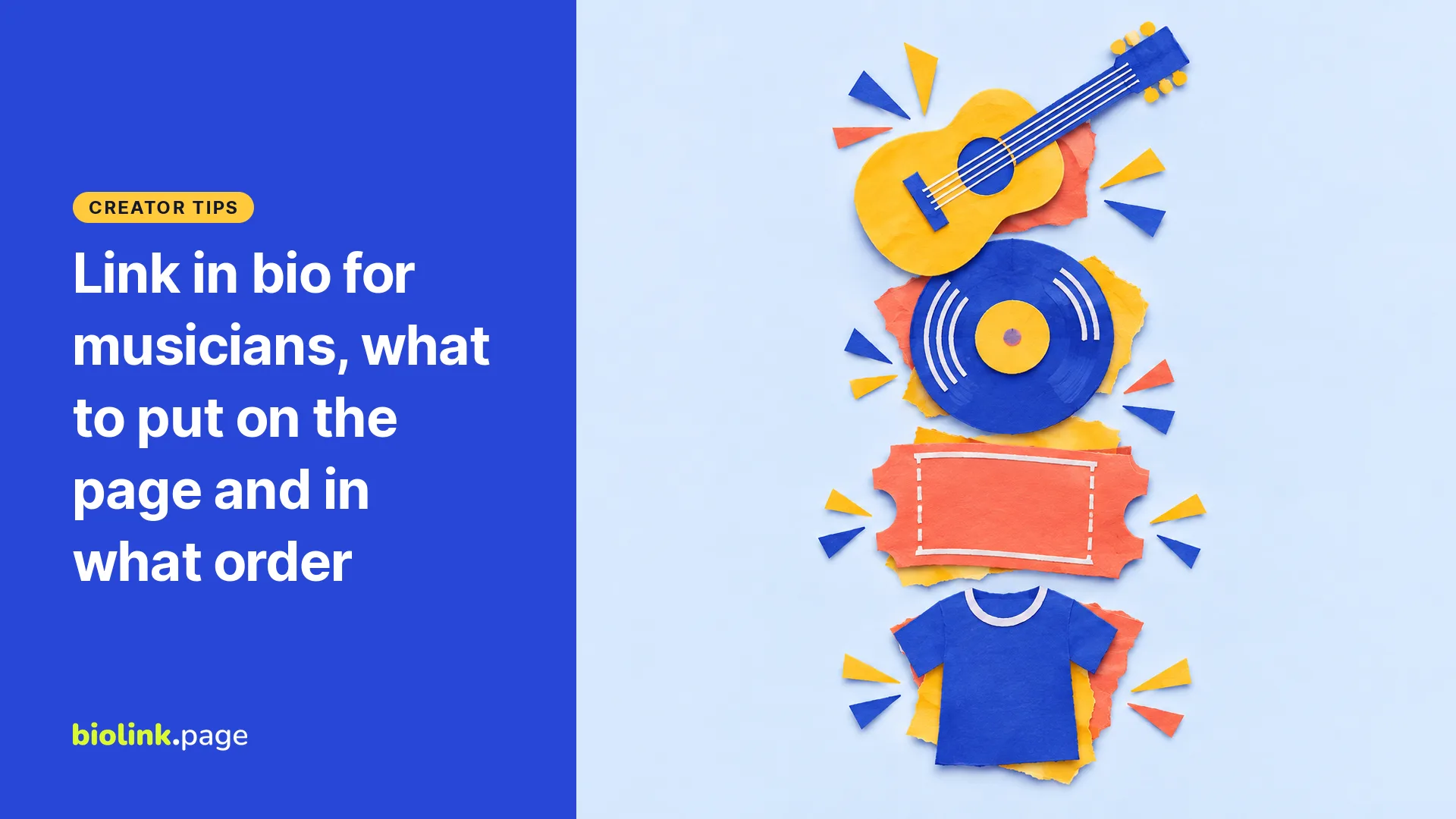
A good link in bio for musicians puts your current priority at the top. During a release that is usually the newest track or album as an embedded player, and during a tour it may be tickets. Below it come one button that covers every streaming platform, then tour dates, merch, your mailing list and a support link, with your streaming and social profiles in a row of icons at the bottom.
BioLink.page is our product, so the setup steps below use its block names. The order itself works on any link page.
What goes on a musician link page, in order
Start with whatever you are promoting right now, then move to the things that stay the same from month to month.
- Your photo and band or artist name
- The newest release as an embedded player
- One "listen everywhere" button for fans who use other apps
- Your newest music video
- Tour dates and tickets
- Merch
- Your mailing list
- A support or tip link
- A booking or press contact, if you take inquiries from venues, promoters or media (an email icon is enough)
- Icons for your Spotify, Bandcamp, YouTube and social profiles
The top half changes with each release. The bottom half rarely changes, so after the first setup you only touch a few blocks.
Put your newest release at the top with a Spotify player
Use an embedded player for the new song or album instead of a plain text link, so fans can see what the release is before they tap away. In BioLink.page, add the "Spotify" block and paste the address into the "Spotify URL" field. Use the share option in Spotify to copy the link to the track or album.
The address type matters. BioLink.page's Spotify block embeds album, track, show, episode and playlist addresses. It doesn't turn an artist profile address (the kind with open.spotify.com/artist/ in it) into a player. We haven't tested what the dashboard shows if you paste one, so check the preview before you share the page. Your artist profile belongs in a Link button or the Spotify icon in the Socials block instead.
In BioLink.page, a single track shows as a slim player 80 px tall, and albums and playlists get a taller 380 px player that shows more of the tracklist. What a listener can play inside the embed depends on Spotify, so play it once on your own phone, and expect some fans to open Spotify to keep listening.
If your release lives somewhere else first, the free plan also has "SoundCloud" and "YouTube" blocks. Bandcamp works differently. Bandcamp has its own embed tool under Share/Embed on an album page, but the Bandcamp block is switched off on BioLink.page for every plan. Send fans to Bandcamp with the "Bandcamp" icon in Socials or a Link button. The "Apple Music" block needs the Starter plan.
Platform links and social icons for listeners with a favorite app
Under the player, add one Big link for everyone who listens somewhere other than Spotify, and put your profiles in a Socials row at the bottom. If your distributor gives you a multi-platform page, point the Big link there and label it "Listen everywhere." If you link straight to Apple Music, label it "Listen on Apple Music." A single button keeps the page shorter and leaves more room for shows and merch than five separate platform buttons.
The Socials block has icons for Spotify, SoundCloud, YouTube, TikTok, Instagram, Bandcamp, Twitch, Threads, Discord, email and more. Your Spotify artist profile goes here. For Bandcamp, use your profile address in the yourname.bandcamp.com format.
The "Auto open app on mobile" setting is available on the free plan. It recognizes Spotify track, artist, album, episode, playlist and show addresses. If a fan has the Spotify app installed, the link tries to open there. That depends on the phone and on the browser, including the in-app browsers of Instagram and TikTok, so test it from those apps as well as a regular browser.
Shows, merch, mailing list and a support link
Each of these can be a simple Link block on the free plan, with a label that says exactly where it goes.
- "Tour dates and tickets" goes to your tour page or ticket seller. Remove shows once they have passed, and mark sold-out dates so fans know before they tap.
- "Merch" goes to your store, whether that's a Shopify shop or your Bandcamp merch page.
- "Join the mailing list" goes to a signup form you already use elsewhere. The "Email collector" block, which collects addresses on the page itself, needs Starter. Whichever you use, tell fans what they will get, and follow the email marketing rules that apply where your fans live.
- A support link goes to your tip page. The "PayPal" block is also a Starter feature, so on the free plan use a Link.
Why your Spotify artist profile can't replace a link in bio
The standard links on a Spotify artist profile don't include a general website field, so the profile can't do the job of a link page. As of October 29, 2026, Spotify's support page on artist profile links lists Instagram, Facebook, X, TikTok, Wikipedia and WhatsApp. For WhatsApp, only channels work, not chats, and the link has to contain whatsapp.com/channel/. There is no general website field in that list.
To add those links, log in at artists.spotify.com, open View Profile, go to About and tap the edit icon next to More Info. On mobile, open the menu icon first.
So the path runs the other way. Your link page sits in your Instagram bio, and in your TikTok bio too if your account is eligible for a website link. Fans who find you on Spotify can reach your Instagram through the supported social link, and your link page from there.
Artist Pick covers one item at a time. As of October 29, 2026, Spotify's Artist Pick page says the pick sits at the top of your profile and can be a release, playlist, music video, concert, merch or podcast (podcasts only from the web). It stays for 180 days unless you change it sooner. A concert pick comes down after the show or once tickets sell out, and a merch pick comes down when the item is out of stock. A music video pick shows only in countries or regions where videos are available. Your link page keeps everything else in one place.
Set up a musician link page on BioLink.page
In the dashboard, go to "Links", choose "Create link" and then "Link in bio page". Add each section with "Add block" and arrange the blocks in the order above.
The free plan gives you 5 pages with up to 15 blocks each, 30 days of statistics and no ads. The BioLink.page branding stays on the page. The free plan includes the Spotify, SoundCloud, YouTube, YouTube feed, TikTok Video, Twitch, Vimeo and Instagram media blocks, plus Link, Big link, Heading, Avatar, Socials and Divider.
Starter costs $1 a month or $10 a year. It removes the block limit, raises you to 25 pages and 90 days of statistics, adds 1 custom domain, and opens Apple Music, Audio, Video, Email collector, PayPal and Image grid. Pro costs $2 a month or $20 a year, with 50 pages, 180 days of statistics, 5 custom domains and the Countdown and FAQ blocks.
Example page for a made-up band
The Late Porches are a hypothetical band, and the content below is representative. Here is how their page could look on the free plan.
| Order | Block | Content |
|---|---|---|
| 1 | Avatar and Heading | Band photo and name |
| 2 | Spotify | Track address of the new single, embedded |
| 3 | Big link | "Listen everywhere" to the distributor's multi-platform page (or "Listen on Apple Music" to the album link) |
| 4 | YouTube | New music video |
| 5 | Link | "Tour dates and tickets" |
| 6 | Link | "Merch" |
| 7 | Link | "Join the mailing list" to an outside signup form |
| 8 | Link | "Support the band" to a tip page |
| 9 | Socials | Spotify artist profile, Instagram, TikTok, Bandcamp, YouTube, email for booking |
That comes to 10 blocks, because the first row is two blocks, which leaves room under the free limit of 15 for a Divider or a second video.
Release day checklist for your link page
Before the song is out, the top button can hold your pre-save or announcement link, though pre-save campaigns themselves aren't covered here. On release day you change the top of the page and anything printed.
- Replace the address in the Spotify block with the new track or album.
- Point the Big link at the new release.
- Put the new video in the YouTube block, and use a YouTube feed block if you want older videos to stay on the page.
- If the QR code on your posters or merch tags points to your link page, leave it alone, since the page itself has changed. If it is a Dynamic QR code that points to a release-specific address, change its destination. A Dynamic QR code creates a short link, so the target can change after printing.
- Open the page on your own phone and tap every block once.
For more on that, see our guide to short links for posters and merch.
What your link statistics count
Your statistics count visits to the page and taps on each button. They don't count people, Spotify plays or merch sales, and a tap on "Merch" tells you someone opened the store, not that they bought a shirt. On the free plan the data covers 30 days, so check your numbers within a month of a release if you want to compare it with the previous one.
Once the page is ready, make a free music link page with a Spotify player and then add the page to your Instagram bio. If you're setting up TikTok too, check TikTok's link in bio requirements first, and borrow wording from these bio ideas for Instagram and TikTok.
Musician link in bio questions
Can I add my website to my Spotify artist profile?
Not in the standard profile links, according to Spotify's support page as of October 29, 2026. Those links are social profiles, Wikipedia and a WhatsApp channel, so put your link page in your Instagram bio, and in TikTok if your account can show a website link, and connect Spotify to Instagram.
How do I put my Spotify link in my Instagram bio?
Put your link page address in the Instagram bio, and put the Spotify links on the page. Your artist profile goes in the Socials row or a Link button, and the new track goes in the Spotify block as a player.
Can I embed Apple Music on a free page?
No. The Apple Music block is part of Starter. On the free plan, add your Apple Music album link as a Link or a Big link labeled "Listen on Apple Music."