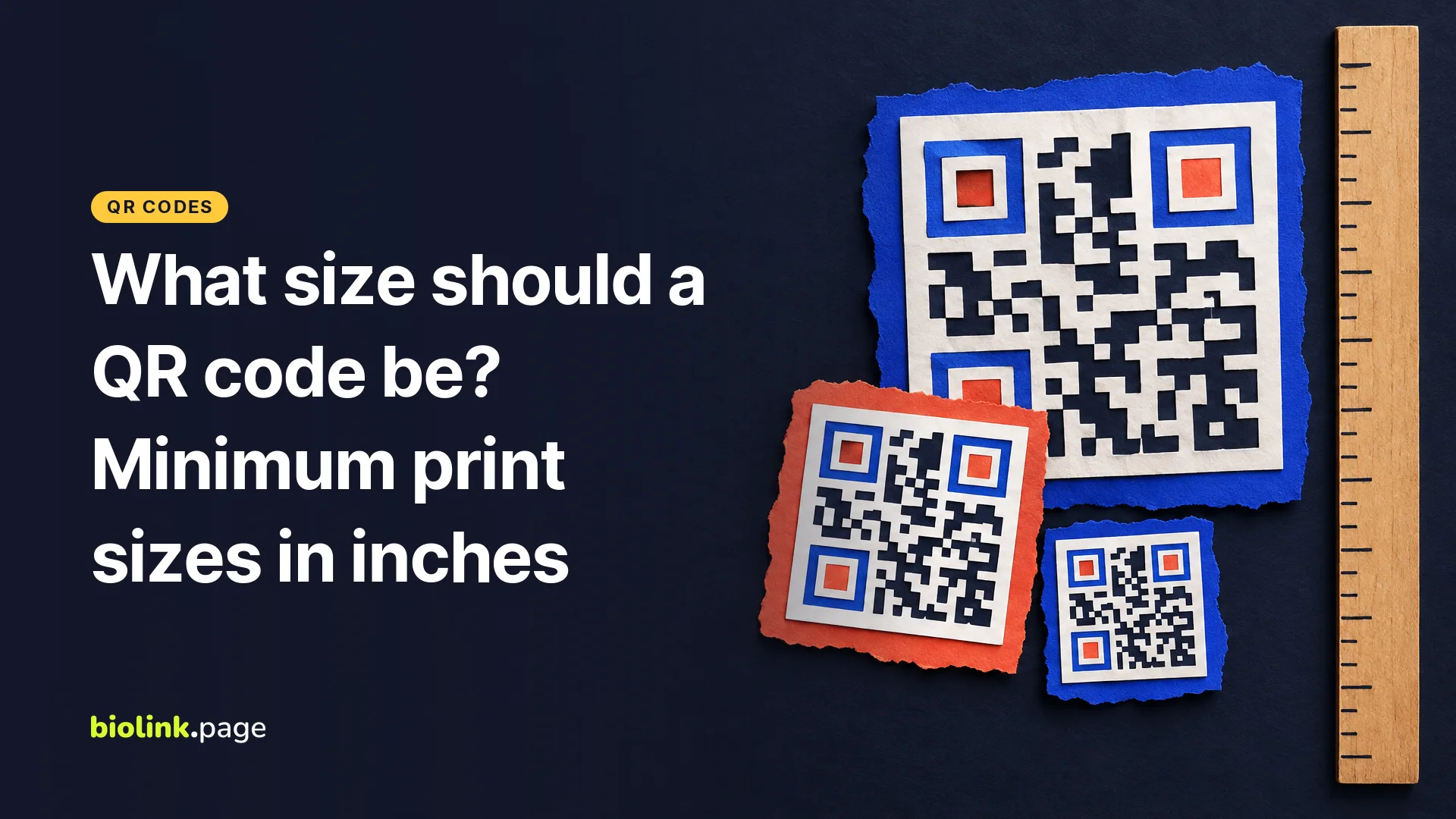
For anything people hold in their hand, such as a business card or a flyer, a QR code about 1 inch (2.5 cm) square is a practical starting point. For signs, many QR code guides use a rule of thumb of roughly 1 inch of code width for every 10 inches of scanning distance, so a code read from 5 feet away should be about 6 inches wide.
Neither number comes from the QR code standard. The standard fixes how many modules (the small squares) a code has and how much blank border it needs. The printed size those modules need depends on what you put in the code, your printer and the phone doing the scanning. The numbers below are in inches. The module counts come from running BioLink.page's own QR library on October 29, 2026, the widths are our arithmetic, and the distance table is a rule of thumb to test.
What decides how small a QR code can be?
The number of modules decides it, and the content decides the number of modules. DENSO WAVE, the company that invented the QR code, describes 40 versions, from Version 1 at 21 × 21 modules to Version 40 at 177 × 177. "As the amount of data increases, more modules are required." Each module has to stay big enough to print cleanly and for a camera to resolve from where people stand.
Higher error correction can push the same content into a larger version with more modules. A logo hides some of them. Poor light, glare and low contrast make every module harder to read.
Your printer limits how small a module can get. In DENSO WAVE's worked example, a 400 dpi printer using 4 dots per module makes 0.254 mm modules, and a Version 3 code with its border comes out 9.398 mm square, about 0.37 inch. The example shows what a printer can produce, not how small a code should be for someone scanning a sign with a phone.
Why does a short link make a smaller QR code possible?
Fewer characters can drop the code to a smaller version with fewer modules, so each module gets bigger at the same print size. The drop happens in steps, which is why the 26-character and 33-character links below end up the same size. We encoded four example addresses with BaconQrCode, the library BioLink.page uses, with the settings BioLink.page applies by default (UTF-8, error correction M). Then we worked out how wide each module would be in a code 1 inch wide, measured on the pattern itself without the blank border.
| What the code holds (examples) | Characters | Version and modules | Module width in a 1-inch code |
|---|---|---|---|
| Short link, https://biolink.page/xk4m9 | 26 | 3, 29 × 29 | 0.034 in (0.88 mm) |
| Bio page, https://biolink.page/rosies-tacos | 33 | 3, 29 × 29 | 0.034 in (0.88 mm) |
| Store product page | 71 | 5, 37 × 37 | 0.027 in (0.69 mm) |
| Same page with UTM tags | 143 | 8, 49 × 49 | 0.020 in (0.52 mm) |
The long URL needs a 1.7-inch code to get modules as big as the short link has at 1 inch. That's why any code holding a short link can be printed smaller. BioLink.page's Dynamic QR codes do this for you, holding a short link that redirects to the long address. They also let you change the destination later, which we explain in static vs dynamic QR codes.
What size QR code should you use for business cards, flyers and signs?
Start from how far away people will be. The distances in this table are our assumptions about typical use, and the widths are starting points based on the 10-to-1 rule of thumb for a short link. Each width is the code pattern itself, not counting the blank border or any decorative frame. Treat them as a first print to test, not a guarantee.
| Where it's printed | Typical scanning distance | Suggested code width |
|---|---|---|
| Business card (3.5 by 2 inches) | Held in hand, 6 to 10 in | 0.75 to 1 in |
| Flyer on US Letter (8.5 by 11 inches), postcard | Arm's length, about 12 in | 1.25 to 1.5 in |
| Table tent or counter card | 10 to 15 in, from the seat | 1 to 1.5 in |
| Window decal, menu board | 2 to 3 ft | 2 to 3.5 in |
| Poster on a wall | 3 to 6 ft | 4 to 7 in |
| Yard sign seen from the sidewalk | 6 to 10 ft | 8 to 12 in |
These ranges match the starting points in our guide to QR codes for restaurants and food trucks, about 1 inch on a table tent and 2 to 3 inches on a truck window. Go to the upper end when the code holds a long link, carries a logo, or people read it from farther back.
A business card is often the tightest fit, since space is short and people expect to scan it from close up. Keep the link short, skip the logo or keep it small, and go no smaller than about 0.75 inch. Our guide to a free digital business card shows what the code can point to.
How much blank space does a QR code need around it?
DENSO WAVE says a QR code "requires a four-module wide margin at all sides," a blank border called the quiet zone. Around a short-link code that is 1 inch wide without its border, that's about 0.14 inch on each side, so the code and border together take about 1.28 inches.
In BioLink.page this is the Margin size field under Options, and it counts modules, from 0 to 25. The editor starts at 0, so for print set it to 4, or leave the same amount of white space around the code in your layout. The downloaded image keeps the Size you chose and fits the border inside it, so with a margin of 4 the pattern itself shrinks. For a short-link code that's 29 modules wide, print the image about 1.28 times the code width you want. One more detail from the product's code. When you add a frame, the generator halves the margin you enter, so a margin of 4 becomes 2. Enter 8, or leave extra white space around framed codes.
Which file format and resolution should you send to the printer?
Send SVG when you can. It's a vector file, so it stays sharp at any print size. BioLink.page also downloads PNG, JPG and WEBP, and for those the pixel width is the Size setting under Options, from 50 to 2,000 pixels (500 by default).
If your printer asks for 300 dpi, a 2-inch code needs 600 pixels, and the 2,000-pixel maximum covers a code up to about 6.7 inches. For a bigger sign, use the SVG. Never stretch a small PNG, because blurry edges between modules are one of the easiest ways to make a code fail.
How should you test a QR code before printing?
Print one copy at the real size on the real paper, then try it the way customers will.
- Scan it with at least one iPhone and one Android, including an older phone if you can.
- Stand at the actual distance, not closer.
- Test in the real light. Glossy paper and laminate reflect overhead lights, so try a few angles.
- Check that it opens the right page. The free QR code reader shows exactly which address a code holds. For a dynamic code that's the short link, so also open it to see where it lands.
- If a phone hesitates, go bigger, shorten the link or remove the logo before you order the full run.
Which QR code size mistakes should you avoid?
- Putting a long tracking URL straight into the code instead of a short link.
- Cropping the code to its edge, so the quiet zone disappears.
- Low contrast, such as a pale code on a pale background. If you want a light code on a dark background, test it on several phones and scanner apps first.
- Scaling a small PNG up for a poster.
- Testing only on screen, where it scans easily, and never on paper.
Frequently asked questions
What is the smallest QR code that will scan?
It depends on the content, the printer and the phone. DENSO WAVE's example shows a code about 0.37 inch square on a 400 dpi printer, but for codes people scan with a phone, we'd start no smaller than about 0.75 inch with a short link and test.
How big should a QR code be on a business card?
About 0.75 to 1 inch for the code itself, holding a short link, with a white margin of at least four modules around it.
Need a code for your next print run? Create a free QR code and download it at print size.