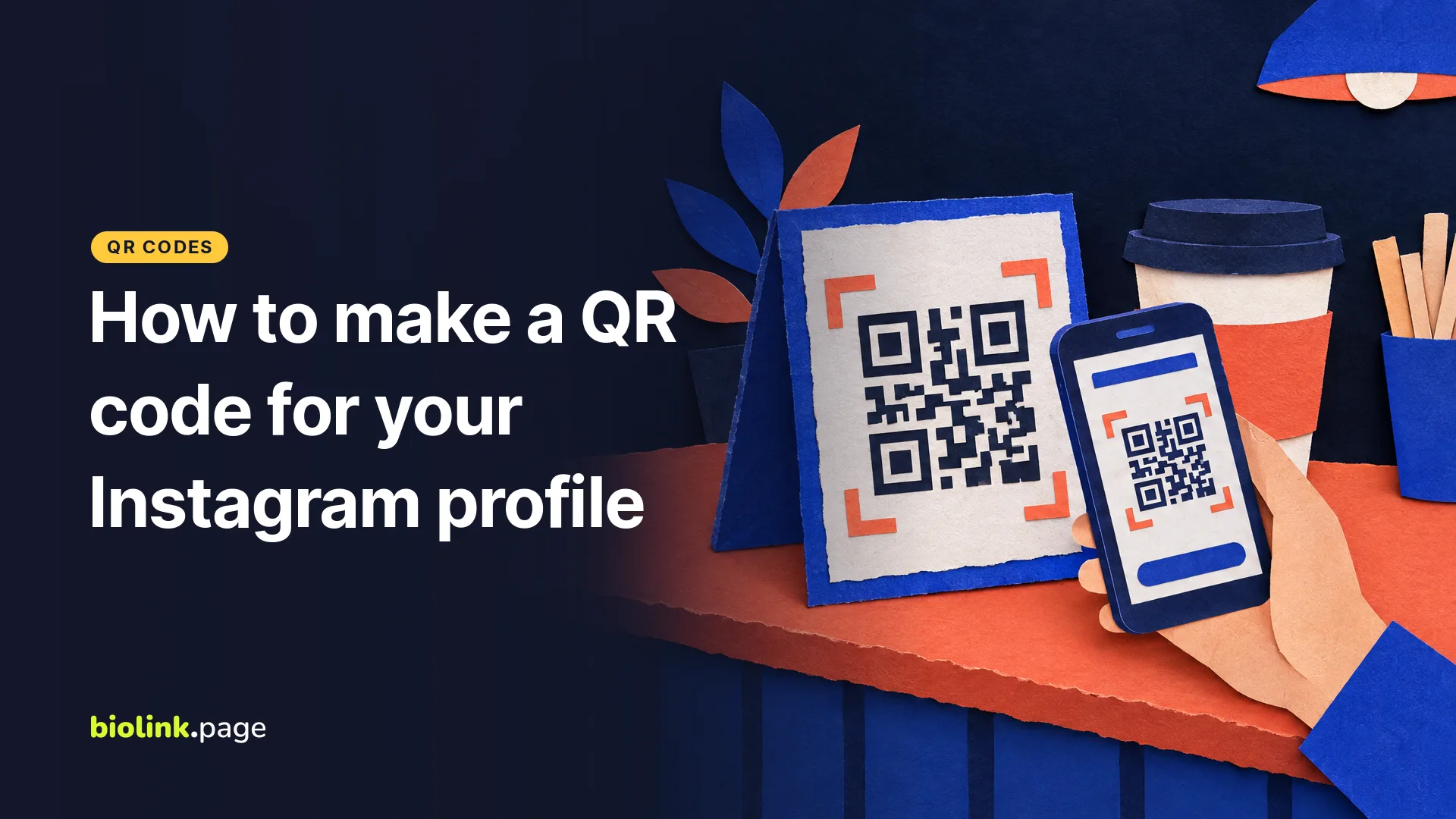
You can make a QR code for your Instagram profile in two ways. Use the QR code built into the Instagram app, or paste your profile address (instagram.com/ followed by your username) into a QR code generator. The app's code is a quick way to share your profile face to face. Both can be downloaded and printed. A dynamic generator code is the better pick for print you can't easily redo, because you can change where it points after printing and see how often its link was opened.
BioLink.page, used in the steps below, is our product.
Does Instagram have its own QR code?
Yes. Your Instagram profile card includes a QR code that people can scan to reach your profile, according to Instagram's help page on editing and sharing your profile card (read October 29, 2026). In the iPhone or Android app, go to your profile and tap Share profile. Below the card, Instagram lists Share to, Copy link, Download and Add to story. Download saves the card to your phone as a profile card video or a QR code.
You can also restyle the code. Instagram's page on customizing your profile QR code lists Color, Emoji and Selfie designs. Instagram's help page describes profile cards in the iPhone and Android apps, and Instagram says the feature "currently isn't available to everyone." If you don't see it, a generator code works the same way for the person scanning.
How do you make an Instagram QR code with a QR generator?
To make the code with a generator, you only need your profile address. These steps use the BioLink.page QR code creator.
- Copy your profile address. The easy way is Share profile, then Copy link in the Instagram app. You can also type it as
https://www.instagram.com/followed by your username, for examplehttps://www.instagram.com/yourusername. - In BioLink.page, go to QR codes, create a new code and choose the URL type. Paste the address.
- Decide whether the code should be dynamic. If you switch the dynamic option on, BioLink.page creates a short biolink.page link for you and puts that short link inside the QR code. The short link forwards to your profile with a 302 redirect, and you can edit its destination later.
- Pick colors and, if you like, a logo. Logo files can be up to 5 MB, and the logo takes 25% of the code's width by default (adjustable from 5% to 40%). Error correction is set to M by default. If you add a logo, keep it small and raise error correction to Q or H. That gives the code more room for covered modules, but it doesn't guarantee that a large logo will scan, so test it.
- Check the Margin size field. It starts at 0, which leaves no blank border in the image itself. Set it to 4 or leave that much blank space around the code in your design (more on this below).
- Set the image size (50 to 2,000 pixels, default 500) and download the code. For print, the SVG file scales to any size without blurring.
- Scan it with your own phone before you print anything.
The limits above come from the QR code creator's code and settings, checked October 29, 2026. The free plan allows 10 QR codes in total.
Instagram's QR code or a generator QR code, which should you use?
Use Instagram's own code for quick sharing on a screen, and a dynamic generator code for print you can't easily redo.
| Instagram's built-in code | Static generator code | Dynamic generator code (BioLink.page) | |
|---|---|---|---|
| What's inside the code | Not stated in Instagram's help; scanning opens your profile | Your profile address | A short biolink.page link that forwards to your profile |
| Change the destination after printing | No, it's made for your Instagram profile | No | Yes, edit the short link's destination |
| Point it somewhere other than Instagram | No | Make a new code | Yes, for example a bio page or your shop |
| Design | Color, Emoji or Selfie designs | Your colors and logo | Your colors and logo |
| Counts | Not covered in Instagram's help pages | None | Opens of the short link, kept 30 days on the free plan |
| Image file | Download from Share profile, as a QR code or a card video | SVG, PNG, JPG or WEBP download | SVG, PNG, JPG or WEBP download |
For the dynamic code, BioLink.page counts how many times the short link was opened. That isn't the number of people who scanned it, and it says nothing about how many of them followed you. Scans usually show up as direct visits, because a camera app normally doesn't send a referring page.
If you change your Instagram username, a static code still holds the old address, which may stop leading to your profile. With a dynamic code you update the short link's destination and the printed code keeps working. Change only the destination, not the short link's own name (the part after biolink.page/), because that short address is what the printed code contains. Our guide to static vs. dynamic QR codes goes into the difference.
Should the QR code go to your Instagram profile or to a bio page?
Send the code to your profile if you mainly want follows, and to a bio page if you want people to order, book or buy. Someone scanning a code on a food truck window probably wants the menu or today's location more than your grid. A real estate agent's open house sign might do better pointing to the listing, a booking link and the Instagram profile all on one page. That's what a link in bio page is for, and the steps for linking one from your profile are in how to add a link to your Instagram bio.
With a dynamic code you don't have to decide forever. Start with the profile, and switch the destination to a bio page later without reprinting, as long as the short link stays active in your account.
Whether a scanned instagram.com link opens the Instagram app or a browser page depends on the phone and whether the app is installed. The short link made by the QR creator has app linking switched off by default. You can turn it on in the link's settings, where Instagram is one of the supported apps, but test it on your own phones.
Where should you put an Instagram QR code?
Put the code wherever people already stop and wait, and add a line that says what they'll get. For a US small business or creator, that might be one of these spots.
- A food truck window or a farmers market booth sign
- Packaging inserts and thank-you cards for Etsy and Shopify orders
- Open house signs and listing flyers
- Business cards, or a free digital business card
- The counter next to the register
Write "Scan to find us on Instagram" and your handle next to the code, so people who don't scan can still find you. Keep dark modules on a light background and don't stretch the code. DENSO WAVE, the company that created the QR code, says it "requires a four-module wide margin at all sides of a symbol" (qrcode.com, read October 29, 2026). A module is one of the small squares in the pattern. Glossy stickers and laminated signs can catch glare, so scan them under the real lighting too. Before you order a batch, print one copy at the final size and scan it from the distance people will really stand.
To check the digital file before it goes to a printer, upload it to our QR code reader. It decodes the image in your browser and shows the address inside, without sending the image to our server.
Make a free dynamic QR code for your Instagram profile and you can change where it points whenever your plans change.