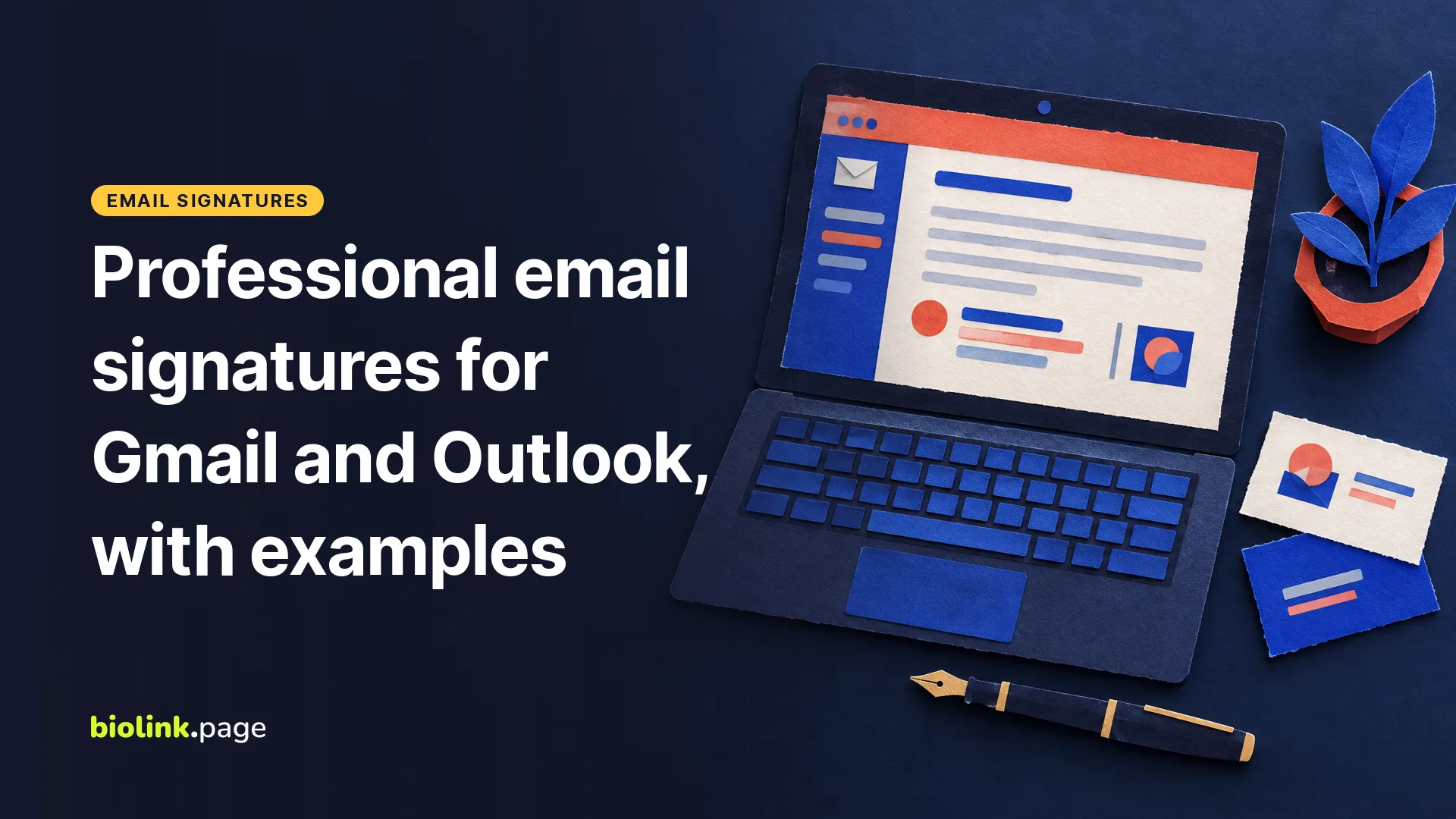
A professional email signature needs your name, title, company, one phone number and one link, plus any license line your field requires. Build it once as text with one small logo, then add it in Gmail under Settings, See all settings, Signature, or in new Outlook under Settings, Accounts, Signatures. An email signature generator saves you from hand-coding the HTML, and BioLink.page includes one on its paid plans.
Your signature appears on almost every message you send, often to the people most likely to hire you, yet it's usually put together in five minutes and never looked at again. This guide covers what belongs in it for real estate agents, consultants and freelancers, what to leave out, a layout that holds up in Outlook, and how to build it once and keep it consistent. Checked on October 19, 2026.
What should a professional email signature include?
- Your name, then your title.
- The company or brokerage name as text, with a small logo beside it if you like.
- One phone number.
- One link. A link-in-bio page is ideal here because it holds the website, the scheduling link, the social accounts and a saved contact behind a single address, so the signature stays short.
- Any credential or license line your field requires.
Keep it as short as practical while including any contact, licensing and legal details your work requires. Everything else competes with the message you actually wrote.
Email signatures for real estate agents
Real estate rules differ by state and by brokerage, so the exact wording of a signature comes from your state's rules and your broker's policy. Common items are your name as licensed, the brokerage name as licensed, and in some states a license number. Texas shows why the details matter. TREC, the Texas Real Estate Commission, says that a link to the IABS form in an email signature does not satisfy the representation disclosure the law requires, so the form has to be provided another way, such as in the body of the email. Confirm the requirements with your broker and your state commission, then put any required line in small text at the bottom of the signature so it appears on every email.
Email signatures for consultants
A consultant's signature should make their expertise clear, so include credentials when they're relevant to your work. CPA, PMP, MBA or a board certification after the name, one line that says what you do and for whom, and a scheduling link as the one link, since most consulting conversations start with a call. If you publish, a link to the newsletter can replace the scheduling link on outreach emails and swap back on client emails.
Email signatures for freelancers
A freelancer's signature is mainly a way to point people to the portfolio. Name, what you do in four words, the portfolio or link-in-bio address, and a phone number if you take calls. Availability is worth a short line when it is true, such as "Booking projects for November", as long as you remember to update it.
Whether you need a postal address depends on what the email is for, not on how many people receive it. The FTC's CAN-SPAM guide for business says the law is not limited to bulk email and that commercial messages must include a valid physical postal address, which can be a street address, a P.O. box registered with the Postal Service, or a registered private mailbox. Emails whose primary purpose is transactional or about an existing relationship are exempt from most of those rules, but an existing customer relationship alone doesn't make a promotional email exempt. Commercial emails also need a clear way to opt out.
What to leave out
- Inspirational quotes and taglines.
- A row of six social icons. One link to a page that lists them does the same job and works in every email client.
- Large images, banners and scanned handwritten signatures. Some email apps block images by default, so the reader may see an empty space or a placeholder instead.
- Long confidentiality disclaimers. They make the signature longer and push the lines that matter off a phone screen. If your field requires one, use the wording your compliance team gives you.
- "Sent from my phone" apologies. Set up the same signature on the phone instead.
A layout that survives Outlook and phones
- Use text, not a picture. A signature saved as one image cannot be copied, searched or read by screen readers, and it is blocked by default in many inboxes.
- Keep it compact. Something around 300 to 400 pixels wide usually reads well on a phone, but test it at mobile width.
- Use web-safe fonts. Arial, Helvetica, Georgia or Verdana. A brand font not installed on the reader's device is replaced by something you did not choose.
- Add one small logo with alt text, optimized so it loads quickly. A transparent background helps in dark mode, but check that a dark logo doesn't disappear on a dark background. The image optimizer gets it there.
- Check dark mode. Avoid pure white text and pure black backgrounds; let the email client set them.
- Insert the logo as an inline image, not an attachment, and test it. Some setups, including certain classic Outlook signatures, can make images show up as attachments.
Build it once with an email signature generator
The Email Signatures section of the BioLink.page dashboard builds the signature from a template. Pick Plain text or one of the designed templates, fill in your name, job title, company, phone, website, address, social accounts and an optional disclaimer line, add your logo by image address, then copy the signature or its HTML code. Use Copy signature when you paste into a visual editor like Gmail's, and the HTML code only where your email app accepts HTML source. Email signatures come with the Starter plan at $1 a month or $10 a year, which includes 25 of them, and Pro includes 50. That's enough to give every agent in a brokerage or every consultant in a firm their own version of one design.
Don't confuse this with our free online signature generator. That tool is a drawing pad for a handwritten signature you can download as an image, which is handy for signing documents but, as noted above, isn't a good email signature on its own.
How to add your signature in Gmail and Outlook
In Gmail on a computer, click Settings, then See all settings, add your signature in the Signature section and click Save Changes at the bottom. Gmail allows up to 10,000 characters, and an image counts toward that limit. Details in Gmail Help, Create a Gmail signature.
In new Outlook and Outlook on the web, open Settings, go to Accounts, then Signatures, add a signature and choose whether it's added to new messages, replies and forwards. In classic Outlook for Windows, open a new message and use Signature, then Signatures, and Microsoft notes that those signatures are stored on that computer. Details in Microsoft Support, How to add and change an email signature in Outlook.
On your phone, check how the signature looks before adding another one. The Gmail app can use your desktop signature when no mobile signature is set, while other mail apps have their own signature setting and may show simpler formatting. Then send yourself a test in light and dark mode on a computer and a phone.
Email signature examples
Three templates to adapt. The names, numbers and links are made up, and any license or legal line must follow your own state and broker rules.
Real estate agent
Jordan Lee
Real Estate Agent, Maple Street Realty
(512) 555-0142
biolink.page/jordanlee-homes
Texas license #000000 (example)
Consultant
Priya Shah, PMP
Operations consultant for growing e-commerce brands
(312) 555-0187
Book a 20-minute call at biolink.love/priya-call
Freelancer
Sam Rivera
Brand and packaging designer
Portfolio and rates at biolink.page/samrivera
Booking projects for November
Measure the link
A signature link is a marketing channel, so treat it like one. If it points to one page, make it a short link, for example biolink.love/yourname-email, so you can change where it goes later without asking the whole team to update their signatures. If you want several destinations behind one address, use a link in bio page instead. Either way, tag the destination with the UTM link generator using utm_source=signature and utm_medium=email. The short link's statistics then show how often the signature link is opened. Treat those as engagement, not leads, since email security scanners can open links too. The guide to branded short links for small business marketing covers putting the link on your own domain.
New to link in bio pages? What is BioLink.page? explains what one page can hold behind your signature link.
Frequently asked questions
Do I need a confidentiality disclaimer?
Usually not. If you work in a regulated field such as securities, insurance, law or healthcare, follow your compliance department's wording. Otherwise a disclaimer adds length and little else.
Where does a license number go?
If your state or brokerage requires one, put it on its own line under the brokerage name, in the same size as the rest, so it is legible on a phone. Use the format your state commission or broker asks for.
Should I include the Equal Housing Opportunity logo?
Some brokerages include it in their branding guidelines. Check your brokerage's rules and the advertising rules that apply to you, and if you use it, take an official version and add the words as text too in case images are blocked.
Do freelancers need a postal address in email?
It depends on the message. Under CAN-SPAM, the primary purpose of an email decides which rules apply, and a commercial message needs a valid physical postal address even when it goes to one person. A P.O. box registered with the Postal Service or a registered private mailbox counts. Emails about work a client has already agreed to are generally treated as transactional. The FTC guide linked above has the details.
How do I give a whole team the same signature?
Build one design, duplicate it for each person with their name, number and license line, and send each person their HTML. Changes to the company details are then a matter of updating the template and sending the new version once.
Final checks
- Name, title, company and one phone number are present.
- Any license and brokerage line matches your state and brokerage rules.
- The signature is text with one small logo, under 320 pixels wide.
- There is one link, and it is a short link you can change later.
- It looks right in Gmail, Outlook and on a phone, in light and dark mode.