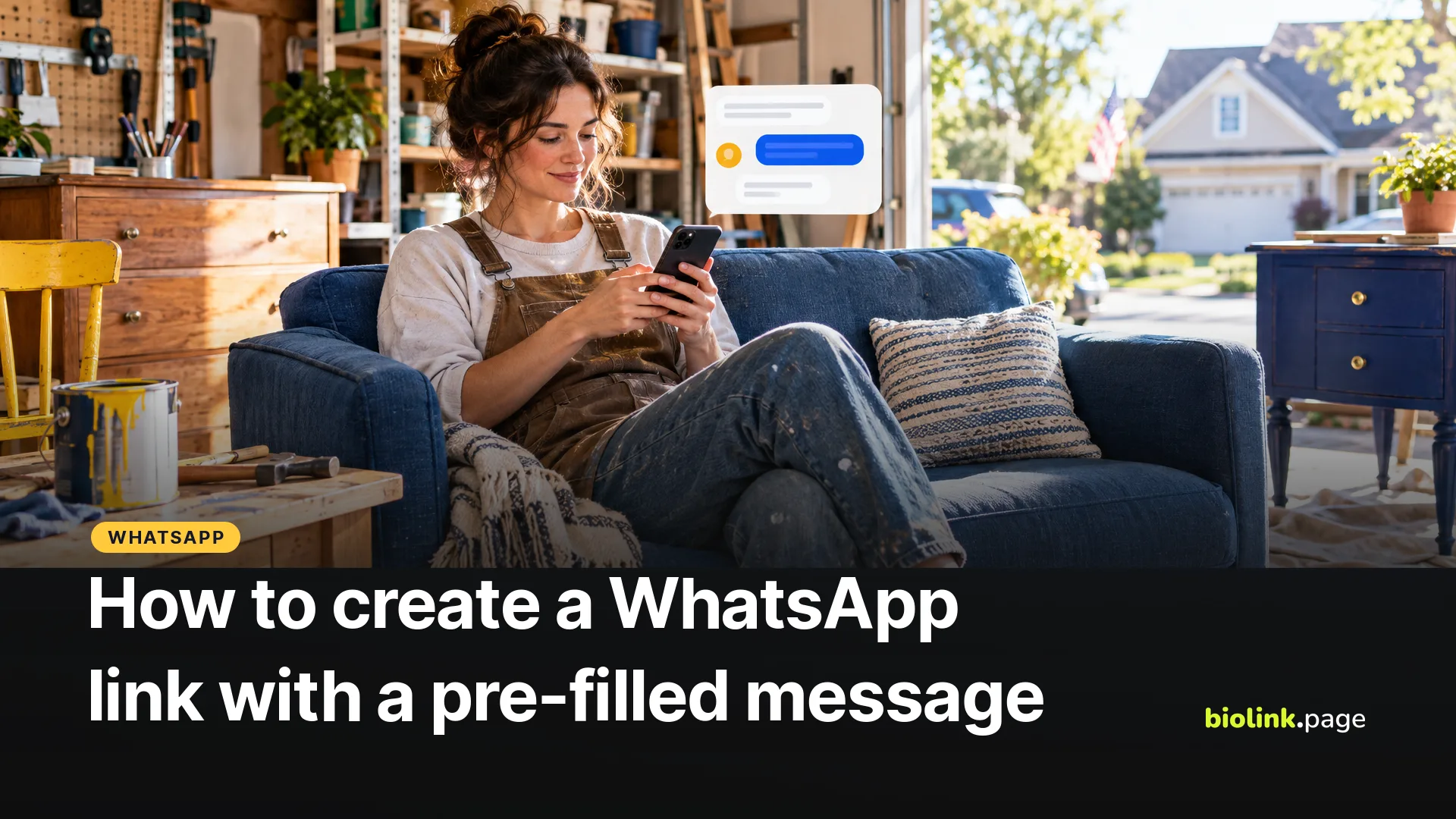
To create a WhatsApp link with a pre-filled message, start with https://wa.me/ and your full phone number in international format, then add ?text= and your message in URL-encoded form. For a US number like (202) 555-0143, the link starts wa.me/12025550143. When someone taps it, WhatsApp opens a chat with you and puts your message in the message field, ready for them to edit and send.
WhatsApp calls this click to chat, and it works with a regular WhatsApp account as well as WhatsApp Business. The format rules below come from WhatsApp's Help Center, checked on October 19, 2026.
What is the WhatsApp link format?
WhatsApp's format is https://wa.me/ followed by your phone number in full international format. Leave out the plus sign, spaces, dashes, brackets and any leading zeros.
| How you write it | International format | WhatsApp link |
|---|---|---|
| (202) 555-0143 | +1 202 555 0143 | wa.me/12025550143 |
| Same number, with a message | wa.me/12025550143?text=Hi%2C%20is%20the%20blue%20sofa%20still%20available%3F |
For US and Canadian numbers, the country code is 1, so the link begins wa.me/1 followed by your 10-digit number. The 555-01xx numbers in our examples are reserved for fictional use, so they won't open a real chat. Format rules from WhatsApp Help Center, How to use click to chat.
How do I add a pre-filled message?
Add ?text= after the number, then the message with spaces and punctuation encoded. A space becomes %20, a comma %2C and a question mark %3F. Doing that by hand is tedious, so use a generator. BioLink.page's free WhatsApp link generator takes your number and message and builds the encoded link once you've filled in the fields, with no account needed.
The message isn't sent automatically. It appears in the customer's message field, and they decide whether to edit it and tap send. That's why a good pre-filled message reads like something the customer would want to say.
Pre-filled message examples by business
- Furniture reseller, "Hi, is the blue sofa from your listing still available?"
- Food truck, "Hi, I'd like to order for pickup at 12:30."
- Hairstylist, "Hi, I'd like to book a cut and color. My preferred day is"
- Real estate agent, "Hi, I saw the listing on Oak Street and have a question."
- Etsy seller, "Hi, I have a question about a custom order."
Use a different message for each place you share the link. As long as the customer keeps your text, "I saw your truck on Main Street" or "I found you on Instagram" can hint at where they found you. It's a clue, not a measurement.
Where should you share your WhatsApp link?
- As a "Message us on WhatsApp" button on your link in bio page, next to your menu, booking page or shop.
- On your website's contact page, where it sits alongside your phone number and email.
- In your email signature, for clients who'd rather text than call.
- On print, as a QR code on a flyer, a yard sign or a window decal. BioLink.page has a WhatsApp QR code type on the free plan.
If you use the free WhatsApp Business app, it also has its own short link and QR code under its business tools, with a default message you can edit there.
Should you shorten a WhatsApp link?
A link with an encoded message can get long. A short link like biolink.love/sofa-chat is easier to print and lets you change the message later without reprinting, because you only edit the wa.me address behind the short link. You also see how often the link is opened. That counts interest, not messages actually sent.
Watch one setting. BioLink.page short links can use app linking to open supported apps directly. For WhatsApp, app linking passes only the phone number to the app, so your pre-filled message is dropped. If your link carries a message, turn app linking off for that short link. On phones with WhatsApp installed, a wa.me link usually opens the app anyway. Other shorteners with an app-opening feature may behave the same way, so test any link with a message before you print it.
Frequently asked questions
Does the customer need to save my number first?
No. WhatsApp says click to chat opens a chat without the number being saved in the phone's contacts, as long as your number has an active WhatsApp account.
Does a WhatsApp link work on a computer?
Yes. WhatsApp says click to chat works on phones and on WhatsApp Web.
Can I use a link with no message?
Yes. wa.me/ and your number on its own opens an empty chat with you.
Do I need WhatsApp Business to create a link?
No. Click to chat works with any phone number that has an active WhatsApp account. WhatsApp Business adds its own short link and QR code in the app.
Why is my WhatsApp link not working?
Check that the number is in full international format with no plus sign, spaces or leading zero, and that it has an active WhatsApp account. If the message is missing, check the encoding after ?text=.
Why does my WhatsApp link open without the message?
Check that the text is encoded and comes after ?text=. If the link sits behind a short link with app linking turned on, the message is dropped, so turn app linking off for that link.
Is a WhatsApp link free?
Yes. WhatsApp doesn't charge for click to chat links, and BioLink.page's generator is free to use.
Want a WhatsApp button on a page with everything else customers need? Create a free BioLink.page page.