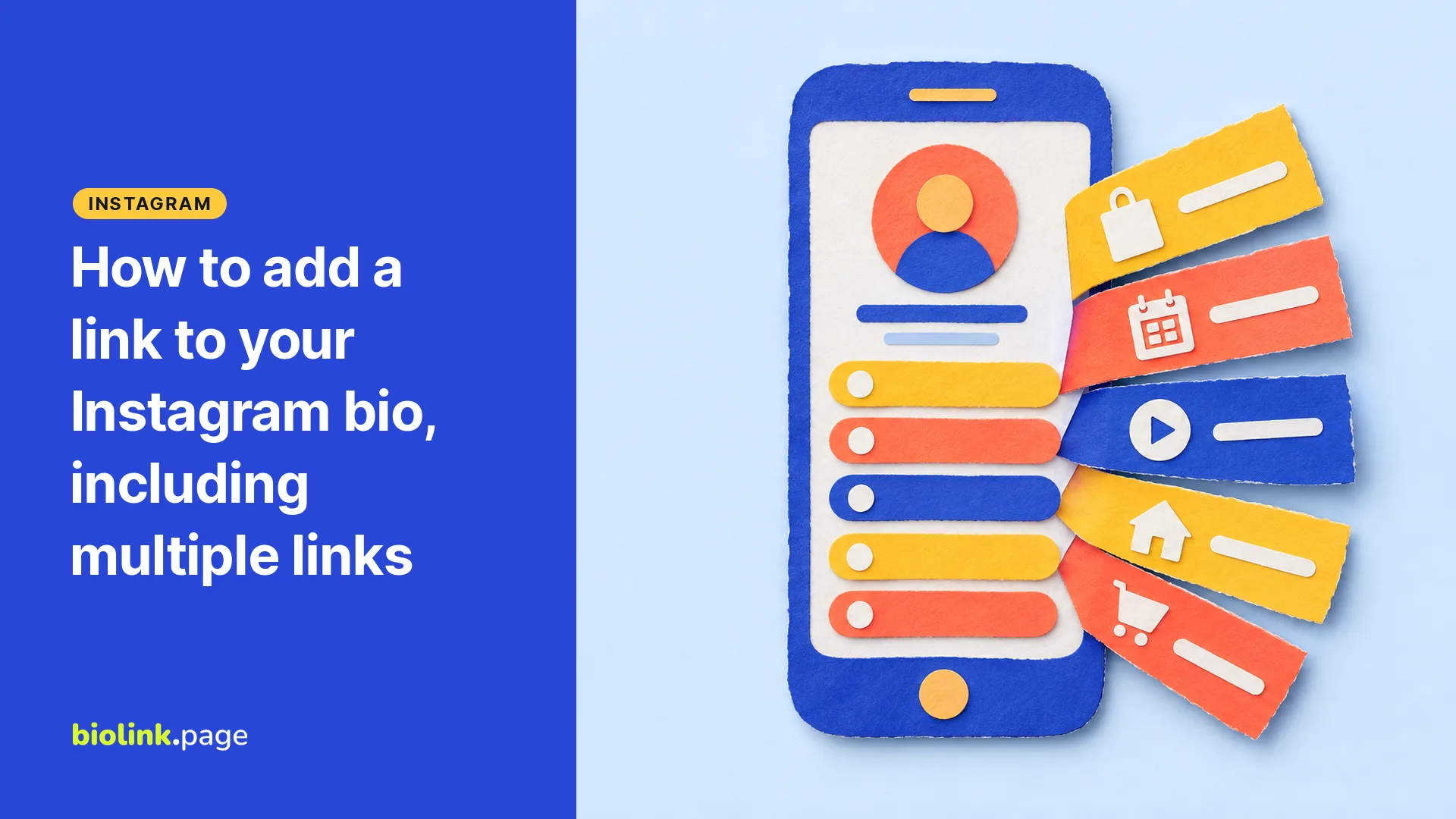
To add a link to your Instagram bio, open your profile in the Instagram app, tap Edit profile, then Links, and add the website you want. Instagram lets you add up to five websites without a subscription, or up to 20 with a Meta One subscription, and they're visible to everyone who views your profile. You can't do this from a computer, only from the Instagram app on iPhone or Android.
We checked these details against Instagram's Help Center on October 18, 2026, and the app is the final word if a label has changed. This guide covers the steps, what to do when five links aren't enough, and how to make the link people tap actually lead somewhere useful.
How do you add a link to your Instagram bio?
- Open the Instagram app and go to your profile.
- Tap Edit profile.
- Tap Links, then the option to add an external link. The exact label can vary between app versions.
- Paste the URL, give it a title if you like, and save.
- Go back to your profile and tap the link to make sure it opens the right page.
Instagram's Help Center says you can add up to five websites to your profile and that this feature isn't available on computers. Details in Instagram Help Center, Add a website to your Instagram profile. Instagram also has a separate option to show a link to your Facebook profile.
How do you add multiple links to your Instagram bio?
Repeat the steps above for each website, up to five. If you want a different link to show first, look for the option to reorder links in the same Links section. Then check your profile from another account or a friend's phone, so you know which link people see first.
Meta's Help Center says accounts with a Meta One subscription, from the Essential plan upward, can turn their profile links into a link page with up to 20 links, each with a title and an image, and share it with its own URL. Teen accounts can't use it. Details in How to add a link page to your Instagram bio with Meta One.
Without a subscription, five slots sound generous until you count. A shop, a booking page, a YouTube channel, a newsletter and a podcast already fill them. If you sell on Etsy and Shopify, run a TikTok and have a press page, you're out of room.
When does a link in bio page make more sense?
A link in bio page is one address where visitors find your important links, buttons and embedded content, laid out the way you want. You put that single address in your Instagram profile, and it does the sorting for you.
It makes sense when you have more than five destinations, when you want your links in a set order with photos and your own colors, or when the same page also goes in your email signature, a QR code at your counter and your TikTok profile once your account is eligible for a website link. Updating one page then updates every place it appears.
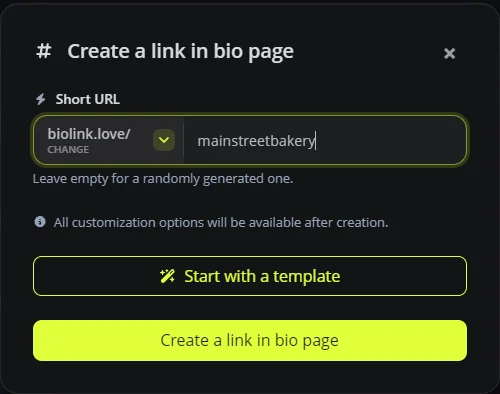
On BioLink.page you create one in a few clicks. Choose Link in bio pages, pick an address, and you can use the shorter biolink.love domain on the free plan as well as biolink.page.
The free plan gives you five pages, 100 short links and 10 QR codes, with no ads on your page. Our guide to link in bio for Etsy and Shopify sellers shows how sellers lay theirs out.
Why can't you add a link to your Instagram bio?
- You're on a computer. Instagram says adding a website to your profile isn't available on computers, so use the phone app.
- Your app is out of date. Update it from the App Store or Google Play and try again.
- You've already added five websites. Remove one, replace several with one link in bio page, or check whether a Meta One subscription is worth it for you.
- The link was rejected. Instagram may block links it considers harmful or spammy.
- The account belongs to someone under 18. Instagram says it can remove certain website links from teens' profiles, which is different from a link failing to save.
If a link won't save, work through it in order. Re-enter the full address starting with https://, open it in your phone's browser to make sure it loads, check you haven't already used all five slots, update the app, and try a different page on the same site. If it still fails, report the problem to Instagram from the app's settings.
How to make your bio link worth tapping
- Tell people what's behind it. A line like "Order pickup, menu and hours below" in your bio text gives people a reason to tap.
- Match the link to your latest post. If a video features one product, put that product's button at the top of your link in bio page while the video is getting views.
- Use a short, readable address. biolink.love/mainstreetbakery is easier to say out loud and remember than a random string.
- Measure it. Short links on BioLink.page count clicks and keep 30 days of history on the free plan. Free UTM tags on the destination URL let Google Analytics identify visits from Instagram, as long as your website has Analytics set up.
Frequently asked questions
How many links can you have in your Instagram bio?
Up to five websites without a subscription, according to Instagram's Help Center, and up to 20 with Meta One.
Can you add a link to your Instagram bio from a computer?
No. Instagram says this feature is available in the iPhone and Android apps, not on computers.
Do you need a business account to add a link to your bio?
Instagram's instructions for adding a website don't mention a business account requirement, and you can use the Links section without switching account types.
Can you make a URL in your Instagram bio text clickable?
In most cases, no. A web address typed into your bio text isn't clickable. Web links go in the Links section of Edit profile.
Is a link in bio page free?
Yes. BioLink.page's free plan includes five link in bio pages with no ads. BioLink.page branding stays on free pages and can be removed with the Starter plan, from $1 a month.
Ready to build the page your Instagram link points to? Sign up for a free BioLink.page account.