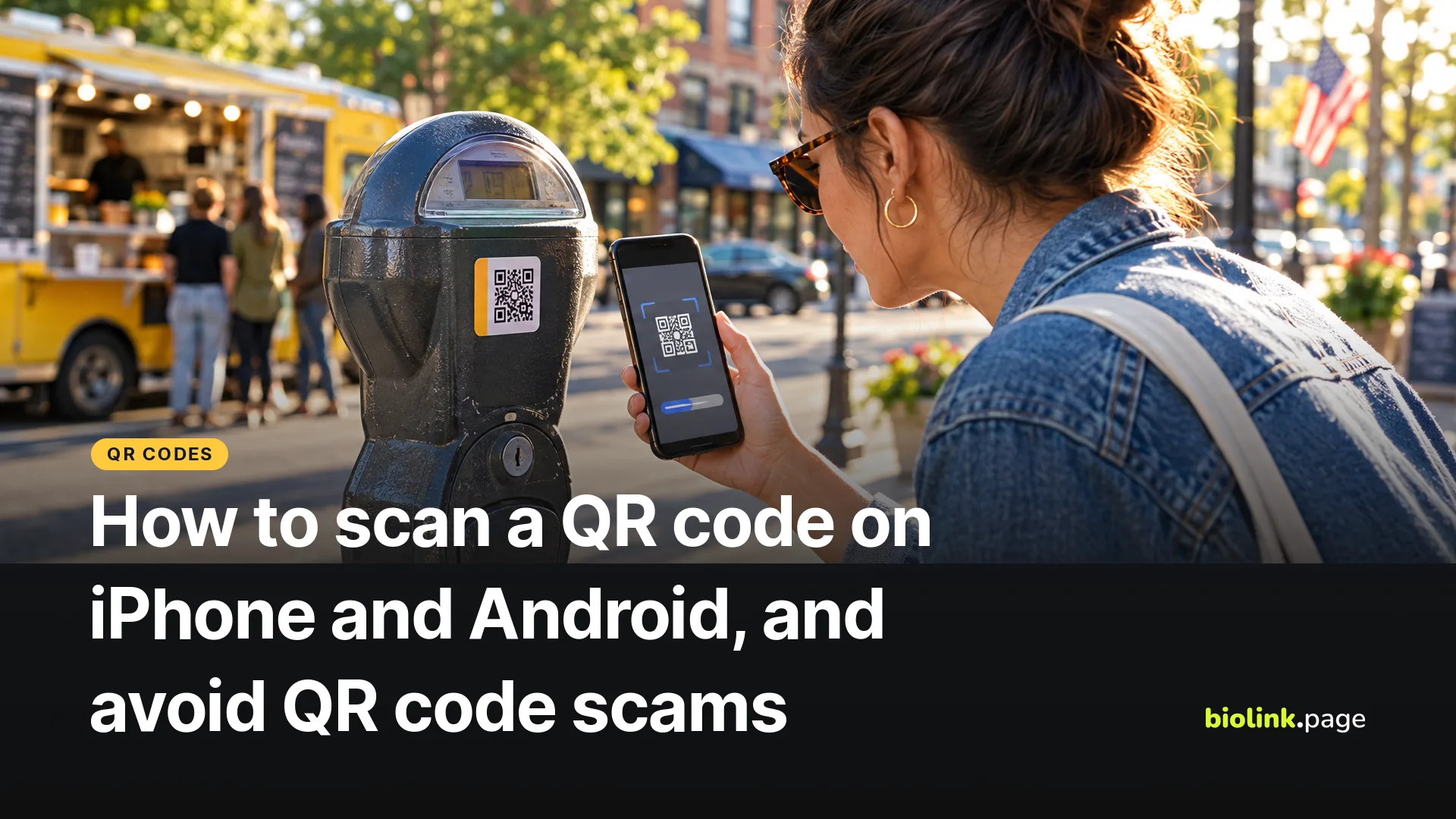
To scan a QR code on an iPhone or Android phone, open the camera, point it at the code until the entire code fits in the frame, and tap the link that pops up. You don't need a separate app on most recent phones. Before you tap, check the web address in the preview. It can help you spot a suspicious link, such as one from a sticker placed over a parking meter's real code, though a familiar-looking link isn't a guarantee.
Here are the steps for both phones, fixes for codes that won't scan, and what the FTC says about QR code scams. Apple's and Google's instructions were checked on October 19, 2026.
How to scan a QR code on an iPhone
- Open the Camera app in Photo mode.
- Hold the phone so the QR code appears inside the camera frame.
- Tap the link that appears at the bottom of the screen.
If the camera doesn't pick it up, open Control Center and use the Scan Code control. If you don't see it, add it to Control Center first. Steps from Apple's iPhone User Guide.
How to scan a QR code on Android
- Open the Camera app. On a Pixel, make sure Camera scan suggestions is turned on in the camera settings.
- Point the camera at the code so the entire code shows on screen. There's no need to take a photo.
- Tap the link or bubble that appears.
Pixel phones also have a Scan QR code button in Quick Settings, and Google Lens can read codes as well. Samsung and other brands use their own camera apps with slightly different menus. Steps from Pixel Phone Help.
QR code won't scan? Try these fixes
| Problem | Fix |
|---|---|
| Nothing happens | Move closer or farther away until the whole code fits clearly, and hold the phone steady |
| Glare on a glossy menu or window | Tilt the phone or step to the side |
| Blurry preview | Wipe the camera lens |
| Code is tiny, faded or torn | Ask staff for the link, or type the web address if it's printed nearby |
| Scanning seems turned off | Check your camera settings, or use the scanner in Control Center or Quick Settings |
Got a QR code in a screenshot or a photo? Select it in BioLink.page's free QR code reader. It reads the image in your browser, without sending it to a server, and shows what the code contains as text, so you can read the address without opening it.
What are QR code scams?
Scammers use QR codes to send people to fake websites that steal money or personal information. The FTC has warned about criminals covering legitimate QR codes on parking meters with their own, and about QR codes sent by text or email with a false reason to scan, such as a missed delivery, a problem with your account or suspicious activity that supposedly needs a password change. In 2025 it also warned about QR codes on unexpected packages. QR code phishing is sometimes called quishing. See the FTC's alerts on harmful links in QR codes and QR codes on parking meters.
How to avoid QR code scams
- Check the URL preview before you tap. Look for misspellings or swapped letters in the company name.
- Look for stickers. A sticker placed over an existing QR code on a sign or meter deserves a second look.
- Don't scan codes from unexpected texts or emails that pressure you to act. Go to the company's website or app yourself instead.
- If the business has an official app, pay through it instead of an unfamiliar code. Otherwise, go to its official website yourself or ask staff how to pay.
- Keep your phone's operating system and apps updated, and use strong passwords with multi-factor authentication, as the FTC recommends.
If you entered payment details on a suspicious page, contact your bank or card issuer right away and check your statements for charges you don't recognize. If you entered a password, change it, and change it anywhere else you use the same one. You can report scams to the FTC at ReportFraud.ftc.gov.
What happens when you scan a QR code?
A QR code stores information, such as a link, text, Wi-Fi details or a contact card. On most phones, scanning it shows a link or action for you to review, and what happens next depends on the type of code and what you choose. A malicious code can lead to a phishing site, a fake payment page or a harmful download, so be careful about entering personal details, downloading files or approving requests you didn't expect.
Frequently asked questions
Do I need an app to scan QR codes?
Usually not. The built-in camera on most recent iPhones and Android phones scans QR codes.
Can I scan a QR code that's on my own screen?
Yes. Take a screenshot and upload it to a QR code reader, or open the screenshot with Google Lens on Android.
Can scanning a QR code hack my phone?
The code stores information, not an app. The danger is the website, download or action it leads to, which is why you should read the preview, avoid installing apps from QR links and keep your phone updated.
What should I do if I scanned a scam QR code?
If you only opened the page, close it. If you entered card details, call your bank. If you entered a password, change it everywhere you use it. Then report it at ReportFraud.ftc.gov.
How can I tell if a QR code is safe?
Check where it is, whether it looks tampered with, and what address it previews. When in doubt, skip it and go to the business's official site.
Are QR codes on restaurant tables safe?
They're generally lower risk than codes in public spaces, but the same checks apply. If a menu code asks for card details, stop and ask the staff.
Running a business? Make codes your customers can trust, linked to an address they recognize. Create a free BioLink.page account.