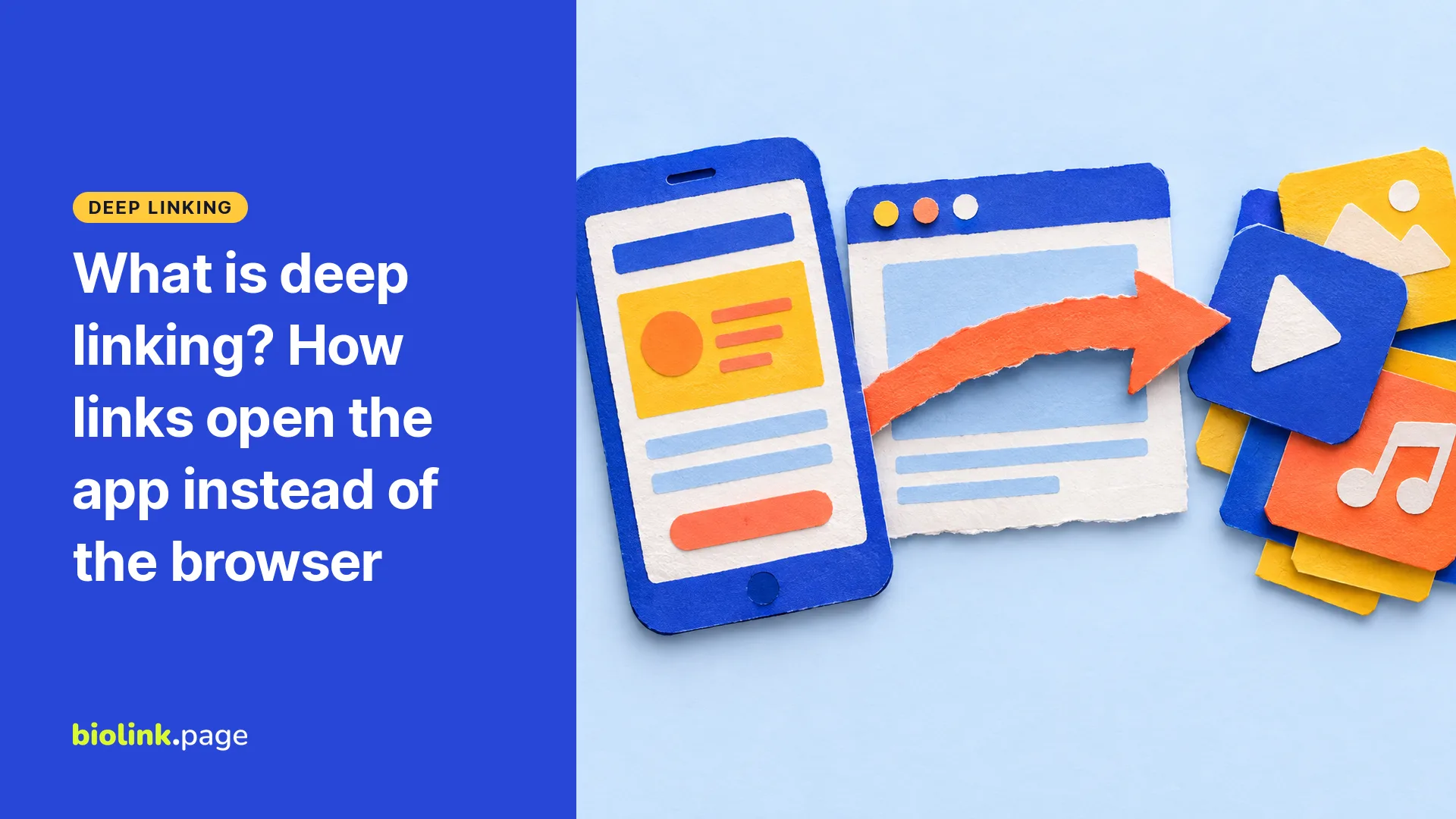
Deep linking means using a link to open a specific screen inside an app, such as one YouTube video or one Spotify track, instead of a web page in the browser. Apple's version for iPhone is called universal links and Android's verified version is called App Links. Both use ordinary https:// addresses, so if the app isn't installed they can open the website instead. Custom app addresses like spotify:// need a separate fallback.
This guide explains how deep links work on iPhone and Android, why a link sometimes opens the browser anyway, and what happens behind the scenes when a BioLink.page short link opens an app. Platform details come from Apple's and Google's developer documentation, read on October 19, 2026.
What is a deep link?
A regular web link usually opens a website. A deep link takes you to a place inside an app. Tap a deep link to a YouTube video on a phone with YouTube installed, and it may open that video directly in the YouTube app, where people who are signed in can subscribe or comment.
There are two broad kinds.
- Custom URL schemes, such as spotify:// or vnd.youtube://. The app registers its own prefix, and the operating system can route matching links to that app. They're simple, but they only work if the app is installed.
- Web links that apps claim, such as https://www.youtube.com/watch?v=... The same address works as a web page and, on phones that have the app, as a link into the app. Apple calls these universal links, and Android calls the verified version App Links.
How deep links work on iPhone
Apple's documentation describes universal links as standard HTTP or HTTPS links that the system can route straight to an app. If the person doesn't have the app, the system opens the URL in their default browser, so the website handles it. To prove the link is allowed, the app's developer stores a file on their web server, and iOS checks it when the app is installed.
Apple also supports custom URL schemes, but says universal links are strongly recommended, and warns that URL schemes are a potential attack vector, so apps must validate what they receive. Details in Allowing apps and websites to link to your content and Defining a custom URL scheme for your app.
Even with the app installed, universal links don't always open it. Safari can keep a link in the browser when it points to the same website you're already on, and typing the address into the address bar opens the website rather than the app.
How deep links work on Android
On Android, deep links use the intent system, which lets apps register for custom URIs or for web addresses. Google's documentation notes that plain deep links can show a disambiguation dialog, the "Open with" prompt that asks which app to use, and on newer Android versions an unverified web link generally opens in the browser. Android App Links verify the connection between an app and its website, so a verified link can open the app directly without that prompt. App Links work on Android 6 and later, on devices with Google services. Details in Android Developers, About deep links.
Why does a link open in the browser instead of the app?
Usually for one of the reasons below.
- The app isn't installed, so the link falls back to the website, which is what it should do.
- The link was tapped inside another app's built-in browser. Instagram, TikTok and many messaging apps open links in their own browser view, and they don't always hand the link on to another app. TikTok, for example, may first ask visitors to switch to their main browser.
- The link has been wrapped by a shortener or tracker. The short link's domain isn't the app's domain, so the phone has no reason to hand it to the app unless the redirect page tries to open the app itself.
- The user has changed their phone's settings so links from that site open in the browser.
That third point matters for creators. A generic short link to a YouTube video is just a redirect to a web page, so whether YouTube opens depends on what happens after the redirect.
What happens when a BioLink.page short link opens an app
BioLink.page short links have an app linking option, included on the free plan. It recognizes links to 27 services, including YouTube, Instagram, TikTok, Spotify, Apple Music, WhatsApp, Amazon, Airbnb and Google Maps. Here's the order of events when someone taps such a link on a phone.
- The short link opens a brief loading page instead of redirecting straight away.
- The page checks whether the device is running iOS or Android and tries the matching app address, for example vnd.youtube:// on iPhone or an Android intent for the YouTube app.
- If the app doesn't open, the page sends the visitor to the normal web address after a short delay, about 0.65 seconds on iPhone and about 2 seconds on Android.
- The visit is recorded in the short link's statistics before the redirect happens. A recorded visit doesn't mean the app actually opened.
Two limits are worth knowing. For WhatsApp, app linking passes only the phone number, so a pre-filled ?text= message is dropped. For YouTube, it passes the video ID, so a start time in the link isn't carried into the app. If either matters, turn app linking off for that link. Browsers also differ. Some restrict attempts to open another app without a direct tap from the user, and the in-app browsers of Instagram and TikTok can block app switching, so app linking is an attempt rather than a guarantee. If the app doesn't open, the visitor still reaches the web page. Test your link inside the app where you'll share it.
Frequently asked questions
Is a deep link the same as a short link?
No. A short link is a short address that redirects to another one. A deep link opens content inside an app. A short link can lead to a deep link, which is what app linking does.
Do I need to build an app to use deep links?
Not to link into other companies' apps. To send fans to your YouTube video or Spotify track, you use those apps' links. Universal links and App Links are something app developers set up for their own apps.
Do deep links work if the app isn't installed?
Universal links and App Links can open the website instead. A custom URL scheme on its own fails if the app isn't installed, which is why tools like app linking keep a web fallback.
What's a deferred deep link?
It's a link that helps take someone to specific content after they install an app. It needs extra support in the app itself or an attribution service, and the experience after install varies by platform.
How do I make a link open an app instead of the browser?
Use the app's own share link, such as a YouTube video link, rather than a link to a page that embeds it. If you shorten it, turn on app linking for that short link and test it on an iPhone and an Android phone.
Do deep links work on a computer?
Mostly not in the same way. On a desktop, the link usually opens the website. BioLink.page app linking only tries to open apps on iOS and Android.
Is app linking free on BioLink.page?
Yes. App linking is included on the free plan, along with up to 100 short links.
Want your YouTube, Spotify and TikTok links to open in the app when they can? Create a free BioLink.page account.