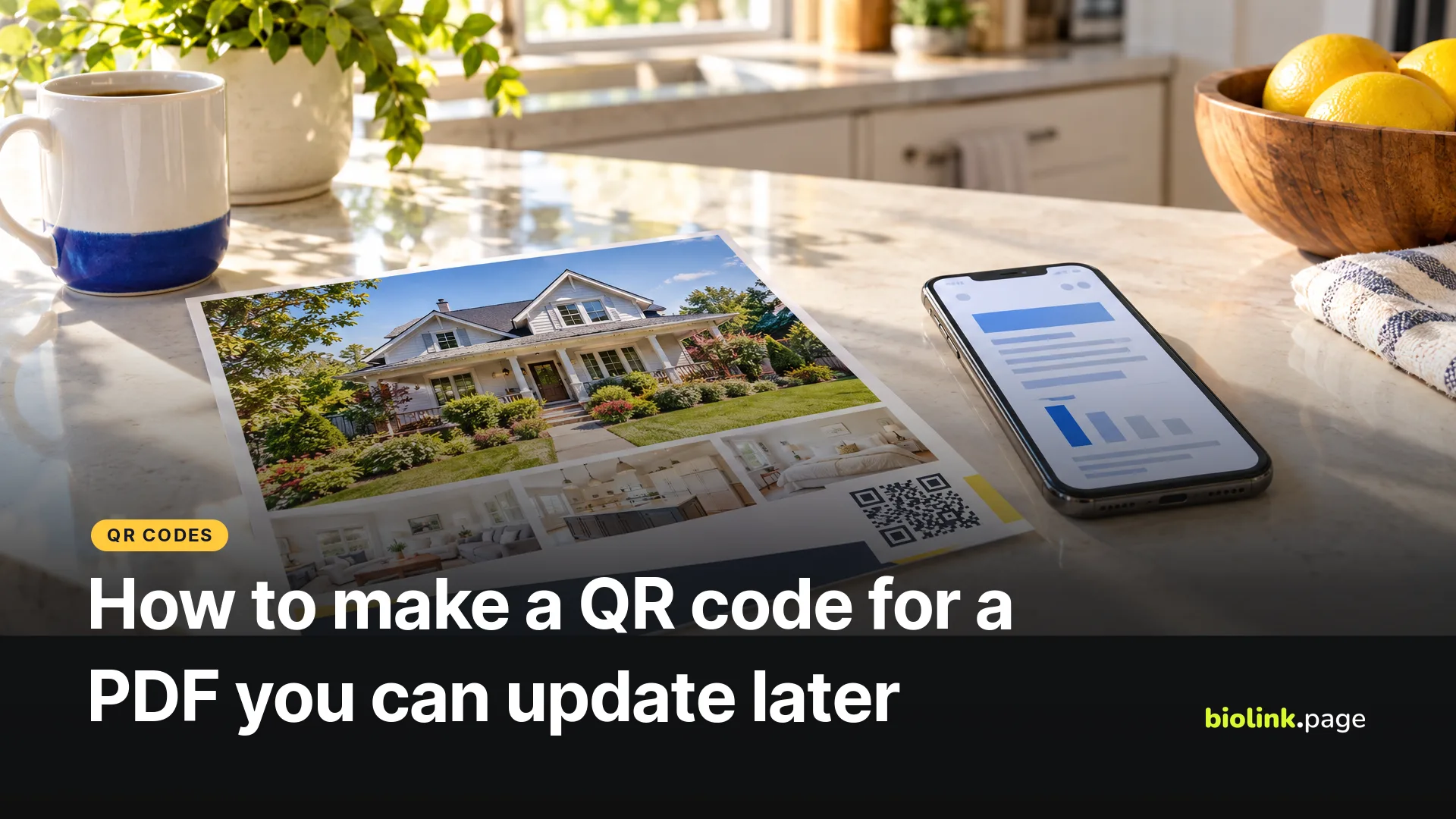
To make a QR code for a PDF, upload the PDF somewhere anyone can open it, copy that file's link, and turn the link into a QR code. The QR code doesn't contain the PDF, only its address, so the real decisions are where the file lives and whether you'll be able to swap in a new version later without reprinting.
BioLink.page, our product, doesn't give free accounts anywhere to upload a PDF. Its paid Starter ($1 a month) and Pro ($2 a month) plans include a PDF document block for bio pages, as of October 29, 2026. On the free plan you host the PDF somewhere else and make a BioLink.page QR code that points to it through a short link. That's the setup in the steps below.
Why does a QR code for a PDF need a link?
A QR code for a PDF needs a link because even the largest QR code holds far less data than a typical PDF. The biggest version is 177 by 177 modules (Denso Wave, the company that created the QR code), and its published capacity tops out at 2,953 bytes of binary data, about 3 KB. So the code stores a web address, and the phone opens the PDF from wherever that address points. If the file is removed or its sharing is switched off, the printed code stops working, even though nothing about the code changed.
Where should you host the PDF?
Host the PDF wherever it can stay public and where you control the link. Your own website, Google Drive, Dropbox and a paid BioLink.page plan all work.
| Where | How to get a public link | Things to know |
|---|---|---|
| Your own website | Upload the PDF through your site's media library and copy the file address | You control the address. Uploading a file with the same name doesn't always keep the same address, so check the full address after you replace it. |
| Google Drive | On a computer, select the file, click Share, set General access to Anyone with the link, then Copy link | Work and school accounts may block sharing outside the organization. Drive can upload a new version of the same file. |
| Dropbox | Click Share next to the file and copy a view link | Dropbox says anyone with a view link can preview the content without editing it. |
| BioLink.page PDF block (Starter and Pro) | Add a PDF document block to a bio page and upload the file | The code opens your bio page, not the PDF itself. Visitors tap a button there that opens the PDF in a viewer. |
The Google Drive steps come from Google's sharing help page and the Dropbox details from Dropbox's sharing help, both read October 29, 2026. Google's page lists the computer steps, with separate instructions for Android and iPhone. Anyone who gets hold of an "Anyone with the link" address can open the file, so don't use this setting for documents with private information.
Whichever you pick, plan for the update. A real estate agent's disclosure packet or a teacher's syllabus will change during the year, and the printed code has to keep working when it does.
How do you turn the PDF link into a QR code?
Check the public link first, then turn it into a code.
- Open the link in a private browser window, where you aren't signed in. If it asks you to sign in or request access, fix the sharing setting first.
- In BioLink.page, go to QR codes, create a new code and choose the URL type. Paste the link.
- Switch on the dynamic option. BioLink.page then puts a short biolink.page link inside the code that forwards to your PDF with a 302 redirect, and you can change the destination later.
- Choose colors with strong contrast and download the code as SVG or PNG for print. The Margin size field starts at 0, so set it to 4 or leave four modules of blank space around the code in your layout, which is the margin Denso Wave asks for.
- Print a test copy at its real size and scan it with an iPhone and an Android phone.
The free plan allows up to 10 QR codes in total, as of October 29, 2026. Each dynamic code also creates a short link in your account.
What happens to the QR code when the PDF changes?
What happens when the PDF changes depends on whether the new version keeps the old link. If it does, any QR code keeps working. If it doesn't, a static code goes on pointing at the old file and a dynamic code can be repointed.
Google Drive lets you replace a file's contents. On a computer, click the file, then More, File information, Manage versions, and Upload new version (Google Drive help, read October 29, 2026). Google's page doesn't say whether the link stays the same, and it notes that older versions may be deleted after 30 days or once there are 100 newer ones. We haven't tested it, so open your existing link after uploading and check you see the new version.
If you control a stable address, for example on your own website, a static code pointing straight at it works fine. When you can't be sure the address will survive an update, the dynamic code gives you a way out. Upload the new PDF anywhere, copy its link, and change the short link's destination in BioLink.page. The printed code stays the same. Just don't change the short link's own name (the part after biolink.page/), because that's what the code contains. After each update, scan the printed code in a private window to check that the new file opens. If people may need an older version later, such as an earlier disclosure packet, keep a dated copy. The static vs. dynamic QR code guide has more on the trade-offs.
How do you make a PDF easy to read on a phone?
A PDF is usually easier to read on a phone when the file is small and the type is large, because a scanned PDF opens on a small screen, often over cell data. Keep the file lean by compressing images before you save it. A menu laid out on a letter-size page in small type is hard to read at phone width. Save it with real, selectable text rather than a scanned picture, so people can zoom, search and use screen readers. For menus in particular, see QR codes for restaurants and food trucks.
Also check the link never asks for a sign-in. A file that opens for you because you're logged in may show a request access page to everyone else.
Why won't my PDF QR code open?
| What people see | Likely cause | Fix |
|---|---|---|
| A sign-in or request access page | The file isn't shared publicly | In Drive, set General access to Anyone with the link. In Dropbox, share a view link. |
| A sharing error on a work or school Drive | Your administrator restricts outside sharing | Host the file somewhere else, or ask your administrator |
| Dropbox downloads the file instead of showing it | The link has dl=1 | Dropbox says raw=1 renders the file in the browser, though some browsers aren't set up to preview files |
| An old version of the document | The new file has a different link | Change the dynamic code's destination to the new link |
| A page not found error | The file was moved or deleted | Upload it again and repoint the dynamic code |
The dl=1 and raw=1 behavior comes from Dropbox's article on forcing a shared link to download or render, updated June 30, 2025.
What do the scan numbers tell you?
With a dynamic code, BioLink.page counts how many times the short link was opened. That's a rough guide to scans, not a count of people or downloads, and it also includes opens from anywhere else you shared the same short link. The free plan keeps these statistics for 30 days. Scans usually show up as direct visits, because camera apps normally don't send a referring page. For what the numbers can and can't show, read how to shorten a link and track clicks.
Create a free dynamic QR code for your PDF link, and when the document changes, update the link instead of reprinting.