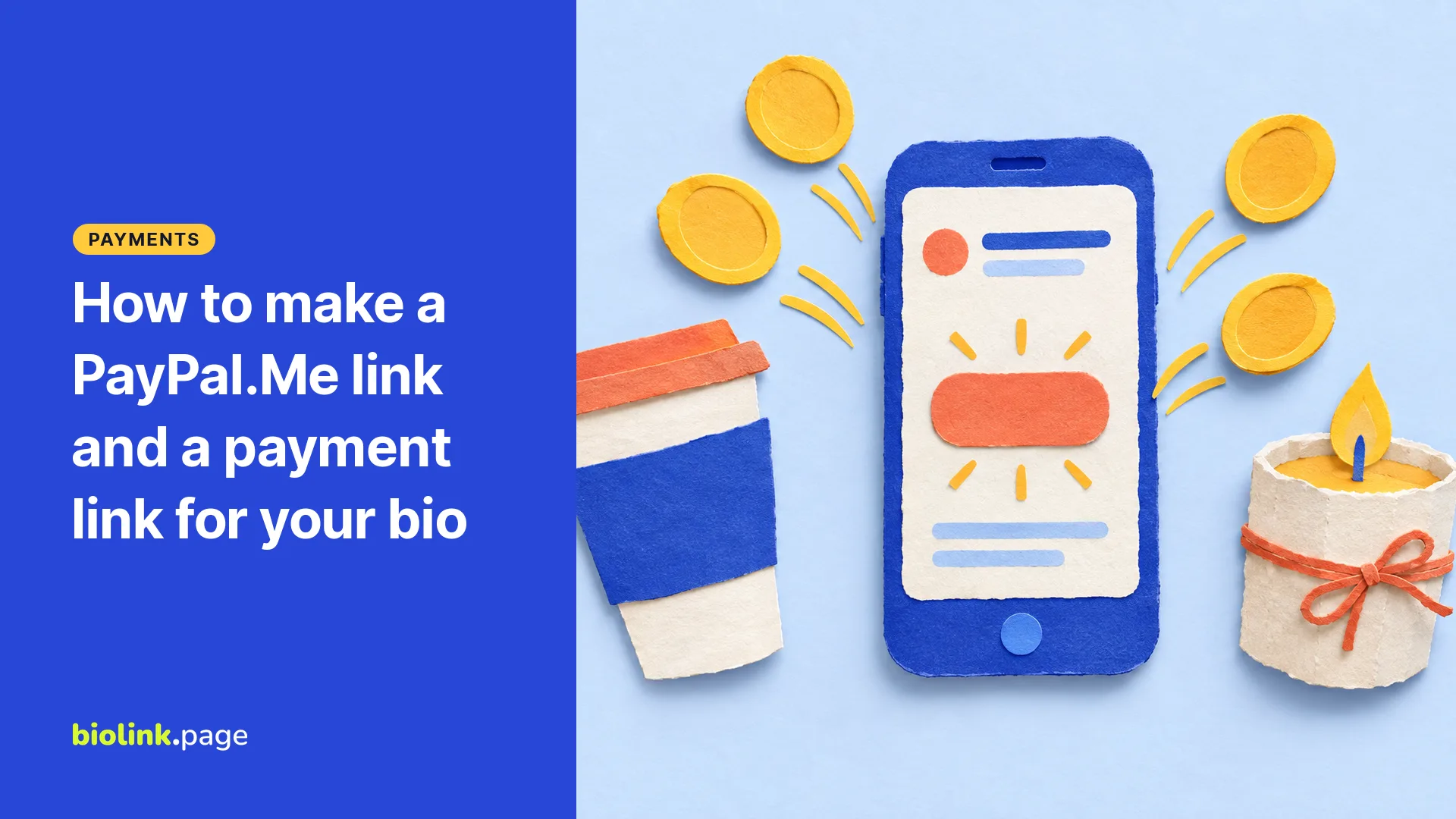
A PayPal.Me link is a personal payment link in the form paypal.me/YourName. Anyone who taps it can enter an amount and pay you, without knowing your email or phone number. To create one, go to PayPal.Me, log in to your PayPal account and pick your name, or find your existing link in the Profile section of your account settings. PayPal doesn't charge to set it up.
This guide covers how to create the link, how to request a set amount, when PayPal's Payment Links suit a seller better, and how to add either to your bio. The PayPal details come from PayPal's US Help Center, checked on October 19, 2026.
How do I create a PayPal.Me link?
- Go to PayPal.Me and log in. If you don't have a PayPal account, PayPal says signup is fast and free.
- Choose your link name. It can only use letters and numbers, no spaces, dashes or symbols, and it can be up to 20 characters.
- Confirm it. Then copy the link and share it.
Choose carefully. PayPal says a PayPal.Me link can't be changed once it's created, you can have only one per PayPal account, and names are first come, first served. You can turn the link off and on, but you can't change or delete it yourself. Details in PayPal.Me frequently asked questions.
How do I request a specific amount?
Add the amount to the end of your link. paypal.me/YourName/25 asks for 25 in your default currency. To ask for a specific currency, add its code, such as paypal.me/YourName/25USD.
That's useful for a price you quote in a message, such as paypal.me/YourName/40USD for a $40 photo session deposit. Double-check the amount before you send the link, and keep in mind that some countries limit which currencies can be sent.
Personal or business account, which one?
PayPal.Me is open to all account types, but PayPal says business accounts can only accept Goods and Services payments through it. When you set up PayPal.Me, PayPal asks whether the link is mainly for friends and family (Personal) or for customers paying for goods and services (Commercial). Its PayPal.Me terms say you may not use a Personal link to receive payments for goods and services, and links on a Business account are always Commercial. Eligible Goods and Services transactions may qualify for PayPal Seller Protection, subject to PayPal's requirements and exclusions, so protection isn't automatic. Payment fees depend on the transaction type, so check PayPal's current fee page for your situation before you decide.
PayPal.Me or a Payment Link?
PayPal.Me is a general "pay me" link. PayPal's Payment Links are built for selling something specific. PayPal describes them as a PayPal-hosted checkout page you can create without a website or code, share as a link or QR code, and edit later without resharing the link. Depending on eligibility and location, buyers can pay with PayPal, Venmo, Pay Later, Apple Pay or cards, and you can let buyers set the amount for services and deposits. Payment Links are a PayPal business feature, so you create them from a business account. See PayPal Payment Links.
| PayPal.Me | PayPal Payment Link | |
|---|---|---|
| Best for | Tips, splitting costs, simple payment requests, deposits | A product, a service package, a class or an event ticket |
| Amount | Payer types it, or you add it to the link | Set on the checkout page, or chosen by the buyer for services and deposits |
| Change it later | The link name can't be changed | Edit the page, keep the same link |
| QR code | Make one from the link | Offered by PayPal |
BioLink.page also has a free online PayPal link generator, but it builds PayPal's older Payments Standard style of link. For new links we suggest PayPal.Me or PayPal's own Payment Links instead.
How do I add a PayPal link to my bio?
Instagram lets you add up to five website links to your profile without a Meta One subscription, and TikTok's website link needs 1,000 followers or a Verified Business Account. A link in bio page is usually the tidiest way to put a payment option next to your shop, booking page and contact details.
On BioLink.page, add a link button labeled with what people are paying for, such as "Pay your deposit" or "Book and pay for a lesson", and point it at your PayPal.Me or Payment Link. The free plan includes 5 pages with no ads. If you want to see how often the button is used, create a short link that redirects to your PayPal address and use that. The statistics show clicks, not completed PayPal payments.
Is it safe to share a PayPal.Me link?
People don't need your email address or phone number to use your link. Your PayPal profile can still show identifying details, such as your name or business name and profile photo, and other details depending on your privacy settings, so check those before you share it widely. Be wary if someone asks you to pay through a PayPal.Me link they sent out of the blue, especially with urgent wording, and check you're on paypal.com before logging in anywhere.
Frequently asked questions
Is PayPal.Me free?
Creating the link is free. Fees can apply to some payments, depending on the payment type and account.
Can I change my PayPal.Me name?
No. PayPal says the link can't be changed once it's created, so choose carefully.
How long does a PayPal.Me link last?
PayPal says the link is yours to keep and doesn't expire. You can turn it off and on.
Do people need a PayPal account to pay me?
PayPal says anyone can pay through your link where PayPal.Me is available, and set up a PayPal account if they need one. If you want to offer card payments without asking buyers to use PayPal, a Payment Link is the better fit, depending on eligibility.
Can I make a QR code for my PayPal link?
Yes. Create a URL QR code from your PayPal.Me link, or from a short link to it so you can change the destination later. BioLink.page's free plan includes 10 QR codes.
Want a "Pay now" button next to your shop and bookings? Create a free BioLink.page page.