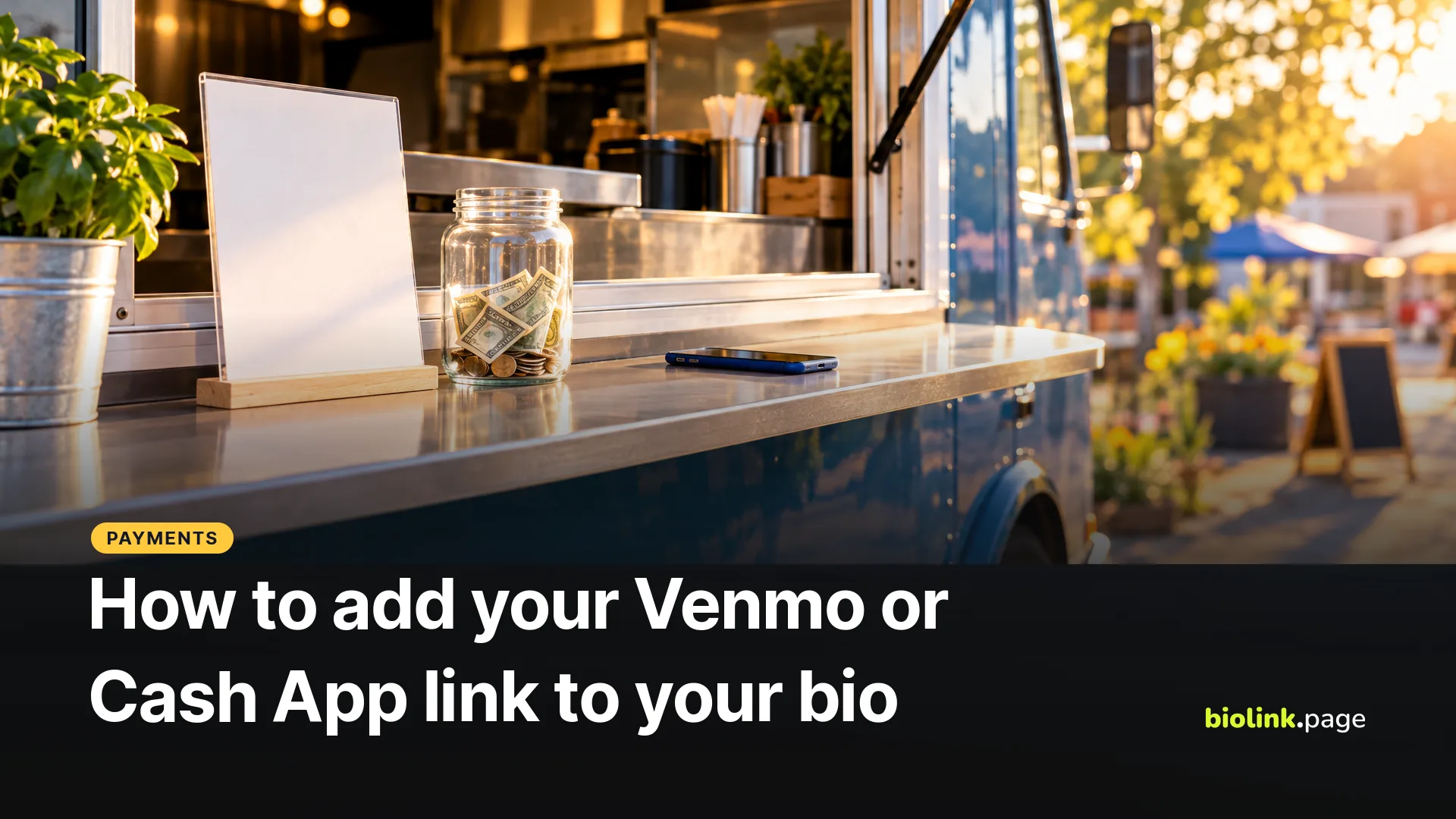
To add Venmo or Cash App to your bio, copy the payment link from the app and paste it into your profile's website field or into a link on your link in bio page. Cash App gives every $Cashtag a web address in the form cash.app/$yourcashtag, and Venmo lets you share your "Venmo me" code and profile from the app's share button.
Both Venmo and Cash App limit how a plain personal account can take payment for goods and services, so a hairstylist or food truck selling to customers needs a different setup from a creator collecting tips from friends. The rules below come from each company's own terms and help pages, read on October 29, 2026.
Where do you find your Venmo link?
Venmo's help center describes the share option, not a URL to type. According to Venmo's personal QR code FAQ, you open it this way.
- Go to the Me tab.
- Tap the QR code button on your profile picture.
- Tap Venmo me.
- Use the share button to send the code "using email, text messages, and more."
Venmo's help center doesn't document a web address format for profiles, so don't build one by hand. Share the code to yourself (a text or a note works) and look at what arrives. If it's a web link, copy it and open it on a second phone before you put it in your bio. If it's only an image of the code, it can't go into a link field. You can still print that image on a sign.
What is a Cash App link?
A Cash App link is your $Cashtag as a web address. Cash App says that "Choosing a $cashtag automatically creates a shareable URL" at https://cash.app/$yourcashtag, "where friends, family, and customers can make payments to you" (What is a $Cashtag?).
The same help section sets limits. A $Cashtag needs at least 1 letter and can be no longer than 20 characters, and Cash App says "$Cashtags can only be changed twice," so settle on one before you print it.
Can you take payments for your business on a personal Venmo or Cash App account?
Only in the ways each company allows. Venmo needs payments for goods and services to be marked as such or sent to a business profile, and Cash App needs a Business Account or, for eligible sole proprietors, Earn in P2P.
Venmo. The Venmo User Agreement (effective August 24, 2026) says that apart from commercial transactions Venmo expressly authorizes, "personal accounts and Teen Accounts may not be used to conduct business, commercial or merchant transactions" with other personal accounts. Payments for goods or services "must either be identified as for goods and services or sent to business profiles." Venmo lets you add one business profile to your personal account. Its help page on business profile transaction fees lists a seller fee of 1.9% + $0.10 on payments of $1.00 or more from another Venmo account, or 2.29% + $0.10 for Tap to Pay. When a buyer tags a payment to your personal profile as a purchase, a fee applies too, and Venmo "will not return the fee amount if you need to issue a refund" (selling with a personal profile). The User Agreement offers Purchase Protection for eligible payments to business profiles or payments marked for goods and services.
Cash App. The Cash App Terms of Service (last updated September 11, 2026) say a Cash App Business Account "allows you to use Cash App to receive payment for goods and services." Eligible sole proprietors can enroll in an optional feature called Earn in P2P in their personal account instead. To qualify you must have a verified account, give your full Social Security Number and be at least 18. Once enrolled, you're "responsible for accurately designating payments you receive" as Earnings or Personal. Cash App says "We do not currently charge fees in connection with the receipt of Earnings Transactions" and reserves the right to add fees with reasonable advance notice. Anyone working through a registered entity, "including single-member LLCs," must use a Business Account. Cash App also says that if it decides you're selling on a personal account, it may require you to switch.
PayPal.Me. PayPal's PayPal.Me terms (last updated September 5, 2023) say you may not use a Personal link to receive payments for commercial purposes.
| Venmo | Cash App | PayPal.Me | |
|---|---|---|---|
| Where the link comes from | Share button on your "Venmo me" code | cash.app/$yourcashtag, created with your $Cashtag | paypal.me/ plus the name you chose |
| Selling on a personal account | Only payments marked for goods and services, which carry a fee | Only through Earn in P2P, for eligible sole proprietors who enroll | Not on a Personal link |
| Business option | Business profile, 1.9% + $0.10 on Venmo payments of $1 or more | Cash App Business Account, fee shown when you open it | Commercial link or Business account |
The table reflects each company's pages as of October 29, 2026. Check them again before you print a sign.
How do you add a payment link to your Instagram bio or link in bio page?
Paste the copied link into the profile's link field rather than the bio text. On Instagram that's the Links section of Edit profile, covered step by step in how to add a link to your Instagram bio.
If you take more than one kind of payment, a single bio link page keeps them together. On BioLink.page there is no Venmo or Cash App block and no social icon for either app, as of October 29, 2026. Use a plain Link block for each one and name it clearly, for example "Tip me on Venmo" or "Pay with Cash App". The PayPal block isn't on the free plan, so a PayPal.Me link also goes in a Link block. Whether tapping the button opens the Venmo or Cash App app or a web page depends on the phone and on whether the app is installed, so try it on an iPhone and an Android before you rely on it.
Who can see your Venmo payments?
That depends on the privacy level of each payment. In Venmo's privacy help, Public means "Anyone on the internet may be able to see the transaction," Friends means it's shared with your Venmo friends and the other person's friends, and Private shows it only in your own transactions feed and to the other person in the payment. "Dollar amounts are hidden in the feed," but for Public and Friends payments the names, the payment note and the time are shared, and the people in the payment can always see the amount. The page doesn't say which level a new payment uses by default, so check your setting before you share your link widely.
Venmo's agreement also says, in capital letters, "VENMO SHOULD ONLY BE USED TO TRANSACT WITH PEOPLE YOU KNOW AND TRUST." It sits in the section on withdrawal reviews and doesn't ban sharing a link, but it's one more reason to take payments from strangers through a business profile.
Should you use the app's QR code or your own?
The app's own code is the simplest choice when people pay you through one app. Venmo says its personal code "can be scanned with another user's Venmo app or device camera." Make your own URL QR code when you want one sign to offer Venmo, Cash App and PayPal together, by pointing it at your bio link page. BioLink.page's free plan includes 10 QR codes. Our guide to QR codes for restaurants and food trucks covers sizing and placement for a counter or truck window.
Frequently asked questions
Is my $Cashtag public?
Yes. Anyone who has your link or $Cashtag can use it to pay you, so pick one you're happy to see printed on a sign.
Can I change my $Cashtag later?
Yes, but only twice. Cash App says you can switch back to a previous $Cashtag at any time. If your link is already on printed signs or cards, test them after any change.
Taking tips and payments in one place? Put Venmo, Cash App and PayPal on one free bio link page. The page is free, and each payment app's own fees and rules still apply.