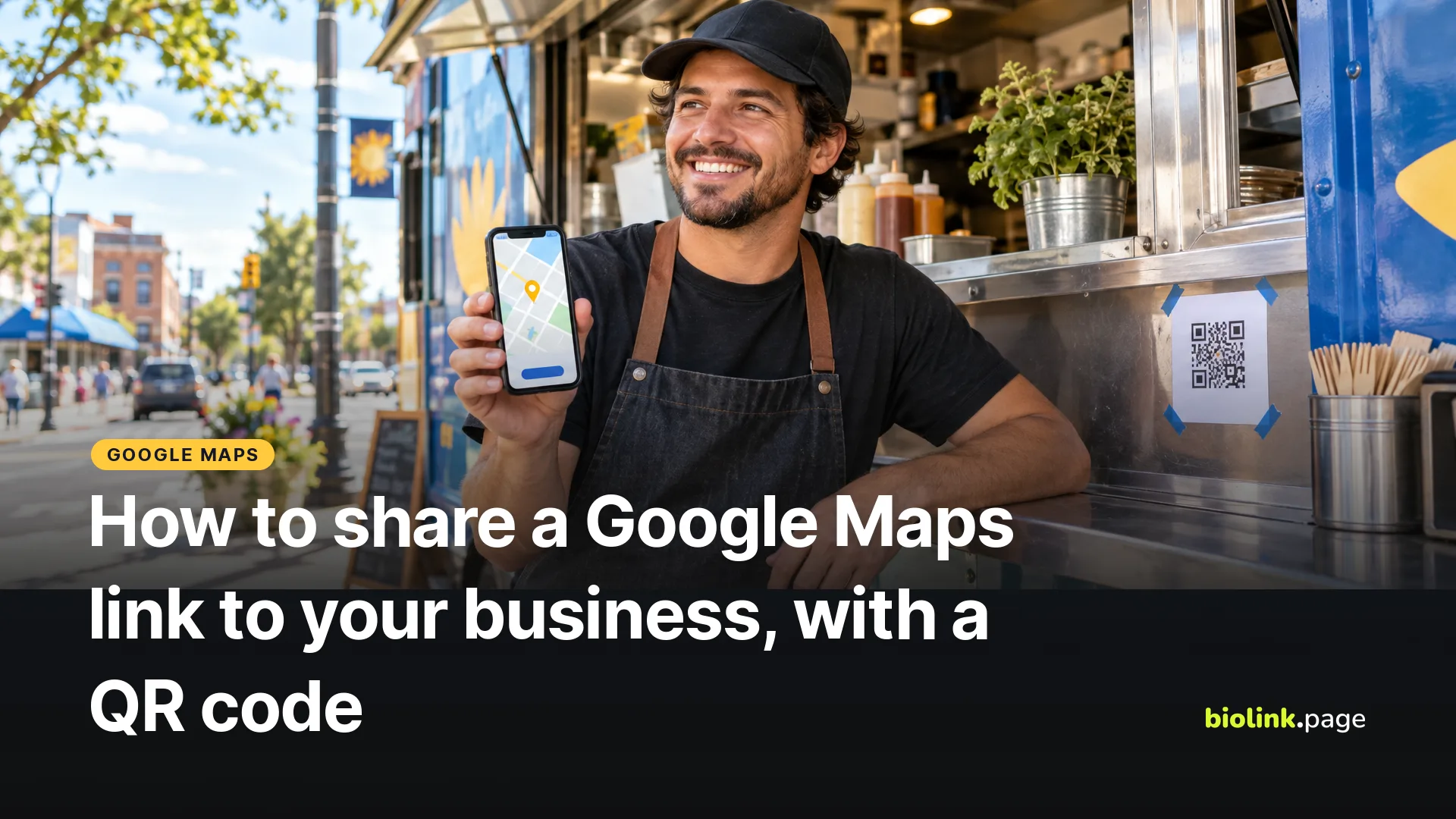
To share a Google Maps link to your business, open Google Maps, find your business, tap its name, then tap Share and copy the link. On a computer, open the menu at the top left, click Share or embed map, then Send a link and Copy link. Put that link on your website, in your bio, in appointment reminders and behind a QR code so customers can find your business and get directions.
Below are the steps on a phone and a computer, which kind of link to share, and what to know about Google Maps links behind short links and QR codes. Google's steps were checked on October 19, 2026.
How to copy a Google Maps link on your phone
- Open the Google Maps app.
- Search for your business, or touch and hold the map to drop a pin.
- Tap the place's name or address at the bottom.
- Tap Share, then choose Copy or Copy link if you see it, or pick an app to send it with.
Details in Google Maps Help, Share a map or location with others.
How to copy a Google Maps link on a computer
- Open Google Maps in your browser and go to your business.
- Click Menu at the top left.
- Click Share or embed map.
- Click Send a link, then Copy link. For a map on your website, choose Embed a map and copy the HTML instead.
Business listing link or directions link?
A shared listing link opens your business in Google Maps, where people can tap Directions. If you want a link that goes straight to the route, Google's Maps URLs documentation describes a directions format, https://www.google.com/maps/dir/?api=1&destination= followed by your address or business name. See Google Maps URLs. For most businesses the listing link is the better default, because people also see your hours and reviews.
Business listing link or dropped pin?
Share your business listing whenever you can. It shows your name, hours, photos and reviews, and customers can tap Directions from there. Share a dropped pin only when the listing's marker isn't where people should go, like a food truck's regular corner, the back entrance of a shared building, or a pickup spot in a big parking lot. Add a line of text with it, such as "Pickup at the north lot, door B".
If your business shows in the wrong spot on the map, adjust the location pin in your Google Business Profile's address settings instead of working around it. For a food truck that moves, share the spot for the day and keep the listing for your regular base.
Where to use your Google Maps link
| Place | How to use it |
|---|---|
| Website | A "Get directions" link on the contact page and in the footer |
| Appointment reminders | In the text or email that goes out the day before |
| Instagram and TikTok bio | A "Directions" button on your link in bio page |
| Email signature | One line, if clients come to you |
| A QR code on flyers, event tickets or a sign at the lot entrance |
Putting a Google Maps link behind a short link
The link the Google Maps app gives you may be a shortened address such as maps.app.goo.gl, which works fine on its own. A short link of your own, like biolink.love/mainst-directions, adds two things. You can see how often people open it, and if your business moves, you change the destination once instead of reprinting every flyer. That flexibility comes from the short link, not from the Google Maps address, so a QR code that holds the Google Maps link directly can't be changed later.
BioLink.page short links have an app linking option that tries to open supported apps directly, and for Google Maps it recognizes full google.com/maps addresses, not maps.app.goo.gl links. If you want the short link to try the Google Maps app, open your shared link in a browser and copy the full google.com/maps address it lands on. Without app linking, the link may still open in the Google Maps app or in the browser, depending on the phone, the apps installed and where it's tapped. Test on an iPhone and an Android phone before printing.
Location QR code or link QR code?
BioLink.page's Location QR code type stores your latitude and longitude in the code as a geo address, not a web link. The data sits in the code, but what opens when someone scans it depends on their phone and default maps app. For most businesses a URL QR code is the better choice, made from your Google Maps link or a short link to it, because it opens your actual listing with your name and reviews. Whichever you pick, scan it with a couple of different phones first.
How to make a Google Maps QR code on BioLink.page
- Copy your Google Maps business link.
- Create a short link with it as the destination, so you can change it later.
- Create a QR code of the URL type and pick that short link with Select from existing links. Or paste the Google Maps link and tick Dynamic QR code, which creates the short link for you.
- Download the code and scan it with an iPhone and an Android phone before you print it.
Don't change the short link's name after printing, as the warning on the QR screen says. Changing where it points is fine.
Frequently asked questions
How do I get the link to my Google business listing?
Search for your business in Google Maps, open its listing and tap Share. Make sure you've opened your listing, not a similarly named business nearby.
Can I share a Google Maps link from a computer?
Yes. In Google Maps on a computer, open the menu, click Share or embed map, then Send a link and Copy link.
Does a shared Google Maps link expire?
Google's sharing instructions don't give an expiry date, but listings and locations can change. If you print the link, put it behind a short link you control so you can update it, and check it now and then.
Can I add a map to my link in bio page?
The simplest option is a "Get directions" button with your Google Maps link, which works on every BioLink.page plan.
How do I make a QR code for directions?
Create a URL QR code from your Google Maps link or a short link to it. BioLink.page's free plan includes 10 QR codes.
Want your location, hours and booking link on one page? Create a free BioLink.page page.